



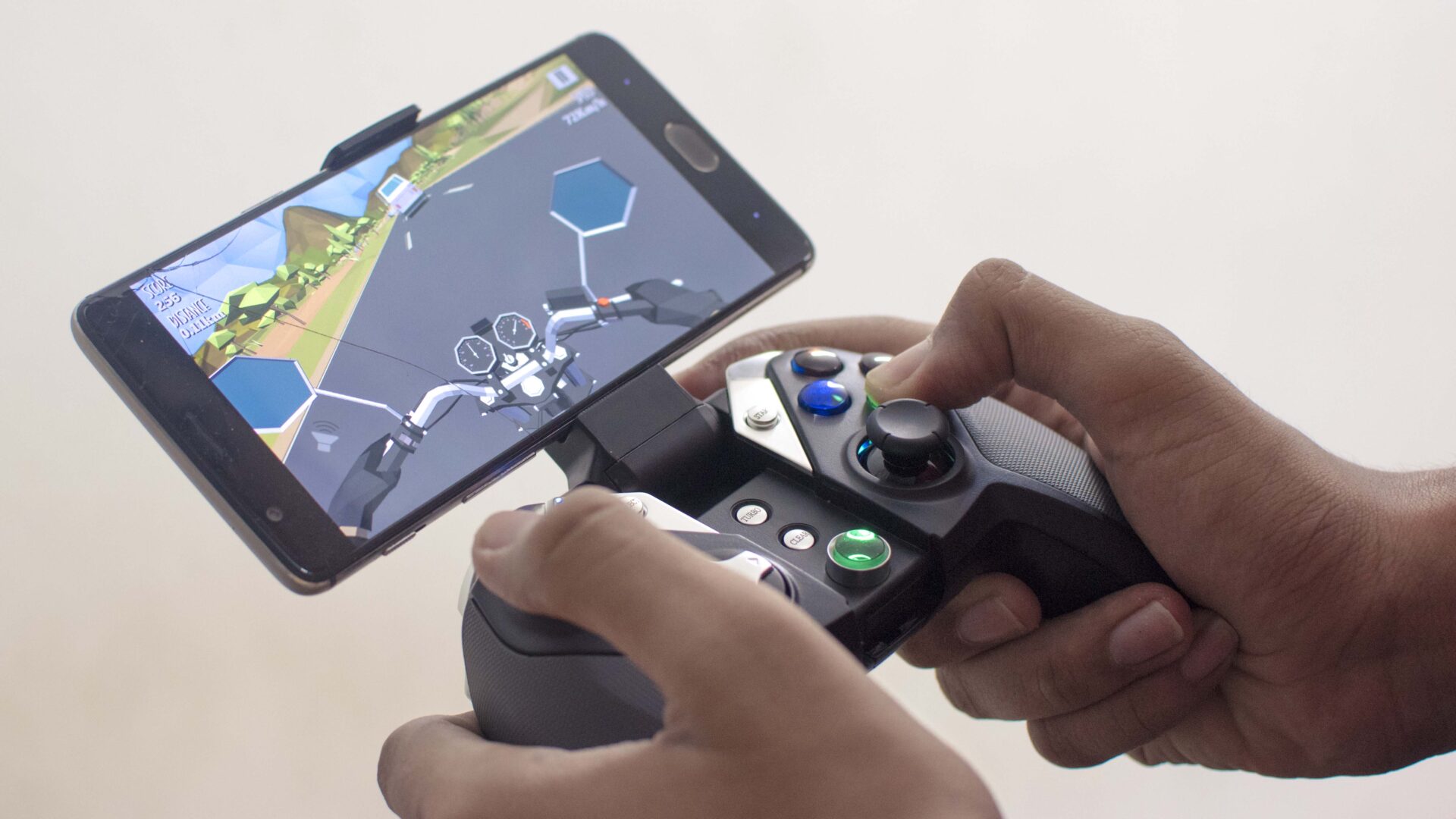
Whether you consider smartphone gaming as a real form of gaming or not, you got to agree that it has come a long way. From simple games like temple run to heavy ones like Grand Theft Auto, we’ve seen it all. While most games are comfortable to play via the touch screen, it can sometimes be cumbersome with games that have multiple controls or ones where you’d want to see the whole screen without missing anything. Until a few years ago the closest solution for that would be to connect a mouse or a keyboard, but that’s not always so efficient. Since then, companies have come up with game controllers that are designed solely for playing games. The whole idea behind it was to allow users to play their games without any distractions on the screen. With the same idea and a bunch of creative thoughts, Gamesir has been making a bunch of excellent controllers and the one I’ll be talking about today is the G4s which supports Android and Windows (iOS devices only support MFi controllers, and sadly the G4s doesn’t come with that technology).
Design & Build
It’s got the typical game controller form factor, which is actually good because it gives out the essence of playing games on an actual console. If I had to choose one, I’d say it looks more like the Xbox One controller. Besides the obvious visual differences, the overall shape is quite similar. It’s equipped with all the usual controls: two analog sticks and L/R buttons, a D-Pad, ABYX buttons, and select/start buttons, which last I remember used to be on PS3 controllers. Those are not the only controls here though; there’s also a ‘g’ button that acts as a home button along with the ‘Turbo’ and ‘Clear’ buttons which you can access after unfolding the phone holder. The turbo mode is apparently supposed to enhance game plays, but I didn’t really notice much of a difference, and also I am not quite sure what the clear button does. Talking about the holder, it’s pretty sturdy and can hold phone ranging from 3.5 inches to 6 inches. While that’s good enough, I would have loved to throw my tablet on it and enjoy games on a larger screen.
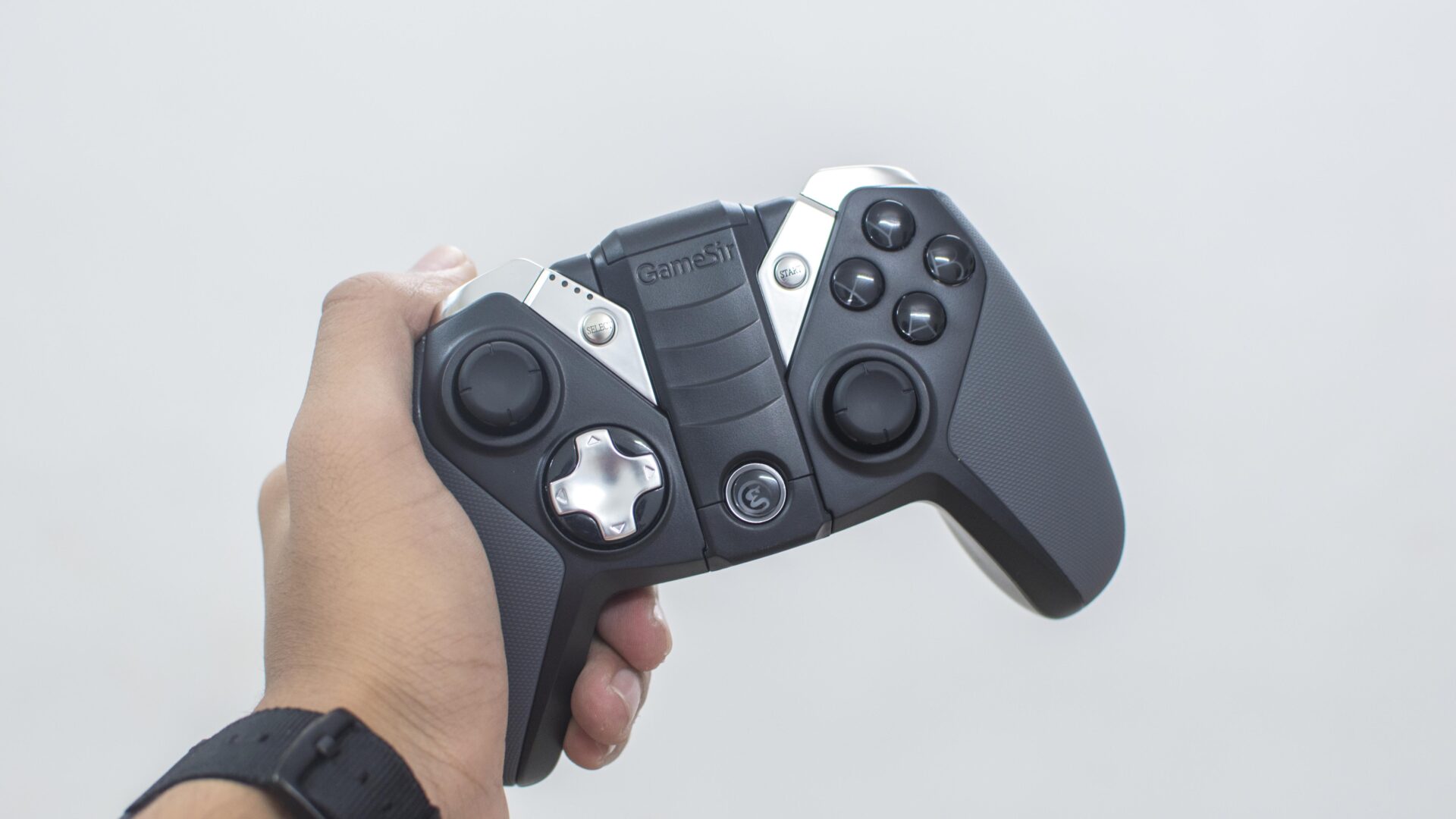
The build is one of the first things that impressed me when I first picked this up. It’s solid! It’s made up of high-quality plastic along with rubber on the sides. The rubber primarily helps in maintaining a grip while playing games. It also goes along with the plastic surface which in unison creates a really elegant black-sh gray accent. On top of that, the metallic touch gives it a very premium feel.
Gameplay & Performance
No matter how much I praise the controller’s build and design, it all comes down to how well it performs. I don’t really have many complaints in this department. The vibration feedback is pretty powerful, response time is great, and the buttons are really easy to press. If you’re concerned about setting up the controls, well I too was expecting a lot of setup process. However, that wasn’t the case. Most games adjust the controls automatically so you can just sit back and relax. In short, I paired my device with the controller, and that was pretty much it.
It’s going to be a game-changer if you’re into VR gaming on your phone. With this on your hands, you can completely ditch the crappy controller you got with your headset and enjoy the game with a full array of controls. I haven’t tried this yet, but I can bet that it’s gonna significantly enhance the experience.
Connectivity
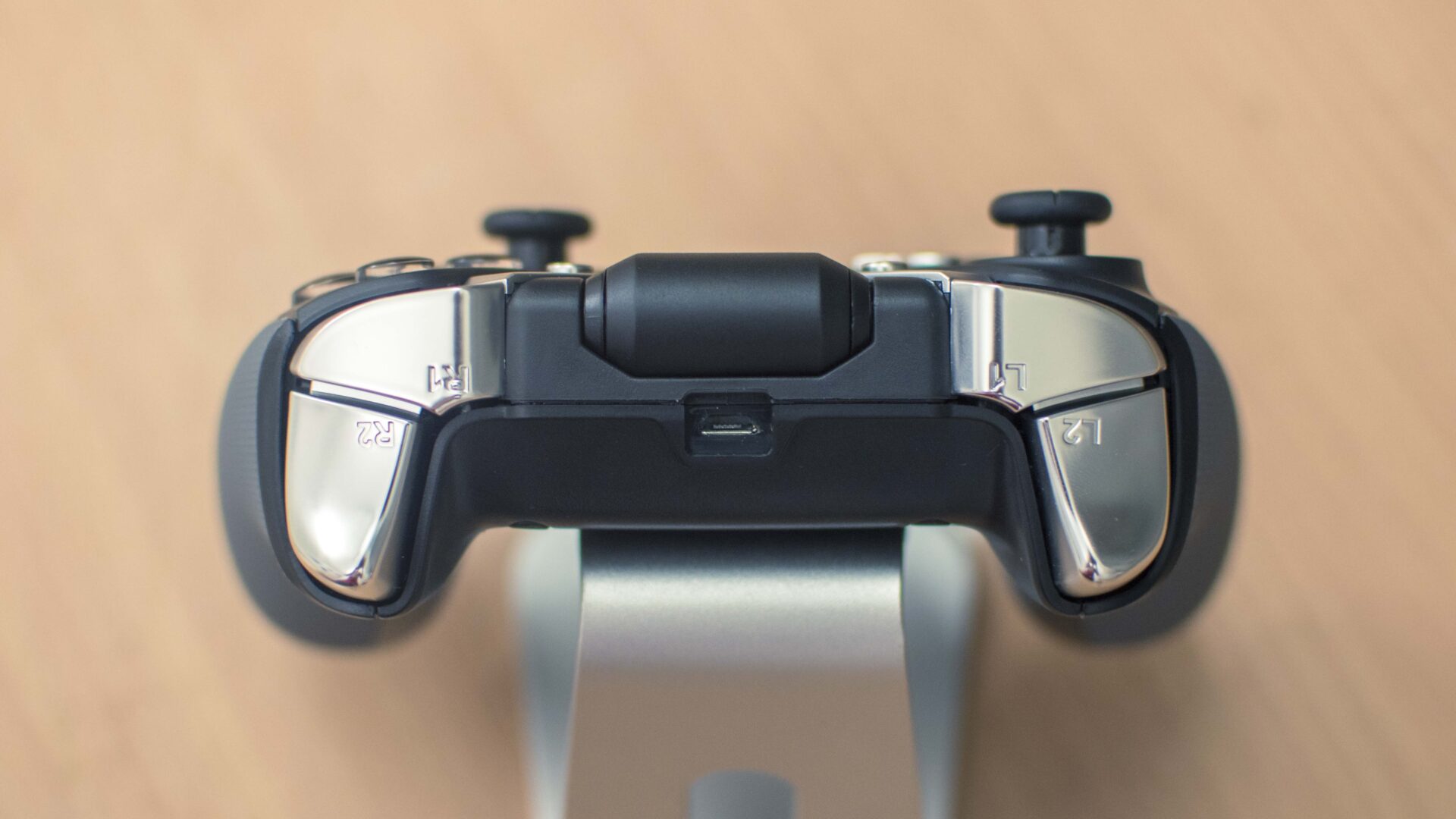
The Gamesir G4s’s got you covered regardless of what device you have. It works through few different connection modes. The first one and the one I use the most is Bluetooth. To set it up, you just have to press and hold the home and A button, and you’ll see it right away in your Bluetooth settings. After that everytime you turn on the controller, it’s just a matter of a second or two for it to reconnect to your phone. Next up through a micro USB cable. So, if your computer doesn’t have Bluetooth, you can still make use of the controller via a wired connection. The third option and the one I had no idea about is the 2.4 GHz wireless mode. Apparently, the controller also comes with a USB dongle to connect to your computer wirelessly. I didn’t know about it until a few hours ago while I was doing a bit of research on this thing. It was hidden inside the controller all this time, and I had no clue. That’s not a bad thing though; I am rather impressed by how well it blends with the controller.
Battery life
I’ve used this for quite a while, and I can confidently say that the battery life is top notch. It lasts for over 20 hours on a single charge (via micro-USB port). That’s more than enough for a week or two of gaming unless you’re a more frequent gamer unlike me. Either way, the 800mAh is truly commendable.
Games with controller support
I tried playing several games with the controller and the chances of it supporting the game was almost 50/50. I’m not quite sure if I didn’t download the right games or there just aren’t many games that have support for game controllers. Anyways, if you have the controller or are thinking of getting one here’s a few games that work well with it:
- Cafe Racer
- Asphalt 8: Airborne
- Minecraft PE
- Shadowgun: Death Zone
- Modern Combat 5: Blackout
- Beach Buggy Blitz
- Crazy Taxi
- Grand Theft Auto San Andreas
- Riptide GP 2
In conclusion, I’m really impressed by the GameSir G4s. Coming in at a price of $55 (Rs. 3400 in India), its just as expensive as Xbox or PlayStation controllers but that’s not a big deal. It’s just as good in terms of the quality and is actually more flexible in terms of compatibility and connectivity methods with support for Android and Windows via micro-USB, Bluetooth, and 2.4 GHz Wireless. There are not many things to complain about the G4s, it’s built really solid and serves its purpose far beyond what I expected. If you’re currently on the of a game controller, we highly recommend you to pick this up; you won’t regret it.
