Apple rolls out public betas for iOS 27, iPadOS 27, macOS 27, watchOS 27, and tvOS 27

Aadil Raval
8 Min Read
Highlights
  • Apple has officially released public beta versions of iOS 27, watchOS 27, iPadOS 27, tvOS 27, and macOS 27 Golden Gate.
  • Check out how you can get your hands on the public beta update on the respective devices using this guide.
  • Being a public beta update, you need to understand the version is meant for identifying bugs so that Apple can fix it in the upcoming iterations.

Apple is opening floodgates for iPhones, iPads, and other devices to install iOS 27 public beta and equivalents moving on. It means public betas for iOS 27, iPadOS 27, watchOS 27, and tvOS 27 are now ready to be installed on the compatible devices as the Cupertino giant prepares for official launch in the coming weeks.

Apple opens iOS 27 public beta to eligible iPhone users

As aforementioned, iPhone 11 and later are now compatible with iOS 27 public beta as it rolls out for anyone who is a part of Apple’s beta program. This helps Apple identify bugs and fix them to achieve software stability before it launches later this year. The update is aimed at satiating interested regular users and identifying bugs, testing upcoming features, refining any app compatibility problems, and mitigating performance issues before the beginning of the official rollout. 
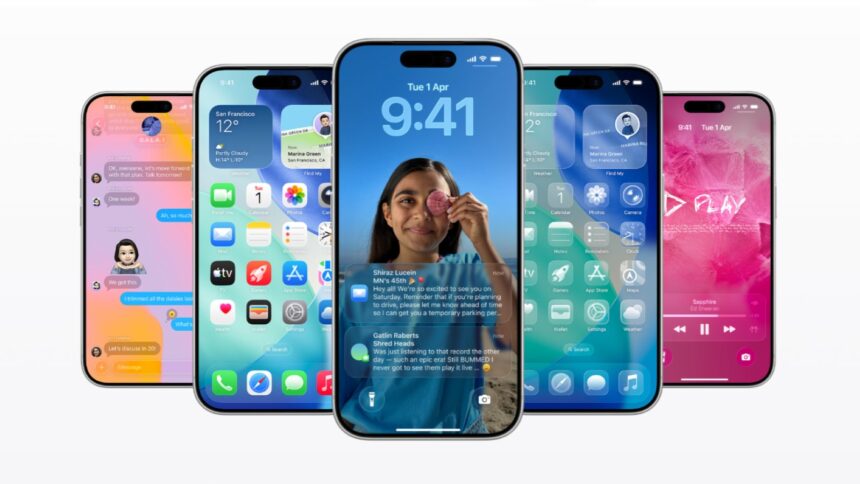
Apple releases iOS 27 public beta alongside iPadOS 27, macOS 27, watchOS 27, and tvOS 27
Image Credits: Apple. Edited for editorial purposes by Akarsh Rasik for True-Tech.

As there are around 3 billion units of iPhones, 677+ million units of iPhones, and moving on, Apple sends out public beta updates for testing with a handful of regular users before releasing the stable version in the fall each year.

How to download iOS 27 public beta

  1. If not already, you need to register your Apple ID on Apple’s beta website. It is free of cost and lets users try beta updates to play with even before the public beta release.
  2. Next up, you need to make sure you have a backup of all the data stored on your Apple device in case anything goes wrong and you need to revert to the previous iteration.
  3. Go to the Settings app on your phone and proceed to “General >> Software Updates >> Beta Updates.”
  4. Next up, check out the public beta versions of iOS/iPadOS/other OSes, available as per your device, and hit “Install.”
  5. Finally, head over to “Settings >> Apple Intelligence & Siri” to join the Siri AI beta waitlist that you should receive once the public beta is available.

iPhones compatible with iOS 27 public beta
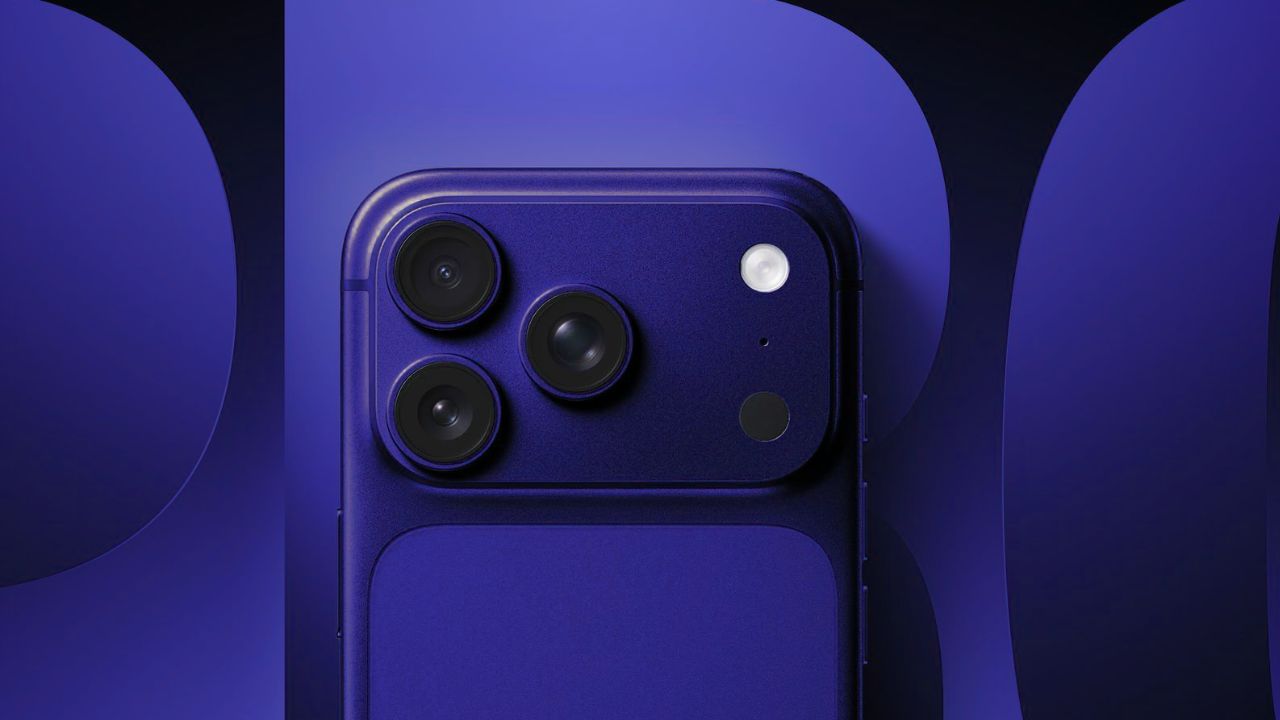
Apple iPhone 18 Pro series launch date
Image Credits: Apple

Apple iPhones are usually covered with software updates for generations. This means any device after the iPhone SE (2nd gen), iPhone 11, and later is well-covered to receive the iOS 27 public beta without any issue. The official iOS 27 arrives only after the iOS launch this fall.

  • iPhone SE (2nd-gen and later)
  • iPhone 11/11 Pro/11 Pro Max
  • iPhone 12/12 mini/12 Pro/12 Pro Max
  • iPhone 13/13 mini/13 Pro/13 Pro Max
  • iPhone 14/14 Plus/14 Pro/14 Pro Max
  • iPhone 15/15 Plus/15 Pro/15 Pro Max
  • iPhone 16/16e/16 Pro/16 Pro Max
  • iPhone 17/17e/17 Pro/17 Pro Max 
  • iPhone Air
  • iPhone 18/18e/18 Pro/18 Pro Max (slated to launch on September 9)

iPadOS 27 public beta also available

Apple has also released the iPadOS 27 public beta for supported iPads enrolled in the beta program.

How to install iPadOS 27 public beta
iPad Air
Image Credits: Apple
  1. Sign up for the Apple Beta update and head over to “Settings >> General >> Software Update.”
  2. Head over to “Beta Updates >> select iPadOS 27 Public Beta” and then hit “Download and Install.” 

iPads compatible with iPadOS 27 public beta

  • 13” iPad Pro (M4)
  • 12.9” iPad Pro (4th/5th/6th-gen)
  • 11” iPad Pro (M4/4th/3rd/and 2nd-gen)
  • iPad Air (M3/M2)
  • iPad Air (5th/4th gen)
  • iPad (A16)
  • iPad (10th/9th gen)
  • iPad mini (A17 Pro/6th-gen)

macOS 27 Golden Gate public beta rolls out

Well, good news for Mac users as well, finally. The macOS 27 Golden Gate public beta is rolling out on Mac devices, covering an extensive list from Mac devices, MacBook Air, Pro, Mac Mini, Studio, and Mac Pro (find the list attached below).

How to install macOS 27 Golden Gate public beta
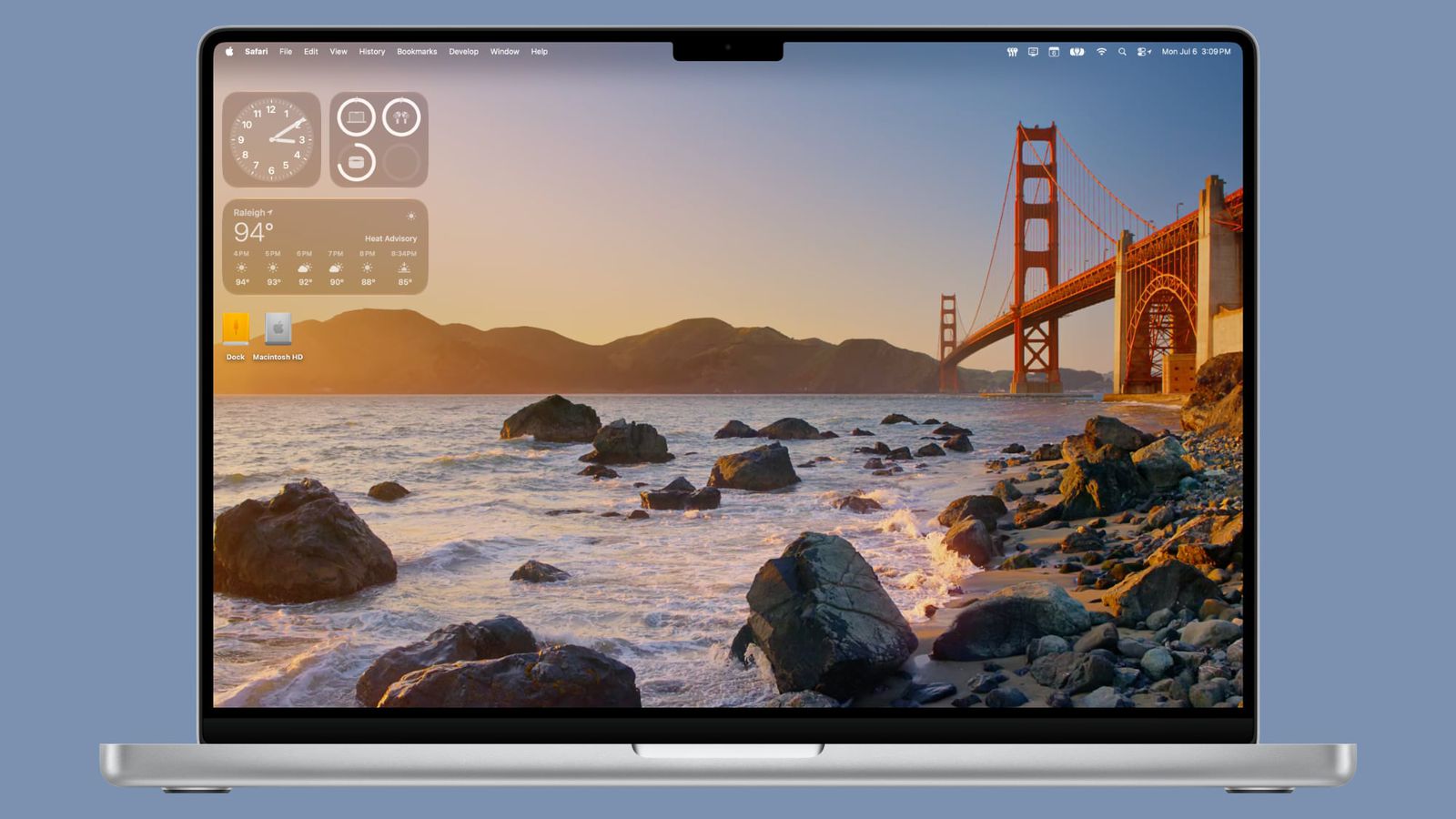
macOS 27 Golden gate public beta
Image Credits: MacRumors

The process across all major Apple OSes is almost the same.

  1. First up, enroll yourself on the public beta program that enables your Mac device to participate in beta updates.
  2. Once down, head over to “System Settings >> General Software >> Update.”
  3. Hit the ‘i’ button listed next to the “Beta Updates.”
  4. Finally, select “macOS 27 Golden Gate Public beta” from the list and hit “Done.”

Remind yourself to take a backup of all the personal data stored on the system to avoid any discrepancies in case the beta update doesn’t work or faces issues on your device.

Macs compatible with macOS 27 Golden Gate

  • MacBook Neo (2026)
  • MacBook Air w/ Apple silicon (2020 and later)
  • MacBook Pro w/ Apple silicon (2020 and later)
  • iMac w/ Apple silicon (2021 and later)
  • mac Mini w/ Apple silicon (2020 and later)
  • Mac Studio w/ Apple silicon (2022 and later)
  • Mac Pro w/ Apple silicon (2023)

How to install tvOS 27 public beta

  1. First up, head over to the “Settings” app on your Apple TV, assuming that you are connected to a Wi-Fi network and you are a part of “Apple’s Beta Program.” If not, head over to register!
  2. Next, head over to “System >> Software Updates >> Beta Updates,” and here, you should get a pop-up saying “tvOS 27 Public Beta.”
  3. Select “Download and Install,” and this should take care of the rest.

Supported Apple TV models

  • Apple TV 4K (3rd-gen, 2022)
  • Apple TV 4K (3rd-gen, 2021)

How to install watchOS 27 public beta
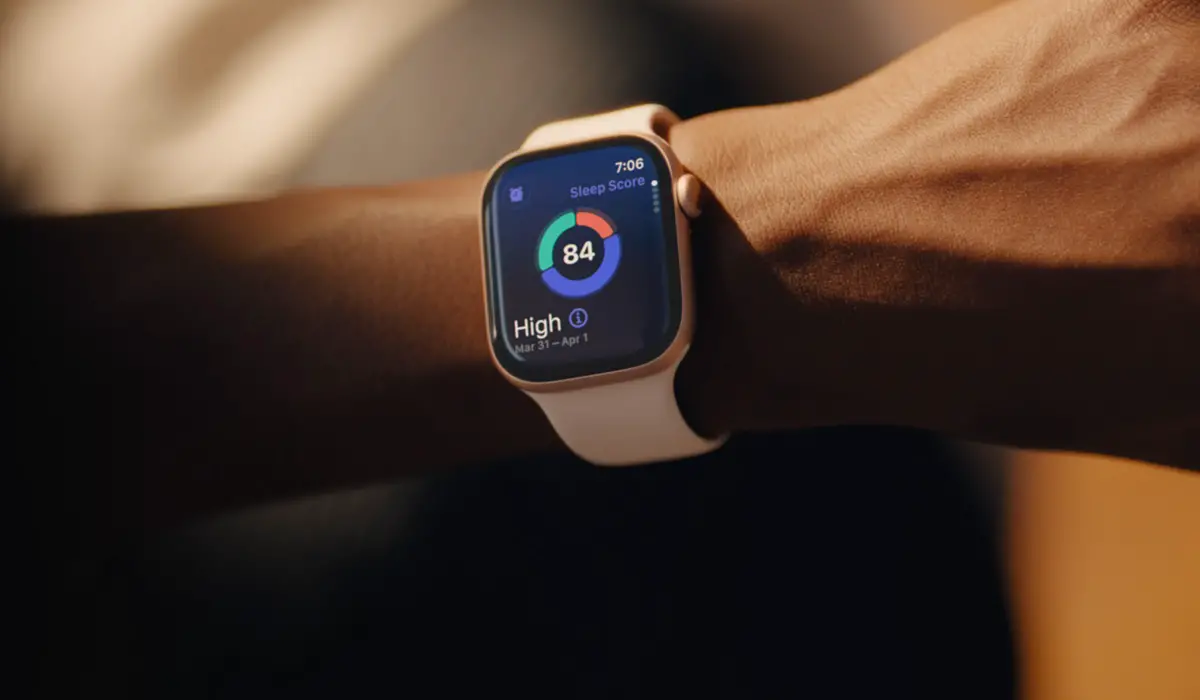
Apple Watch Series 11 Features
Image Credits: Apple
  1. First up, head over to the Apple Beta program website and sign up, if not already.
  2. On the Watch app paired with your iPhone, head over to “My Watch >> General >> Software Update >> Beta Updates.”
  3. Select watchOS 27 Public Beta and hit “Download and Install,” and this should automatically install the latest public beta.

It is better to take a backup of your primary device if you are trying out the public beta on the said phone or device. Apple has released iOS 27 public beta across a host of devices, from iPhones to iPads to Apple TV and Apple Watch. Check out this space as we gather more information on what Apple brings to the table in terms of software or hardware. 

Share This Article
Follow:
A wordsmith, a kin tech observer, a sci-fi fanatic and a scientific documentary buff.
Highlights
  • Apple has officially released public beta versions of iOS 27, watchOS 27, iPadOS 27, tvOS 27, and macOS 27 Golden Gate.
  • Check out how you can get your hands on the public beta update on the respective devices using this guide.
  • Being a public beta update, you need to understand the version is meant for identifying bugs so that Apple can fix it in the upcoming iterations.

Apple is opening floodgates for iPhones, iPads, and other devices to install iOS 27 public beta and equivalents moving on. It means public betas for iOS 27, iPadOS 27, watchOS 27, and tvOS 27 are now ready to be installed on the compatible devices as the Cupertino giant prepares for official launch in the coming weeks.

Apple opens iOS 27 public beta to eligible iPhone users

As aforementioned, iPhone 11 and later are now compatible with iOS 27 public beta as it rolls out for anyone who is a part of Apple’s beta program. This helps Apple identify bugs and fix them to achieve software stability before it launches later this year. The update is aimed at satiating interested regular users and identifying bugs, testing upcoming features, refining any app compatibility problems, and mitigating performance issues before the beginning of the official rollout. 

Apple releases iOS 27 public beta alongside iPadOS 27, macOS 27, watchOS 27, and tvOS 27
Image Credits: Apple. Edited for editorial purposes by Akarsh Rasik for True-Tech.

As there are around 3 billion units of iPhones, 677+ million units of iPhones, and moving on, Apple sends out public beta updates for testing with a handful of regular users before releasing the stable version in the fall each year.

How to download iOS 27 public beta

  1. If not already, you need to register your Apple ID on Apple’s beta website. It is free of cost and lets users try beta updates to play with even before the public beta release.
  2. Next up, you need to make sure you have a backup of all the data stored on your Apple device in case anything goes wrong and you need to revert to the previous iteration.
  3. Go to the Settings app on your phone and proceed to “General >> Software Updates >> Beta Updates.”
  4. Next up, check out the public beta versions of iOS/iPadOS/other OSes, available as per your device, and hit “Install.”
  5. Finally, head over to “Settings >> Apple Intelligence & Siri” to join the Siri AI beta waitlist that you should receive once the public beta is available.

iPhones compatible with iOS 27 public beta

Apple iPhone 18 Pro series launch date
Image Credits: Apple

Apple iPhones are usually covered with software updates for generations. This means any device after the iPhone SE (2nd gen), iPhone 11, and later is well-covered to receive the iOS 27 public beta without any issue. The official iOS 27 arrives only after the iOS launch this fall.

  • iPhone SE (2nd-gen and later)
  • iPhone 11/11 Pro/11 Pro Max
  • iPhone 12/12 mini/12 Pro/12 Pro Max
  • iPhone 13/13 mini/13 Pro/13 Pro Max
  • iPhone 14/14 Plus/14 Pro/14 Pro Max
  • iPhone 15/15 Plus/15 Pro/15 Pro Max
  • iPhone 16/16e/16 Pro/16 Pro Max
  • iPhone 17/17e/17 Pro/17 Pro Max 
  • iPhone Air
  • iPhone 18/18e/18 Pro/18 Pro Max (slated to launch on September 9)

iPadOS 27 public beta also available

Apple has also released the iPadOS 27 public beta for supported iPads enrolled in the beta program.

How to install iPadOS 27 public beta

iPad Air
Image Credits: Apple
  1. Sign up for the Apple Beta update and head over to “Settings >> General >> Software Update.”
  2. Head over to “Beta Updates >> select iPadOS 27 Public Beta” and then hit “Download and Install.” 

iPads compatible with iPadOS 27 public beta

  • 13” iPad Pro (M4)
  • 12.9” iPad Pro (4th/5th/6th-gen)
  • 11” iPad Pro (M4/4th/3rd/and 2nd-gen)
  • iPad Air (M3/M2)
  • iPad Air (5th/4th gen)
  • iPad (A16)
  • iPad (10th/9th gen)
  • iPad mini (A17 Pro/6th-gen)

macOS 27 Golden Gate public beta rolls out

Well, good news for Mac users as well, finally. The macOS 27 Golden Gate public beta is rolling out on Mac devices, covering an extensive list from Mac devices, MacBook Air, Pro, Mac Mini, Studio, and Mac Pro (find the list attached below).

How to install macOS 27 Golden Gate public beta

macOS 27 Golden gate public beta
Image Credits: MacRumors

The process across all major Apple OSes is almost the same.

  1. First up, enroll yourself on the public beta program that enables your Mac device to participate in beta updates.
  2. Once down, head over to “System Settings >> General Software >> Update.”
  3. Hit the ‘i’ button listed next to the “Beta Updates.”
  4. Finally, select “macOS 27 Golden Gate Public beta” from the list and hit “Done.”

Remind yourself to take a backup of all the personal data stored on the system to avoid any discrepancies in case the beta update doesn’t work or faces issues on your device.

Macs compatible with macOS 27 Golden Gate

  • MacBook Neo (2026)
  • MacBook Air w/ Apple silicon (2020 and later)
  • MacBook Pro w/ Apple silicon (2020 and later)
  • iMac w/ Apple silicon (2021 and later)
  • mac Mini w/ Apple silicon (2020 and later)
  • Mac Studio w/ Apple silicon (2022 and later)
  • Mac Pro w/ Apple silicon (2023)

How to install tvOS 27 public beta

  1. First up, head over to the “Settings” app on your Apple TV, assuming that you are connected to a Wi-Fi network and you are a part of “Apple’s Beta Program.” If not, head over to register!
  2. Next, head over to “System >> Software Updates >> Beta Updates,” and here, you should get a pop-up saying “tvOS 27 Public Beta.”
  3. Select “Download and Install,” and this should take care of the rest.

Supported Apple TV models

  • Apple TV 4K (3rd-gen, 2022)
  • Apple TV 4K (3rd-gen, 2021)

How to install watchOS 27 public beta

Apple Watch Series 11 Features
Image Credits: Apple
  1. First up, head over to the Apple Beta program website and sign up, if not already.
  2. On the Watch app paired with your iPhone, head over to “My Watch >> General >> Software Update >> Beta Updates.”
  3. Select watchOS 27 Public Beta and hit “Download and Install,” and this should automatically install the latest public beta.

It is better to take a backup of your primary device if you are trying out the public beta on the said phone or device. Apple has released iOS 27 public beta across a host of devices, from iPhones to iPads to Apple TV and Apple Watch. Check out this space as we gather more information on what Apple brings to the table in terms of software or hardware. 

Share This Article
Follow:
A wordsmith, a kin tech observer, a sci-fi fanatic and a scientific documentary buff.