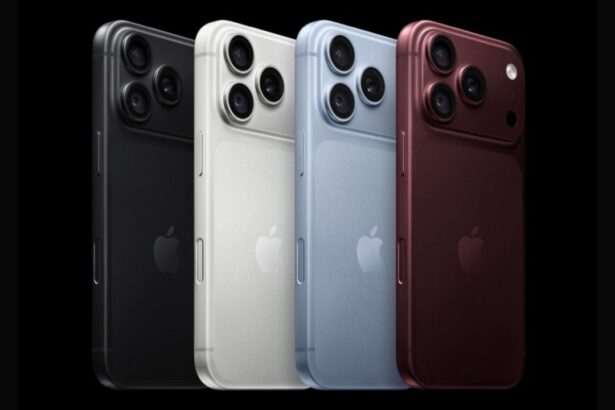
How to setup Face Unlock on iPhone Duo?

Aadil Raval
4 Min Read
Highlights
  • Apple has released iOS 27.3 second developer beta with Face Unlock feature.
  • Unlike Face ID that requires specialized hardware, iPhone Duo will use the front camera to enjoy facial recognition works on the foldable.
  • There might be certain limitations but here's how you can set it up and use on your Duo.

Apple introduced iPhone Duo earlier this month; however, there was no iPhone Duo Face Unlock or Face ID until now. Turns out the second developer beta for iOS 27.3 brings ‘Face Unlock’ as a feature that pits iPhone Duo as close to iPhone 18 Pro’s Face ID as it is functionally possible. Here’s how you can set it up, the limitations it comes with, and more that you should know. 

Apple iPhone Duo gets Face Unlock feature

The feature is part of the second iOS 27.3 developer beta update that arrived on Duo. Unlike a proper Face ID that requires TrueDepth hardware and the mechanics, iPhone Duo uses its front camera to recognize faces, something older Android phones were able to do for years.

Since Apple couldn’t include all the hardware required for Face ID, including IR and depth sensors, the feature allows users to unlock their iPhones using the standard 2D front camera on the outer display. Of course, it does come with limitations, and we will address them in the following section, but at the end of the day, it works.
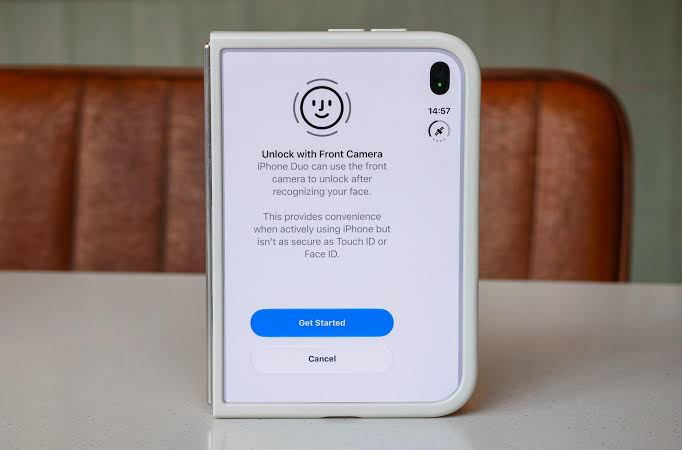
How to setup Face Unlock on iPhone Duo?
Image Credits: The Verge

iPhone Duo Face ID comes with limitations

When I say Face ID for iPhone Duo, it is similar to drawing parallels with the actual tech; however, Duo has facial recognition using the front camera instead. 

Once set up, users should be able to get iPhone Face Unlock/Face ID on the outer display only. It doesn’t work with the inner foldable display, which requires unlocking using a passcode or Touch ID. Another potential limitation is with the lighting. Unlocking with an actual Face ID works even in low-light conditions; however, the iPhone Duo Face Unlock may suffer heavily during low-light or night-light scanning. It is still faster than ever during the day, when it is able to recognize faces without any hassle and works quickly. 

Apple says the tech, even though it is not actual Face ID, does resist photo or video spoofing. Okay, I am sure this happens on a lot of Android phones as well, so that’s not a big deal. 
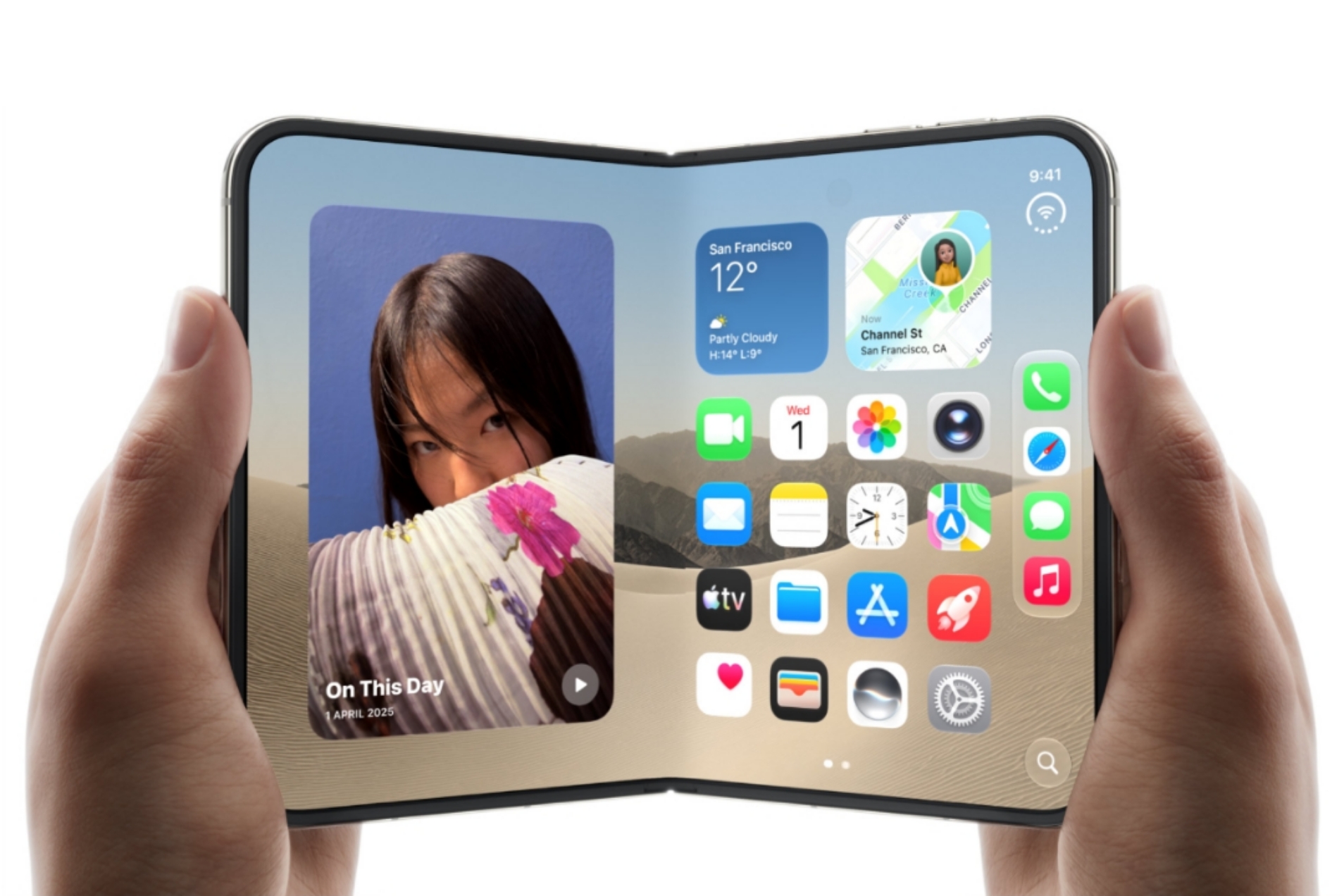
iPhone Duo 2 could get Face ID under the display
Image Credits: Apple

Another massive limitation is the fact that your transactions and authentications will still require a passcode or Touch ID. Unlike the iPhone 18 Pro, where you can use Face ID to authenticate a transaction, it doesn’t work with Duo, as the Cupertino-based giant feels it is too risky, and thus, it is never an option. 

How to set up Face ID on iPhone Duo?

If you are already used to the Apple ecosystem, setting up Face Unlock on iPhone Duo is no different. Despite limitations, this is how the setup looks.

  1. First, open Settings on your iPhone Duo.
  2. Head to ‘Touch ID & Passcode’ and enter your passcode to verify.
  3. Next, check out the new ‘Face Unlock’ option.
  4. You will be asked to follow the on-screen instructions, including scanning your face from various angles.
  5. Once you are all set up, you can select ‘Face Unlock’ or ‘Face ID’ as an option on the outer display to unlock the device.

Wrapping up!

With the new feature in place, iPhone Duo gets Face Unlock to enjoy unlocking their foldable iPhone with facial recognition. Of course, Apple will work on the tech to improve it in future updates, but here’s what the latest scenario looks like.

Keep up with the tech that actually matters.

From breaking news to deep dives, TrueTech brings you the tech stories worth knowing.
Add us as a preferred source on Google Search for quicker access to our coverage.

Add TrueTech as a preferred source on Google
Share This Article
Follow:
A wordsmith, a kin tech observer, a sci-fi fanatic and a scientific documentary buff.
Highlights
  • Apple has released iOS 27.3 second developer beta with Face Unlock feature.
  • Unlike Face ID that requires specialized hardware, iPhone Duo will use the front camera to enjoy facial recognition works on the foldable.
  • There might be certain limitations but here's how you can set it up and use on your Duo.

Apple introduced iPhone Duo earlier this month; however, there was no iPhone Duo Face Unlock or Face ID until now. Turns out the second developer beta for iOS 27.3 brings ‘Face Unlock’ as a feature that pits iPhone Duo as close to iPhone 18 Pro’s Face ID as it is functionally possible. Here’s how you can set it up, the limitations it comes with, and more that you should know. 

Apple iPhone Duo gets Face Unlock feature

The feature is part of the second iOS 27.3 developer beta update that arrived on Duo. Unlike a proper Face ID that requires TrueDepth hardware and the mechanics, iPhone Duo uses its front camera to recognize faces, something older Android phones were able to do for years.

Since Apple couldn’t include all the hardware required for Face ID, including IR and depth sensors, the feature allows users to unlock their iPhones using the standard 2D front camera on the outer display. Of course, it does come with limitations, and we will address them in the following section, but at the end of the day, it works.

How to setup Face Unlock on iPhone Duo?
Image Credits: The Verge

iPhone Duo Face ID comes with limitations

When I say Face ID for iPhone Duo, it is similar to drawing parallels with the actual tech; however, Duo has facial recognition using the front camera instead. 

Once set up, users should be able to get iPhone Face Unlock/Face ID on the outer display only. It doesn’t work with the inner foldable display, which requires unlocking using a passcode or Touch ID. Another potential limitation is with the lighting. Unlocking with an actual Face ID works even in low-light conditions; however, the iPhone Duo Face Unlock may suffer heavily during low-light or night-light scanning. It is still faster than ever during the day, when it is able to recognize faces without any hassle and works quickly. 

Apple says the tech, even though it is not actual Face ID, does resist photo or video spoofing. Okay, I am sure this happens on a lot of Android phones as well, so that’s not a big deal. 

iPhone Duo 2 could get Face ID under the display
Image Credits: Apple

Another massive limitation is the fact that your transactions and authentications will still require a passcode or Touch ID. Unlike the iPhone 18 Pro, where you can use Face ID to authenticate a transaction, it doesn’t work with Duo, as the Cupertino-based giant feels it is too risky, and thus, it is never an option. 

How to set up Face ID on iPhone Duo?

If you are already used to the Apple ecosystem, setting up Face Unlock on iPhone Duo is no different. Despite limitations, this is how the setup looks.

  1. First, open Settings on your iPhone Duo.
  2. Head to ‘Touch ID & Passcode’ and enter your passcode to verify.
  3. Next, check out the new ‘Face Unlock’ option.
  4. You will be asked to follow the on-screen instructions, including scanning your face from various angles.
  5. Once you are all set up, you can select ‘Face Unlock’ or ‘Face ID’ as an option on the outer display to unlock the device.

Wrapping up!

With the new feature in place, iPhone Duo gets Face Unlock to enjoy unlocking their foldable iPhone with facial recognition. Of course, Apple will work on the tech to improve it in future updates, but here’s what the latest scenario looks like.

Keep up with the tech that actually matters.

From breaking news to deep dives, TrueTech brings you the tech stories worth knowing.
Add us as a preferred source on Google Search for quicker access to our coverage.

Add TrueTech as a preferred source on Google
Share This Article
Follow:
A wordsmith, a kin tech observer, a sci-fi fanatic and a scientific documentary buff.