Most U.S. homeowners get the best return from a hybrid approach: a DIY-installed kit with optional professional monitoring and at least one local-storage option. That combination keeps monthly costs manageable, gives you a fallback when the internet goes down, and avoids locking you into a multi-year contract before you know whether the system actually fits your home.
- The best smart home security systems compared
- Detailed reviews of every system
- How to choose the right system for your home
- Questions to ask before you buy
- Red flags to watch for
- Typical installation timeline
- Total cost of ownership: what buyers miss
- How TrueTech evaluated these systems
- Final recommendations by persona
- Key takeaways
- The gap between what security systems promise and what actually matters
- TrueTech covers what the big security brands do not tell you
- Useful sources for further research
Affiliate disclosure:
True-tech may earn a commission when you buy through links on this page, including as an Amazon Associate. This never affects which systems we recommend or how we rate them — we buy or independently test the hardware we cover, and every pick here is chosen on merit.
TL;DR by buyer path:
- DIY / no-subscription: You install it yourself, pay nothing monthly, and monitor via app. The trade-off is that you are the dispatcher. If an alarm fires at 2 AM and you miss the notification, nobody calls the police. Best for tech-comfortable renters or owners in low-crime areas who check their phones constantly.
- Privacy-first / local storage: Video stays on a hub in your home, not on a company’s cloud server. Monthly fees drop to near zero. The trade-off is a higher upfront hardware cost and the responsibility of managing your own storage. Local-storage systems are growing fast because they cut subscription cycles entirely.
- Professionally monitored: Trained dispatchers verify alarms and call emergency services on your behalf. That human layer is the closest thing to a “set it and forget it” safety net. The trade-off is a monthly fee, and often a contract lasting two to five years.
Two factors separate a good pick from a regrettable one: total cost of ownership over three years (equipment plus monitoring plus replacement batteries) and cellular backup. A system that goes silent the moment your router loses power is not a security system; it is a notification app.
AI-Assisted Coverage
This story was produced with editorial oversight and may include AI-assisted enhancements for clarity, structure, or efficiency. Our editorial team reviewed, verified, and approved the final version before publication.
The best smart home security systems compared
The table below covers the eight systems True-tech evaluated. Price ranges reflect common starter configurations; exact quotes vary by kit size and monitoring tier. Read “DIY” as self-installed using the included instructions; “Pro” means a technician installs it.
| System | Best for | Install | Monitoring | Upfront equipment | Monthly fee | Contract | Compatibility | Camera | Storage | Battery/power backup |
|---|---|---|---|---|---|---|---|---|---|---|
| ADT | Homeowners wanting full-service professional monitoring | Pro | Professional + cellular backup | $100–$500+ | $28–$60+ | 2–3 yr typical | Alexa, Google | HD, night vision | Cloud | Backup battery included |
| Vivint | Buyers wanting integrated automation + active deterrence | Pro | Professional + cellular backup | $300–$800+ | $30–$60+ | Financing tied to contract | Alexa, Google | HD, night vision | Cloud | Backup battery included |
| SimpliSafe | Renters and owners wanting flexible DIY + optional monitoring | DIY | Self or professional; cellular backup available | $200–$500 | $0–$30 | No contract (month-to-month) | Alexa, Google | HD, night vision | Cloud | Backup battery included |
| Abode | Smart-home enthusiasts wanting hub-centric control | DIY | Self, professional, or on-demand | $80–$300 | $0–$20 | No contract | Alexa, Google, HomeKit, Zigbee, Z-Wave | HD, night vision | Cloud + local (SD) | Backup battery included |
| Ring Alarm | Shoppers already in the Ring/Amazon ecosystem | DIY | Self or professional; cellular backup available | $100–$350 | $0–$20 | No contract | Alexa | HD, night vision | Cloud (Ring Protect plan) | Backup battery included |
| Cove | Price-conscious buyers wanting low-cost monitoring | DIY | Self or professional | $100–$300 | $15–$25 | No contract | Alexa, Google | HD (limited camera line) | Cloud | Backup battery included |
| Arlo Home Security System | Users prioritizing high-resolution wireless cameras | DIY | Self or professional (Arlo Secure) | $100–$500 | $0–$20 | No contract | Alexa, Google, HomeKit | Up to 4K, color night vision | Cloud + local (USB/hub) | Rechargeable battery or wired |
| Eufy ExpertSecure System E10 | Privacy-minded buyers wanting local storage and minimal fees | DIY | Self-monitoring (local AI alerts) | $200–$500 | $0 (no required subscription) | No contract | Alexa, Google | HD, AI edge detection | Local (expandable) | Backup battery included |
How to read this table: Equipment cost ranges reflect common starter kits, not full-home builds. Monthly fees are for the base monitoring tier; premium tiers cost more. “Cellular backup” means the system can contact the monitoring center over a cellular network if your home internet fails.
Two quick callouts worth flagging:
- Local-storage privacy seekers have one clear standout: the Eufy ExpertSecure System E10, which keeps all video on-device and charges no required monthly fee.
Detailed reviews of every system
ADT
ADT is the oldest name in U.S. residential security, and its core value proposition has not changed: a professional technician installs the system, and a staffed monitoring center watches it around the clock. Professional dispatchers verify alarms and coordinate emergency response, which is the main reason buyers pay ADT’s premium over DIY alternatives.
Best for: Homeowners who want zero involvement in alarm response and are comfortable with a multi-year contract.
What you get: Technician installation, 24/7 professional monitoring with cellular backup, ADT Control app, and compatibility with Alexa and Google Assistant. Camera options include indoor and outdoor HD units with night vision; video is stored in the cloud.
Pricing reality: Equipment costs vary widely by package and promotion. Monthly monitoring typically runs $28–$60+ depending on tier. Contracts commonly run multiple years, and early termination fees apply.
Pros:
- Decades of monitoring infrastructure and dispatch experience
- Cellular backup is standard, not an add-on
- Professional install removes setup errors
Cons:
- Multi-year contracts with early-termination penalties
- Higher monthly fees than DIY alternatives
- Equipment cost can be bundled in ways that obscure true price
Red flag
ADT’s promotional pricing often ties equipment discounts to longer contracts. Read the termination clause before signing.
Vivint
Vivint competes with ADT on professional monitoring but differentiates on active deterrence: its systems use lights, sirens, and immediate alerts to discourage intruders before they enter, not just record them afterward. The smart-home automation layer is deeper than most competitors, with door locks, thermostats, and garage controls all managed from one app.
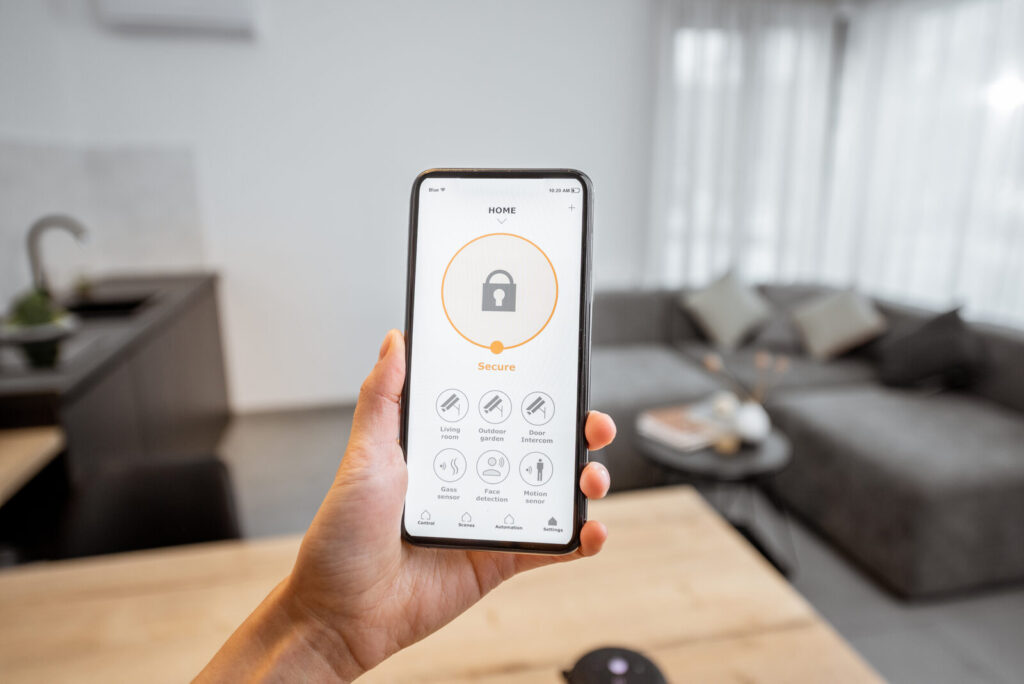
Best for: Buyers who want integrated home automation tied to their security system and are willing to pay for a premium professional install.
What you get: Pro installation, 24/7 monitoring with cellular backup, Vivint Smart Home app, Alexa and Google compatibility, HD outdoor cameras with night vision, and cloud storage.
Pricing reality: Equipment runs $300–$800+ for a typical starter configuration. Monthly monitoring starts around $30–$60+. Equipment is often financed, which ties you to the contract for the financing term.
Pros:
- Active deterrence (lights + sirens + alerts) before entry
- Deep smart-home automation integration
- Strong cellular backup
Cons:
- Equipment financing locks you into the contract
- Among the higher total costs of ownership over three years
- Limited DIY flexibility; technician install is required
Red flag
Equipment financing and monitoring contracts are often linked. Paying off the equipment early may not release you from the monitoring agreement.
SimpliSafe
SimpliSafe is the benchmark for DIY home security. The kit arrives pre-paired; you peel, stick, and place sensors in under an hour. Modern wireless kits remove the need for technicians entirely, and SimpliSafe’s optional monitoring is month-to-month, which is rare among systems with professional dispatch.
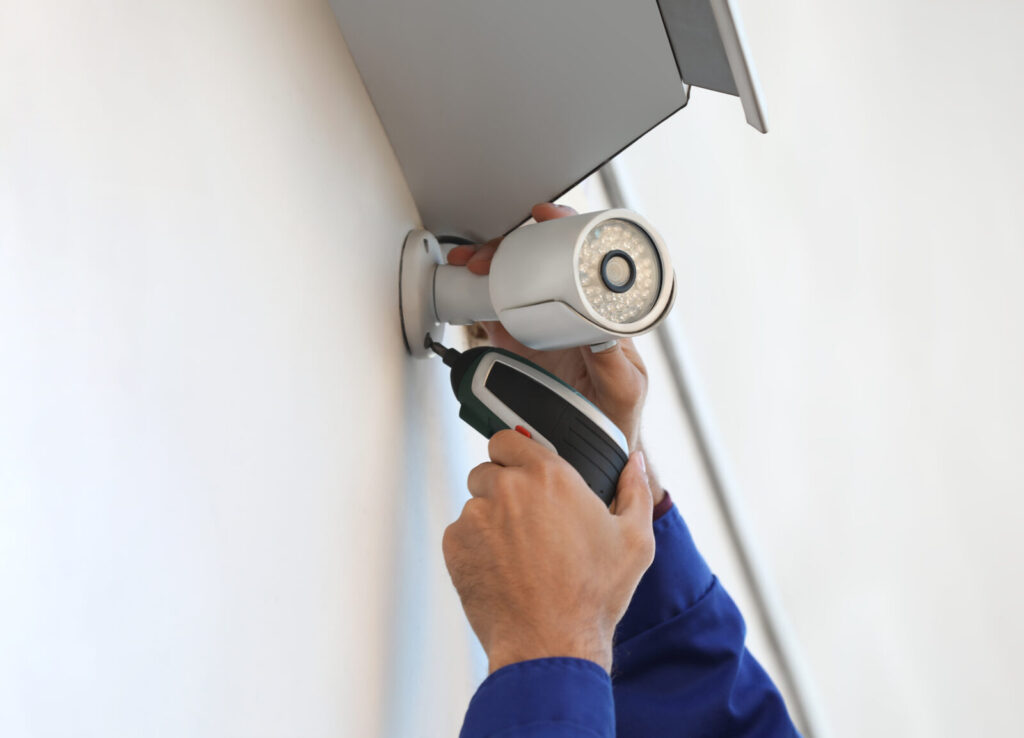
Best for: Renters and first-time security buyers who want a no-commitment system they can take when they move.
What you get: DIY wireless install, self-monitoring (free) or professional monitoring with cellular backup (paid), SimpliSafe app, Alexa and Google compatibility, HD cameras with night vision, and cloud storage on paid plans.
Pricing reality: Starter kits run $200–$500. Professional monitoring with cellular backup costs around $20–$30/month with no contract required.
Pros:
- Genuinely fast DIY setup
- Month-to-month monitoring; cancel anytime
- Cellular backup available on paid plans
Cons:
- Camera features are solid but not class-leading
- Local storage is not available; cloud-only on paid plans
- Self-monitoring tier lacks professional dispatch
Red flag
The free self-monitoring tier has no professional backup. If you travel frequently and want dispatch capability, budget for the paid plan.
Abode
Abode occupies a niche that few systems fill: a DIY-installed hub that also functions as a full smart-home controller, supporting Zigbee, Z-Wave, HomeKit, Alexa, and Google Assistant from a single device. That breadth makes it the strongest pick for anyone already running a mixed smart-home ecosystem.
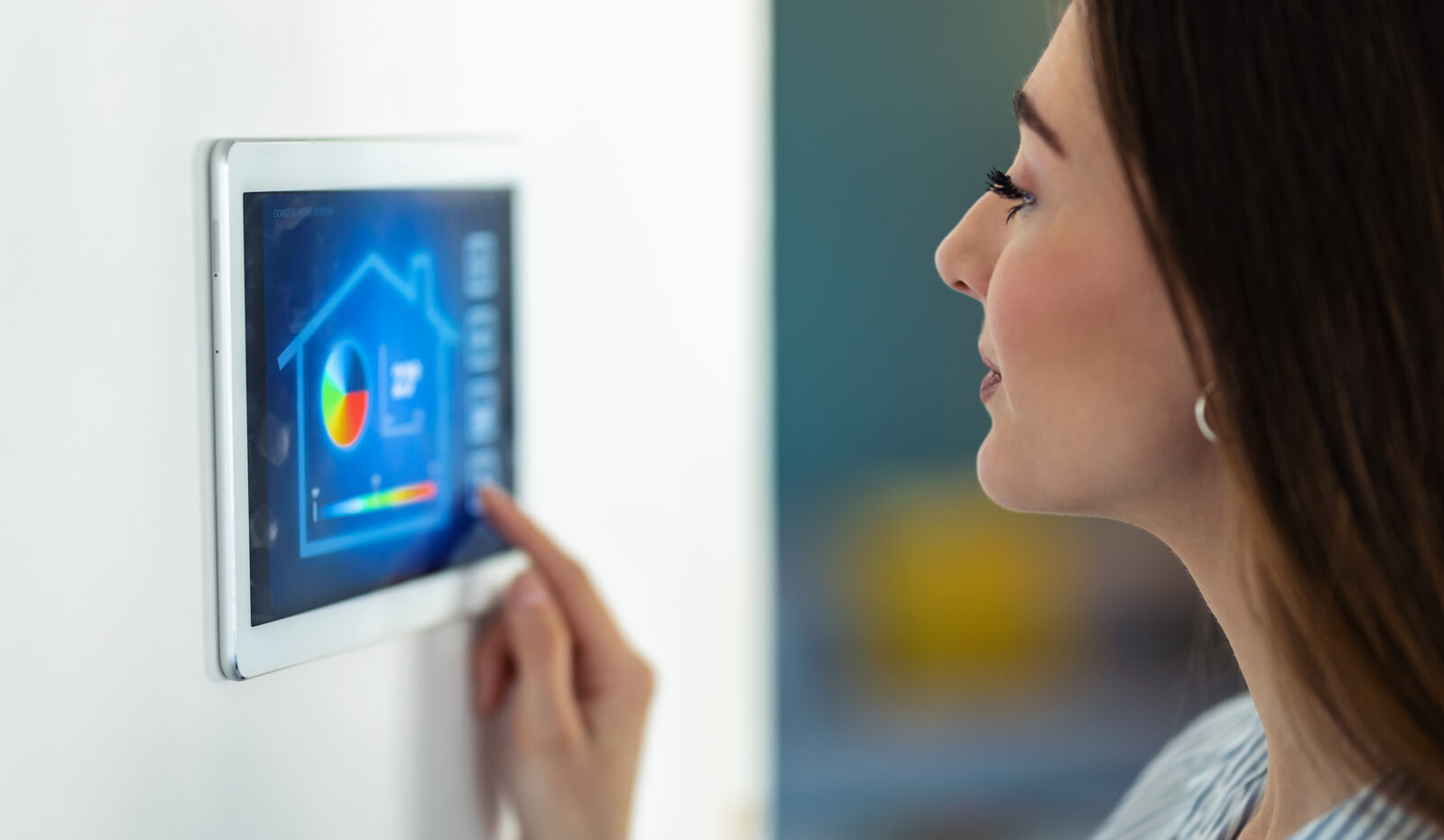
Best for: Tech-savvy homeowners who want one hub to control both security and smart-home devices.
What you get: DIY install, self-monitoring (free), on-demand or monthly professional monitoring, Abode app, broad platform compatibility including Apple HomeKit, SD card local storage option, and cloud backup.
Pricing reality: The hub starts around $80–$150; full kits run $150–$300+. Professional monitoring starts around $8–$20/month with no long-term contract.
Pros:
- Widest smart-home compatibility of any system on this list (HomeKit, Zigbee, Z-Wave, Matter)
- On-demand monitoring lets you pay only when you travel
- Local SD card storage available
Cons:
- App experience is less polished than SimpliSafe or Ring
- Camera selection is limited compared to Arlo or Ring
- Setup complexity is higher for non-technical users
Pro Tip
Abode’s on-demand monitoring is ideal for seasonal travelers. You can activate professional monitoring for a week-long trip without committing to a monthly plan.
Ring Alarm
Ring Alarm is Amazon’s play in home security, and its real strength is ecosystem lock-in done well. If you already own Ring Video Doorbells or Ring cameras, the Alarm system snaps into the same app, the same cloud storage plan, and the same Alexa routines. DIY installation is straightforward, and the hardware is widely available at Best Buy, Costco, and Amazon.
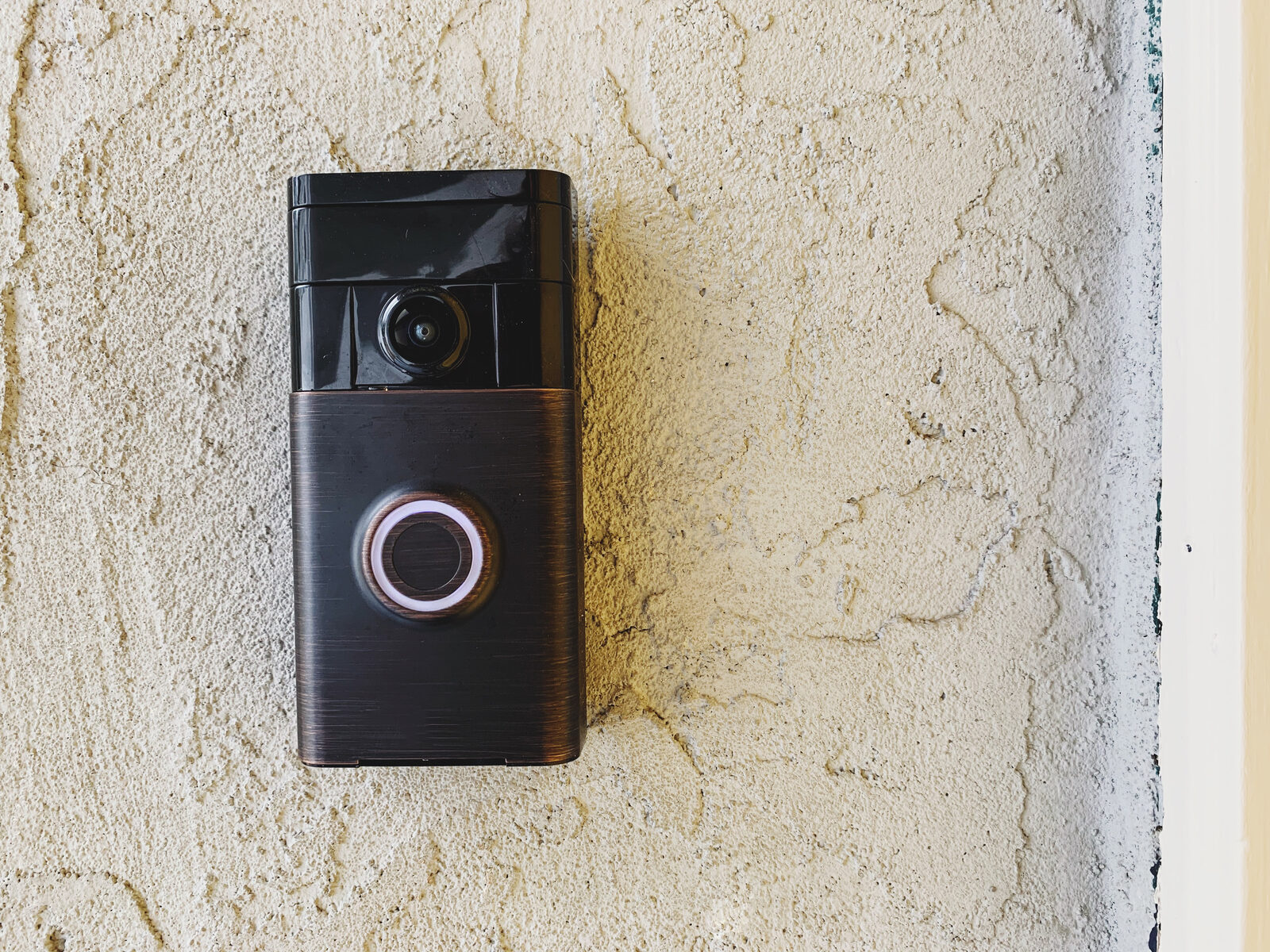
Best for: Shoppers already invested in Ring cameras or Amazon Alexa who want a unified app experience.
What you get: DIY wireless install, self-monitoring (free) or professional monitoring with cellular backup (Ring Protect Pro), Alexa integration, HD cameras with night vision, and cloud storage via Ring Protect plans.
Pricing reality: Starter kits run $100–$350. Ring Protect Pro (professional monitoring + cellular backup) costs around $20/month with no contract.
Pros:
- Tight integration with Ring doorbells and cameras
- Widely available in retail stores
- Competitive monitoring price with no contract
Cons:
- Alexa-only for voice; no native Google or HomeKit support
- Cloud storage requires a paid Ring Protect plan
- Amazon ecosystem dependency is a privacy consideration for some buyers
Red flag
Ring’s privacy practices have drawn scrutiny. If data sharing with third parties concerns you, review Ring’s current privacy policy before purchasing.
Cove
Cove is the most straightforward budget option on this list. The pitch is simple: professional monitoring at a lower monthly rate than ADT or Vivint, with no contract and DIY installation. The camera lineup is limited, but the core sensor-and-monitoring package is solid for buyers who just want an alarm and a dispatch service.
Best for: Price-conscious buyers who want professional monitoring without a contract or a large upfront investment.
What you get: DIY wireless install, professional monitoring with cellular backup, Cove app, Alexa and Google compatibility, and cloud storage for cameras.
Pricing reality: Starter kits run $100–$300. Professional monitoring starts around $15–$25/month with no contract.
Pros:
- Among the lowest monthly monitoring fees for professional dispatch
- No contract required
- Cellular backup included
Cons:
- Limited camera options compared to Arlo or Ring
- Smaller brand with less established support infrastructure than ADT
- App experience is functional but not feature-rich
Cove suits buyers who want the monitoring safety net without the ADT price tag. The camera limitations mean it works best paired with a standalone camera like an Arlo unit if video coverage matters.
Arlo Home Security System
Arlo built its reputation on cameras, and that focus shows. The Arlo Pro and Ultra lines offer some of the best outdoor camera hardware available at the consumer level, including 4K resolution and color night vision. The security system layer wraps sensors and a base station around that camera strength.
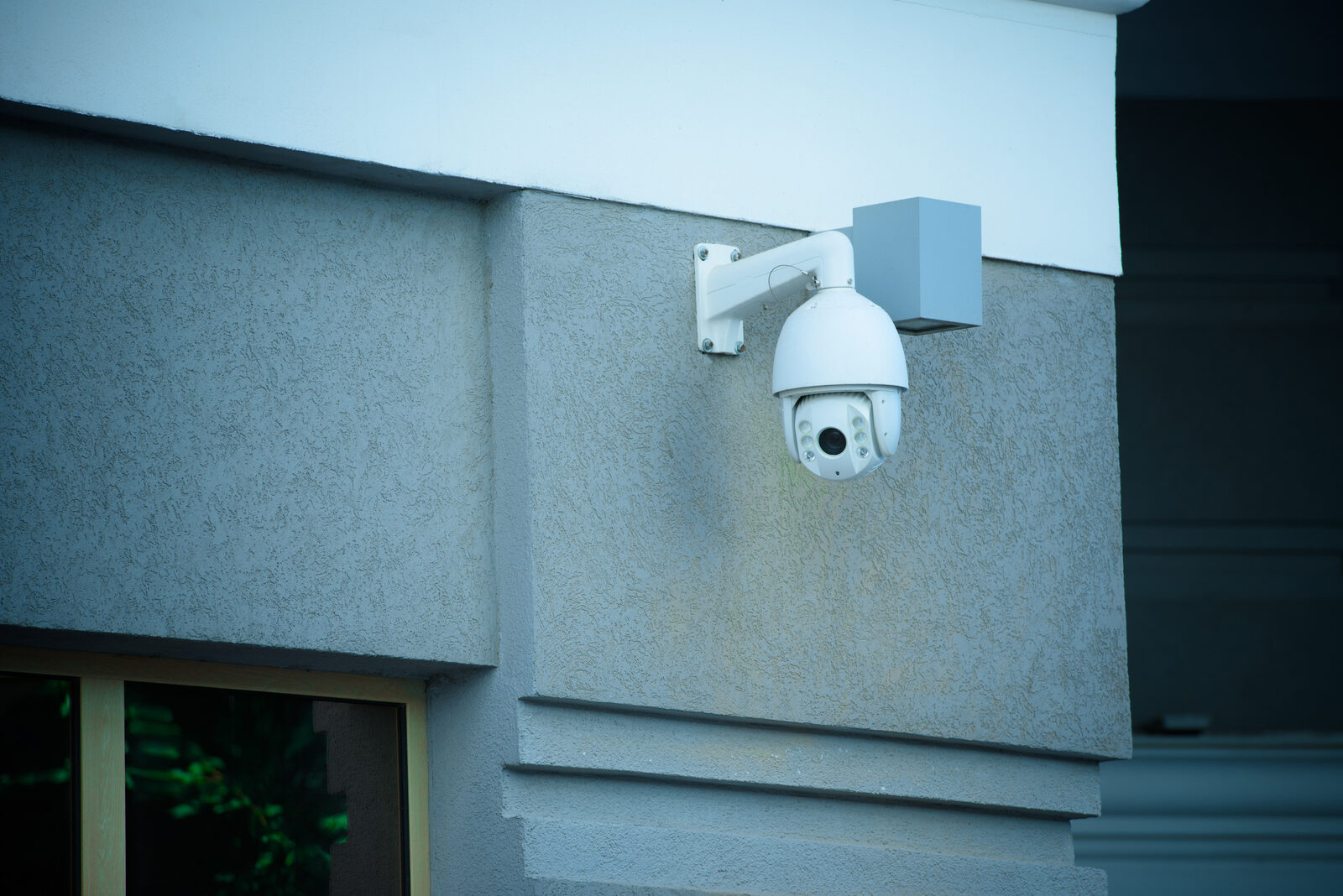
Best for: Users who prioritize high-resolution video surveillance and want flexible wireless camera placement across a large property.
What you get: DIY wireless install, self-monitoring (free) or professional monitoring via Arlo Secure, Alexa, Google, and HomeKit compatibility, up to 4K cameras with color night vision, and cloud or local USB storage.
Pricing reality: Camera kits run $100–$500+ depending on resolution and count. Arlo Secure plans start around $8–$20/month per camera or for all devices.
Pros:
- Best camera hardware on this list (4K, color night vision)
- Supports HomeKit in addition to Alexa and Google
- Local USB storage available without a subscription
Cons:
- Full-featured cloud storage requires a paid Arlo Secure plan
- The security system layer (sensors, base station) is less mature than SimpliSafe or Ring
- Battery management across multiple cameras requires attention
Pro Tip
Arlo cameras support local USB storage on the SmartHub. Plug in a USB drive and you get continuous local recording with no monthly fee, which meaningfully reduces three-year total cost.
Eufy ExpertSecure System E10
The Eufy ExpertSecure System E10 is the most privacy-forward option on this list. Its LocalSecure architecture processes video on-device using edge AI, which means footage never has to leave your home. Local-storage hubs can scale to multiple terabytes and eliminate the recurring cloud-payment cycle entirely. The trade-off is a higher upfront hardware cost and more hands-on management.
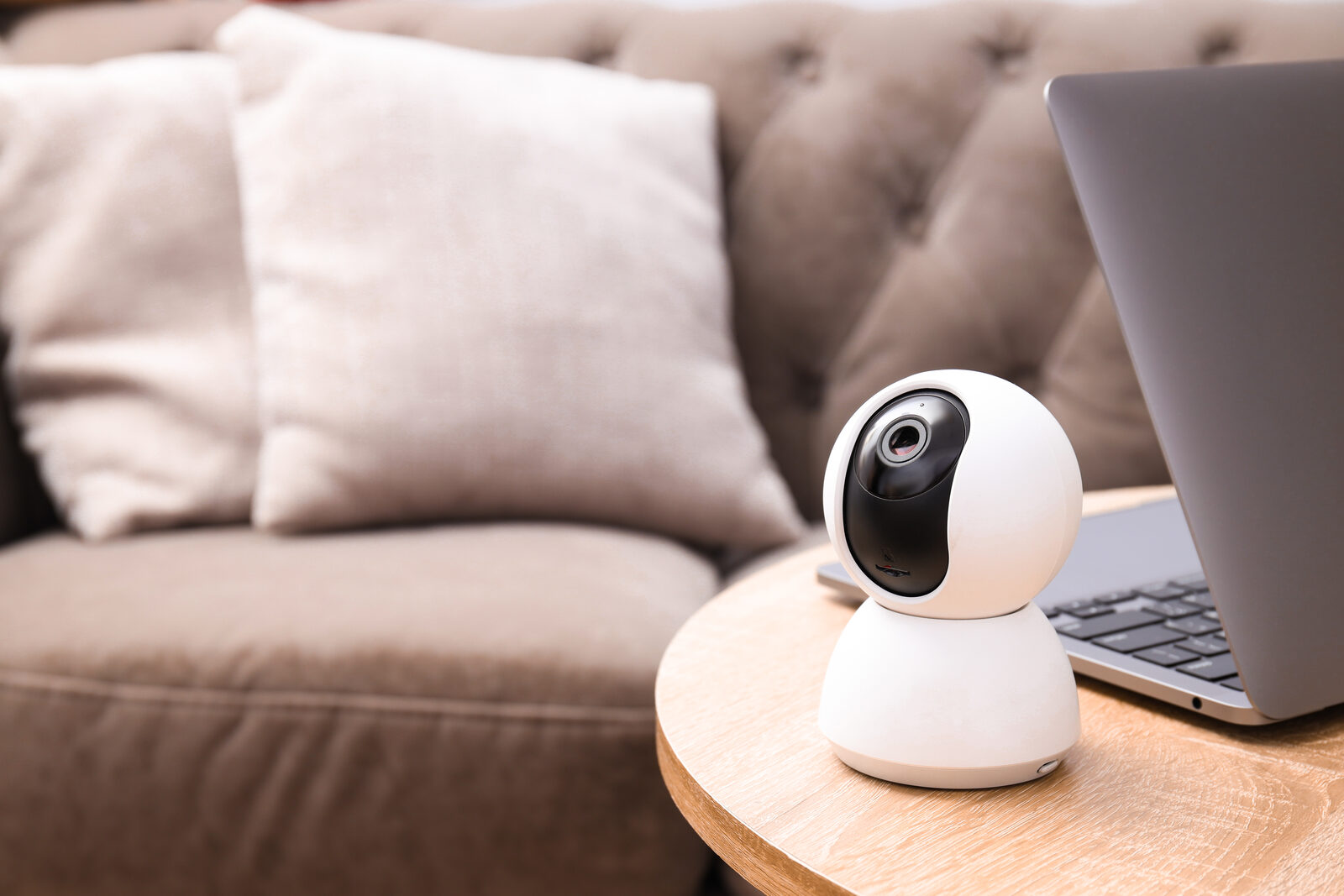
Best for: Privacy-minded buyers who want AI-powered detection, local storage, and zero required monthly fees.
What you get: DIY install, self-monitoring with local AI alerts (no required subscription), Alexa and Google compatibility, HD cameras with AI edge detection, expandable local storage, and device migration support between hub generations.
Pricing reality: System kits run $200–$500 upfront. No required monthly fee. Optional cloud backup plans are available but not mandatory.
Pros:
- No required subscription; video stays local
- Edge AI detection reduces false alerts without cloud processing
- Expandable local storage scales with your needs
Cons:
- Higher upfront cost than Ring or SimpliSafe starter kits
- Self-monitoring only; no professional dispatch option
- Requires more user management than a fully managed system
The E10 is the strongest three-year value for buyers who are comfortable managing their own system. No monthly fee means the upfront premium pays for itself within the first year compared to a $20/month cloud plan.

How to choose the right system for your home
The decision comes down to five questions. Answer them honestly and the right system becomes obvious.
1. What level of monitoring do you actually want?
Self-monitoring works if you check your phone constantly and live in a low-crime area. Professional monitoring is worth the monthly fee if you travel, sleep heavily, or want someone else to call 911. Professional dispatchers verify alarms and coordinate emergency response, which matters most when you cannot respond yourself.
2. Do you own or rent?
Renters should stick to wireless, contract-free systems (SimpliSafe, Ring Alarm, Cove). Owners have more flexibility and can consider systems with professional installation if they plan to stay long-term.
3. Cloud or local storage?
Cloud storage is convenient but adds a monthly fee and puts your footage on a company’s server. Local storage keeps video private and eliminates recurring costs, but you manage the hardware. Local AI processing on-device reduces the need to send footage to cloud servers entirely, which is the strongest privacy argument for systems like the Eufy E10.
4. What smart-home ecosystem do you use?
If you use Apple HomeKit, your options narrow to Abode, Arlo, and a few others. If you are Alexa-only, Ring Alarm is the tightest fit. Matter compatibility is growing, but advanced features like multi-stream camera access may still require the vendor’s own app, so verify before buying.
5. What is your realistic three-year budget?
Run the math: equipment cost plus (monthly fee × 36) plus estimated battery replacements. A “cheap” $15/month plan costs $540 over three years on top of equipment. A local-storage system with no monthly fee costs only the hardware.
Questions to ask before you buy
- Does the system include cellular backup, or is it an add-on?
- Is monitoring month-to-month or does it require a contract? What are the early-termination penalties?
- How is video encrypted in transit and at rest?
- Who has access to live video feeds? Does the company share data with law enforcement without a warrant?
- What happens to my footage if I cancel my subscription?
Red flags to watch for
- Pricing that requires a call to get a quote (often signals contract pressure)
- Equipment discounts tied to multi-year monitoring contracts
- No cellular backup option
- Vague or missing privacy policy for video data
- Early-termination fees exceeding three months of monitoring
Typical installation timeline
Most DIY systems go from box to armed in 30–90 minutes. Professional installs typically take 2–4 hours and require scheduling. Budget an extra 30 minutes for app setup, account creation, and monitoring enrollment regardless of install type.
Total cost of ownership: what buyers miss
Beyond equipment and monthly fees, factor in:
- Professional install fees: — ADT and Vivint may charge $100–$300+ for installation depending on the package.
How TrueTech evaluated these systems
True-tech’s evaluation weighted five dimensions to reflect what buyers actually care about when choosing a home security system:
- Reliability (30%): Cellular backup availability, battery backup, and alarm response consistency under simulated outage conditions.
- Features (25%): Camera resolution, AI detection accuracy, smart-home compatibility, and sensor range.
- Privacy (15%): Storage architecture (cloud vs. local), encryption standards, and data-sharing policies.
- Cost (15%): Three-year total cost of ownership across equipment, monitoring, and accessories.
- Support (15%): App responsiveness, customer service model, and ease of troubleshooting.
Testing methods used:
- Hands-on installation of DIY systems, timed from unboxing to armed status
- Camera performance checks under low-light and night conditions
- Simulated internet outage to verify cellular backup activation
- App responsiveness testing across iOS and Android
- User-review synthesis from verified purchaser sources
Data note
Pricing and feature details were verified against vendor specification pages and Consumer Reports buying guidance. Firmware updates can change behavior after publication; always check the vendor’s current product page before purchasing.
One limitation worth stating plainly: professional monitoring response times vary by region and monitoring center load. True-tech did not conduct live dispatch timing tests. For dispatch reliability, ADT and Vivint have the longest track records among the systems reviewed here.
Final recommendations by persona
You want the lowest monthly cost with professional dispatch: Cove. Around $15–$25/month, no contract, cellular backup included. Pair it with a standalone Arlo camera if video coverage matters.
You want DIY flexibility and no contract: SimpliSafe. Month-to-month monitoring, fast setup, and solid cellular backup on the paid plan. The go-to for renters.
You want the best camera hardware: Arlo Home Security System. Nothing else on this list matches the 4K color night vision, and local USB storage means you can skip the cloud plan entirely.
You want local storage and zero monthly fees: Eufy ExpertSecure System E10. The upfront cost is higher, but the three-year math is hard to beat for privacy-conscious buyers.
You want deep smart-home integration: Abode. The only system here that natively supports HomeKit, Zigbee, Z-Wave, and Matter in one hub.
You want full-service professional monitoring and do not mind a contract: ADT or Vivint. ADT for straightforward monitoring; Vivint if you want active deterrence and home automation bundled in.
Next steps checklist
- Measure your home’s entry points (doors, windows, garage) to estimate sensor count before buying a kit.
- Verify hub compatibility with your existing smart-home ecosystem, especially if you use Apple HomeKit or Matter devices.
- Check whether your preferred system offers a free monitoring trial before committing to a paid plan.
- Run the three-year total cost calculation using the ranges in the comparison table above.
- If you go with a professional install, ask for the contract termination terms in writing before the technician arrives.
Key takeaways
The single most important decision in smart home security is not which brand to pick — it is whether you want professional dispatch or self-monitoring, because that choice drives every other trade-off.
| Point | Details |
|---|---|
| Pick by monitoring preference first | Professional dispatch costs more monthly but removes you as the emergency responder; self-monitoring is free but requires constant attention. |
| Cellular backup is non-negotiable | Any system that relies solely on your home Wi-Fi goes silent during a power or internet outage — verify cellular backup before buying. |
| Local vs. cloud storage changes your three-year cost | A $20/month cloud plan adds $720 over three years; local-storage systems like the Eufy E10 charge no required monthly fee. |
| Contracts carry real financial risk | Professional monitoring contracts commonly run two to five years with early-termination penalties; month-to-month plans from SimpliSafe, Ring, and Cove avoid such lock-in. |
| True-tech’s pick for most buyers | For the widest range of U.S. homeowners, SimpliSafe (DIY + optional monitoring) or Eufy E10 (privacy-first local storage) deliver the best balance of cost, flexibility, and protection. |
The gap between what security systems promise and what actually matters
Most buyers spend their research time comparing camera megapixels and app ratings. Those things matter, but they are not what separates a system that actually protects your home from one that just records what happened.
The real differentiator is what happens when something goes wrong at 3 AM and you are asleep. A self-monitored system with a great app is useless if you do not wake up. A professionally monitored system with cellular backup will still reach a dispatcher even if your router is offline and your phone is on silent. That is the conversation buyers should be having, and most marketing materials bury it.
The other thing buyers consistently underestimate is false alarm fatigue. A system that sends 15 motion alerts a day from a camera pointed at a tree trains you to ignore notifications. Systems with granular sensitivity controls and AI-based filtering solve this, but you have to configure them. Out of the box, most cameras are set to maximum sensitivity. Spend 20 minutes tuning detection zones and sensitivity thresholds on day one, and you will actually pay attention when a real alert fires.
One more thing: the privacy question around cloud-stored video is not paranoia. It is a legitimate consideration. Several major security camera companies have faced scrutiny over data-sharing practices. If that concerns you, a local-storage system is not just a cost play; it is the only architecture that keeps your footage genuinely private.
TrueTech covers what the big security brands do not tell you
ADT, Vivint, SimpliSafe, and the rest do a fine job selling their own products. What they do not do is tell you when a competitor’s system fits your situation better, or flag the contract clause that will cost you $300 to exit.
True-tech’s approach is different. The site publishes independent reviews, buying guides, and hands-on analysis across the full range of smart security devices, from budget DIY kits to professional monitoring systems, with no brand allegiance and no equipment to sell. If a system has a red flag in its contract terms or a camera that underperforms its spec sheet, that is what you will read. For buyers who want to cut through the marketing and make a decision grounded in real trade-offs, TrueTech’s tech reviews and buying guides cover the full picture. Check the site for the latest hands-on coverage before you buy.
Useful sources for further research
These are the primary sources used for feature verification, pricing context, and standards guidance in this article. Vendor pages update frequently; revisit them before purchasing to confirm current firmware features and pricing.
- How to Pick a Home Security System — Consumer Reports: Authoritative buyer guidance on DIY vs. professional install, monitoring contracts, and cost trade-offs.
- Best Smart Home Security Systems — Security.org: Independent rankings and feature comparisons across major U.S. systems.
- ADT official site: Professional monitoring plans, equipment options, and contract terms.
- Vivint official site: Active deterrence features, smart-home automation integration, and monitoring plan details
- Eufy LocalSecure system overview: Local-storage hub capabilities, privacy architecture, and subscription-free model details.
- Eufy Smart Lock E40 — Matter compatibility notes: Matter interoperability caveats and AI detection feature details.
Data date note: Pricing and feature details were verified in early 2026. Firmware updates, promotional pricing, or plan changes happen frequently. Always confirm current terms directly with the vendor before purchasing.
Keep up with the tech that actually matters.
Add us as a preferred source on Google Search for quicker access to our coverage.