Matter is an open, vendor-neutral smart-home standard that lets certified devices work across Apple, Google, and Amazon platforms without locking you into a single ecosystem. The biggest consumer win is Multi-Admin: one device, multiple controllers, no re-pairing. But compatibility isn’t automatic. Thread-based devices need a Thread Border Router on your network, and Wi-Fi devices need a reliable 2.4 GHz or 5 GHz connection. Matter doesn’t replace your radio; it sits on top of it.
- What is the Matter smart home standard?
- How Matter actually works under the hood
- The four building blocks
- Thread vs. Wi-Fi: the tradeoff that matters most for buyers
- Multi-Admin: the feature that changes everything
- What does “Matter-certified” actually guarantee?
- Do Matter devices require a hub?
- How to set up Matter devices in a typical U.S. home
- How to bring Zigbee, Z-Wave, and legacy devices into Matter
- What to prioritize when buying smart-home gear today
- Where Matter helps, where it falls short, and the 2026 adoption context
- Common misconceptions and practical limitations
- Key Takeaways
- The compatibility promise is real, but read the fine print
- TrueTech’s smart-home coverage keeps you ahead of the curve
- Useful sources and where to verify claims
Three things you can do right now:
- Check your existing smart speakers or displays — many already act as Matter controllers and Thread Border Routers.
- Before buying any new smart-home device, look for the Matter logo on the box.
- Don’t rip out working Zigbee gear. Bridge it instead and save the replacement budget for new rooms.
AI-Assisted Coverage
This story was produced with editorial oversight and may include AI-assisted enhancements for clarity, structure, or efficiency. Our editorial team reviewed, verified, and approved the final version before publication.
What is the Matter smart home standard?
Matter is an application-layer IP standard governed by the Connectivity Standards Alliance (CSA), a consortium that includes Google, Apple, Amazon, Samsung, and over 550 other member companies. It is not owned by any single vendor. The CSA develops, certifies, and stewards the specification, which means no one company can unilaterally change the rules or lock out competitors.
The standard’s core goals:
- Interoperability: A certified bulb works with Google Home, Apple HomeKit, and Amazon Alexa out of the box.
- Local control: Devices communicate on your LAN without requiring a cloud round-trip for basic commands.
- Secure commissioning: Every device gets cryptographic credentials during setup, not a shared password.
- Certification: The Matter logo is legally restricted to devices that have passed CSA testing.
Matter does not define a radio. It runs over Wi-Fi, Ethernet, or Thread, and uses Bluetooth Low Energy (BLE) during the initial commissioning handshake. Think of it as the language devices speak; the transport is the road they travel on.
“Matter creates more connections between more objects, simplifies development for manufacturers, and is a seal of approval that devices will work together — today and tomorrow.” — Connectivity Standards Alliance
For certification details and the official specification, the CSA’s Matter developer resources are the primary reference. Platform-specific behavior is documented in Google, Apple, and Amazon’s own developer portals.
How Matter actually works under the hood
The four building blocks
Matter operates across four layers that every consumer setup touches:
- Application layer: Defines device models called clusters (on/off, color control, thermostat, lock) and the attributes each cluster exposes. This is what gets standardized.
- Transport: Wi-Fi and Ethernet connect devices like any other LAN client. Thread creates an IPv6 mesh and requires a Thread Border Router to bridge that mesh to your home network.
- Commissioning: You scan a QR code or enter a numeric setup code. The controller exchanges cryptographic credentials with the device over BLE or Wi-Fi, then hands it operational credentials for the network.
- Discovery: Devices announce themselves via mDNS/DNS-SD on the LAN, which is how controllers find them without a cloud lookup.
Thread vs. Wi-Fi: the tradeoff that matters most for buyers
Thread is a low-power IPv6 mesh protocol. Battery-powered sensors — door contacts, motion detectors, temperature sensors — are the natural fit because Thread devices can sleep aggressively and still stay reachable through the mesh. The catch: you need at least one Thread Border Router on your network. Many Google Nest speakers, Apple HomePods, and Amazon Echo devices already include this hardware, so you may already have one without knowing it.
Wi-Fi Matter devices behave like any other Wi-Fi client. Setup is simpler (no border router required), but they draw more power, which rules them out for coin-cell sensors. Always-on devices like smart plugs, light switches, and video doorbells are the natural fit here.
Thread’s mesh architecture means each Thread device also acts as a router for other Thread devices, so a larger Thread network is actually more resilient — not less — as you add devices.
Multi-Admin: the feature that changes everything
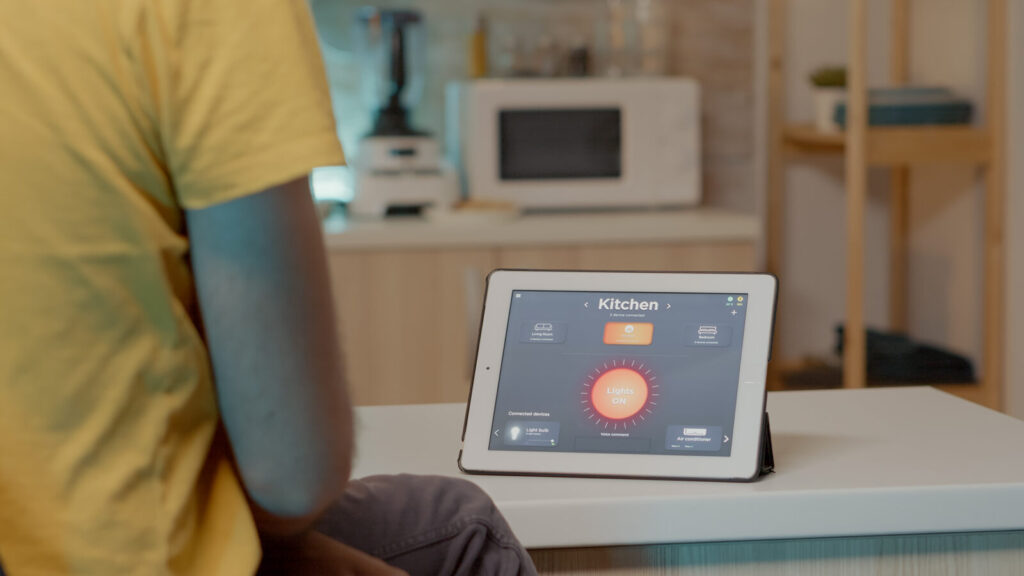
Multi-Admin lets multiple controllers manage the same device simultaneously without re-pairing. You add a light to Google Home, then share it to Apple HomeKit, and both apps can control it independently. No bridge, no workaround. This is the single biggest structural change Matter brings to the consumer market.
The caveat: state synchronization between controllers can lag. If you turn a light off in one app, the other app may take a few seconds to reflect that. Firmware quality and platform implementation both affect how noticeable this is.
Pro Tip
After commissioning a device to your primary controller, immediately add it to any secondary controllers you want. Doing it at setup is faster and avoids re-commissioning later.
What does “Matter-certified” actually guarantee?
Certification enforces a specific set of things and deliberately leaves others to manufacturers. Understanding the line between the two saves you from disappointed expectations.
What certification does guarantee:
- The device implements the correct Matter clusters for its device type (a lock must support the Door Lock cluster, for example).
- Commissioning follows the secure, standardized flow.
- The Matter logo is only on the box because the CSA verified compliance.
What certification does not guarantee:
- Feature parity across every controller app. A smart lock may support auto-lock scheduling in its own app but expose only basic lock/unlock commands to Google Home or Apple HomeKit.
- Identical automation depth across ecosystems.
- Cloud-free operation for every feature (some advanced features still phone home through the manufacturer’s servers).
Wired’s reporting on Matter makes this plain: basic commands are standardized, but manufacturer apps routinely expose capabilities that don’t map identically across every ecosystem. Buying a certified device guarantees a baseline, not a ceiling.
Certification data and attestation records for every Matter-certified product are published on the CSA’s Distributed Compliance Ledger (DCL)) — a public, searchable database.
Before you buy, check the product page for:
- The Matter logo (not just “works with Matter” marketing copy).
- Transport type (Thread or Wi-Fi) and whether a border router or specific controller is required.
- Explicit mention of Multi-Admin support.
- Manufacturer notes about which features are available in third-party apps vs. the native app only.
Do Matter devices require a hub?
The short answer: not always, but something has to play the role of controller, and Thread devices always need a border router.

A Matter controller is any app or device that can commission and control Matter endpoints. Google Home, Apple Home, and Amazon Alexa all qualify. The controller lives on a phone, smart speaker, or smart display — not in a separate hub box you have to buy. If you already own a recent Google Nest Hub, Apple HomePod mini, or Amazon Echo, you likely have a controller and possibly a Thread Border Router already running in your home.
Google, Apple, and Amazon devices — including Nest speakers, HomePods, and Echo devices — act as both Matter controllers and Thread Border Routers in most recent hardware generations. Check the manufacturer’s spec page to confirm border router support for your specific model.
When you still need a dedicated hub or bridge:
- You have Zigbee or Z-Wave devices you want to keep. A hub that supports Matter bridging exposes those devices as Matter endpoints to your controllers.
- Your router or ISP gateway blocks multicast traffic, which Matter relies on for device discovery. Some routers need IGMP snooping enabled or multicast isolation disabled.
- You want advanced automations that go beyond what a single controller app supports natively.
A few operational details that trip people up: Matter requires a dual-band router (2.4 GHz and 5 GHz), and your controller device needs to be on the same network segment as the Matter devices during commissioning. Firmware on both the controller device and the Matter device should be current before you start.
Matter’s local-first design means most commands never leave your home network — but the router and border router configuration still determine whether that local path actually works.
How to set up Matter devices in a typical U.S. home
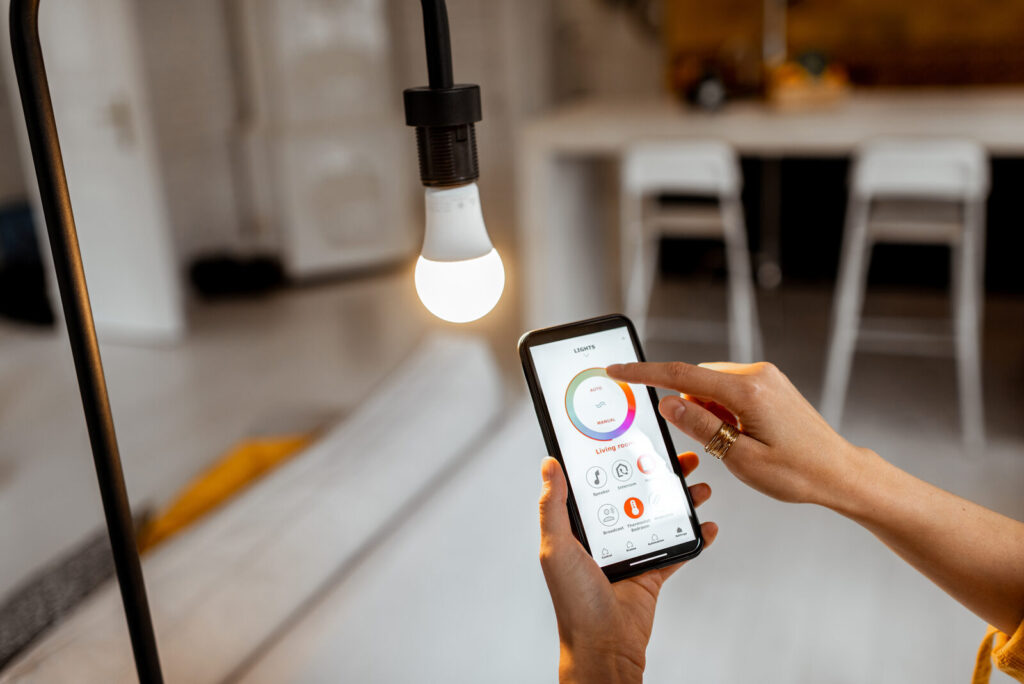
Pre-setup checklist
- Update firmware on your router, smart speakers, and any existing hub.
- Open your controller app (Google Home, Apple Home, or Alexa) and confirm it shows a Thread Border Router if you plan to use Thread devices.
- Confirm your Wi-Fi network is stable and your router allows multicast traffic.
Commissioning step by step
- Power on the Matter device and put it in pairing mode (usually a button hold or factory reset on first use).
- Open your controller app and select “Add device” or the equivalent.
- Scan the QR code on the device or its packaging, or enter the 11-digit numeric setup code manually.
- Follow the prompts. The app exchanges credentials with the device over BLE or Wi-Fi, then moves it onto your home network.
- Name and assign the device to a room in the app.
- Add to secondary controllers if you want Multi-Admin. Open the second controller app, select “Add device,” and scan the same QR code again (or use the setup code). The device issues a second set of operational credentials without losing the first.
Post-setup verification
- Test a basic command (on/off, brightness) from each controller app.
- Check state sync: change state in one app and watch whether the other app updates within a few seconds.
- Confirm local control by disabling your internet connection briefly and testing commands. If they still work, local operation is functioning.
- For advanced features (schedules, scenes, energy reporting), open the manufacturer’s native app and verify what’s available there versus the third-party controller.
Pro Tip
If a device fails to commission, try a factory reset on the device and restart the controller app. Most commissioning failures trace back to stale pairing state, not a hardware fault.
How to bring Zigbee, Z-Wave, and legacy devices into Matter
Ripping out a working Zigbee network to replace it with Matter devices is almost never the right call. The smarter move is bridging.
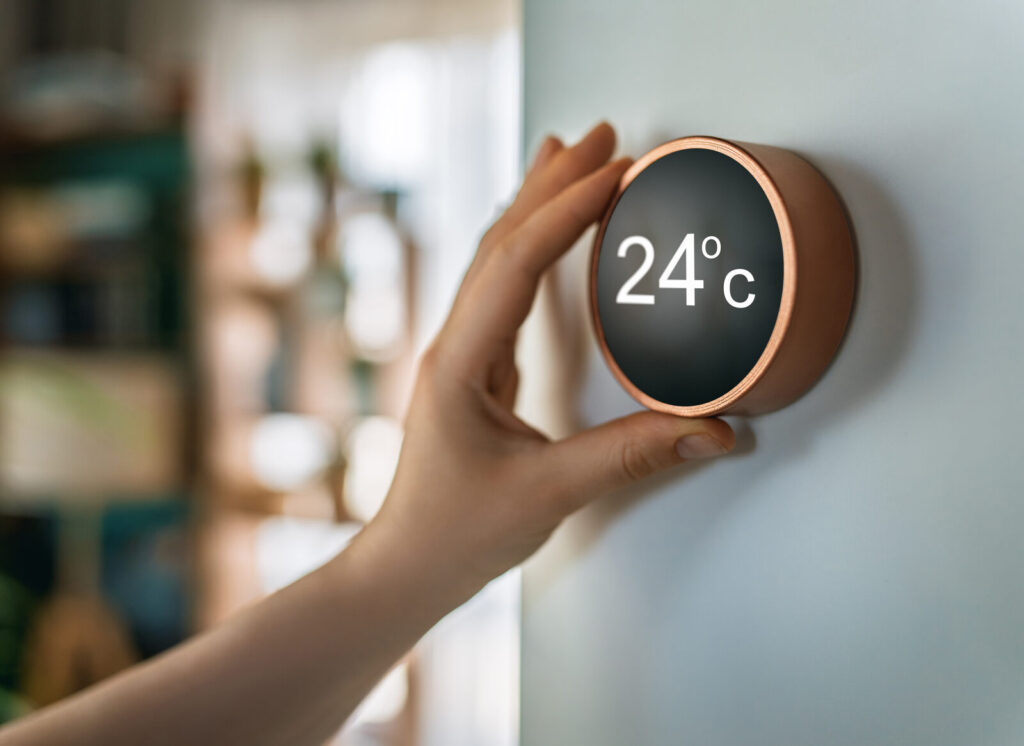
The bridge approach leaves your existing Zigbee or Z-Wave mesh in place. A hub that supports Matter bridging exposes selected devices as Matter endpoints to your controllers, so your Google Home or Apple Home app sees them alongside native Matter devices. You get cross-platform control without buying new hardware for every sensor.
Translation limits to know:
- Basic clusters (on/off, brightness, temperature) translate cleanly.
- Manufacturer-specific features (custom sensor reporting intervals, proprietary scenes) often don’t map to any Matter cluster and stay invisible to the Matter controller.
- Some Zigbee device types (certain energy monitors, complex multi-endpoint sensors) may appear with reduced functionality through a bridge.
Three migration strategies:
- Conservative: Keep the legacy mesh entirely. Add a bridge-capable hub and expose only the devices you want in your primary controller app. Buy Matter-native devices for any new additions.
- Hybrid: Bridge key devices (lights, locks, thermostats) into Matter for cross-platform control. Leave sensors on Zigbee where cost and battery life favor it.
- Greenfield: New rooms or new construction get Matter-native devices from the start. Legacy rooms stay on Zigbee until devices reach end of life.
Industry analysts consistently recommend the conservative or hybrid approach: use Matter for future purchases and bridge existing infrastructure for stability.
Pro Tip
Before buying a hub for bridging, confirm the specific firmware version that enables Matter bridging — not all hub models support it, and some require a paid tier or beta enrollment.
A full replacement is justified when a hub reaches end-of-life with no security updates, or when a critical device type (a lock or alarm sensor) loses manufacturer support and can no longer be reliably bridged.

What to prioritize when buying smart-home gear today
The device catalog for Matter is growing but still thinner in some sensor categories compared with Zigbee. That gap shapes the buying decision.
Buy Matter-certified when:
- You want cross-platform flexibility now or in the future.
- The device is always-on (plug, switch, thermostat, doorbell) and Wi-Fi power draw isn’t a concern.
- You’re starting fresh with no existing mesh to preserve.
- The manufacturer explicitly documents Multi-Admin support and third-party feature availability.
Stick with Zigbee (or bridge existing gear) when:
- You need a large number of battery-powered sensors and per-unit cost matters.
- Your existing Zigbee fleet is stable and supported.
- The Matter equivalent of a specific sensor type isn’t available yet or costs significantly more.
On-product checks before you buy:
- Matter logo on packaging (not just “compatible with” language).
- Transport type listed (Thread or Wi-Fi) and whether a border router is required.
- Firmware update policy: how long does the manufacturer commit to updates?
- Multi-Admin explicitly mentioned, not implied.
- Third-party app feature notes in the product description or support docs.
For sensor-heavy installs, Zigbee remains cost-competitive. A 20-sensor Zigbee deployment can cost half what the equivalent Matter-over-Thread setup would, and the battery life on established Zigbee sensors is often better than early-generation Thread devices.
Where Matter helps, where it falls short, and the 2026 adoption context
Matter’s momentum is real. The certified device catalog has expanded across light bulbs, plugs, switches, locks, thermostats, and window coverings. Platform support from Google, Apple, and Amazon is mature enough that basic interoperability works reliably for most consumers.
The gaps are real too. Some sensor categories — particularly complex environmental sensors and certain energy monitors — have thin Matter coverage. Advanced automation depth still varies by platform. And the synchronization quirks in Multi-Admin setups are a genuine friction point for households that use more than one controller app daily.
| Category | Matter over Thread | Matter over Wi-Fi | Zigbee |
|---|---|---|---|
| Power draw | Very low (mesh sleep) | Higher (always-on radio) | Very low |
| Setup complexity | Moderate (border router needed) | Low | Moderate (coordinator hub needed) |
| Cross-platform control | Yes (Multi-Admin) | Yes (Multi-Admin) | No (hub-dependent) |
| Sensor catalog depth | Growing | Growing | Extensive |
| Per-device cost | Moderate to high | Moderate | Low |
| Local operation | Yes | Yes | Yes (hub-local) |
The practical tradeoff is straightforward: Thread is the right transport for battery sensors once the ecosystem matures further; Wi-Fi Matter devices are ready now for always-on use cases; Zigbee remains the cost leader for sensor-dense deployments.
Common misconceptions and practical limitations
Myth: Matter means plug-and-play across every app.
Fact: Basic commands are standardized. Advanced features — energy usage history, custom schedules, manufacturer-specific scenes — may only appear in the device maker’s own app. Wired’s coverage is direct on this: certified does not mean identical experiences across ecosystems.
Myth: Matter is a radio protocol.
Fact: Matter is an application layer. It defines what devices say, not how the signal travels. Thread, Wi-Fi, and Ethernet are the radios. Buying a Matter device doesn’t eliminate the need for a Thread Border Router if that device uses Thread.
Myth: Multi-Admin means instant state sync.
Fact: State synchronization can lag between controllers. Firmware quality and platform implementation both affect how quickly one app reflects a change made in another. For most households this is a minor annoyance; for automations that chain commands across controllers, it can cause real problems.
On privacy and security:
Matter’s local-first design is a genuine privacy improvement over cloud-dependent systems. Commissioning uses cryptographic attestation, and basic commands stay on the LAN. That said, the hub or controller device you use still determines how much cloud traffic your setup generates. A Google Home or Amazon Alexa controller sends voice commands and some state data to the cloud regardless of Matter’s local operation. If full local control matters to you, choose a controller platform that supports it explicitly.
Matter’s secure commissioning model means devices can’t be added to a network without explicit user action and cryptographic verification — a meaningful step up from the shared-key or open-pairing models common in older smart-home protocols.
Pro Tip
If privacy is a priority, check whether your controller platform supports local-only processing. Some platforms allow you to disable cloud sync for Matter devices while retaining local control.
Key Takeaways
Matter is best understood as a compatibility layer: it standardizes the language devices speak, not the radio they use, and Multi-Admin is the feature that delivers the most immediate, practical value for U.S. consumers.
| Point | Details |
|---|---|
| Matter is application-layer only | It runs over Wi-Fi, Thread, or Ethernet; the transport determines power and mesh behavior. |
| Thread devices need a border router | Many smart speakers and displays already include one — check your existing hardware first. |
| Certification guarantees a baseline | Basic commands are standardized; advanced features may only appear in the manufacturer’s own app. |
| Bridge, don’t replace, Zigbee gear | Hubs that support Matter bridging expose existing devices as Matter endpoints without new hardware. |
| True-tech covers Matter devices | True-tech’s buying guides and hands-on reviews help you verify certification and feature parity before you buy. |
The compatibility promise is real, but read the fine print
Matter is the most significant structural improvement the smart-home industry has made in a decade. The ability to buy a certified device and add it to Google Home, Apple HomeKit, and Amazon Alexa without re-pairing is genuinely useful, and it’s working in practice for the most common device types.
What I’d push back on is the framing that Matter “solves” smart-home fragmentation. It reduces it. The fragmentation that remains is subtler: it lives in the gap between what a device does in its own app and what it exposes to third-party controllers. That gap is real, it varies by manufacturer, and it’s not going away soon. The CSA’s certification process doesn’t police feature parity beyond the core cluster set, and manufacturers have every incentive to keep their best features exclusive to their own apps.
The practical implication: for basic control and cross-platform convenience, Matter delivers. For power users who want deep automation, full feature access, and tight state synchronization across multiple controllers, the experience still depends heavily on which platform you treat as primary. Pick one controller as your automation engine and use the others for convenience. That’s not a failure of Matter — it’s just how the standard is designed.
For anyone building a new setup in 2026, the conservative path is clear: buy Matter-certified for new devices, bridge existing Zigbee gear, and let the catalog mature before committing to Thread sensors at scale. The standard is moving in the right direction. It’s just not finished yet.
TrueTech’s smart-home coverage keeps you ahead of the curve
True-tech publishes hands-on reviews, buying guides, and technical breakdowns of Matter-certified devices as they hit the U.S. market. When a new smart lock, thermostat, or sensor claims Matter compatibility, the editorial team digs into what that actually means: which features work in Google Home versus Apple HomeKit, whether Thread border router requirements are clearly documented, and how Multi-Admin performs across controllers in real-world conditions.
If you’re deciding between specific devices or trying to figure out whether a hub supports Matter bridging for your existing Zigbee setup, True-tech’s device reviews and buying guides give you the detail that product pages leave out. Browse the latest coverage to find verified, platform-specific guidance before you spend.
Useful sources and where to verify claims
The sources below are the authoritative references for Matter certification, technical specifications, and platform support. Use them to verify any claim before making a purchase decision.
The CSA’s Distributed Compliance Ledger is the only authoritative source for Matter certification status. If a product isn’t listed there, the Matter logo on its box is unverified.
Official and primary sources:
- Connectivity Standards Alliance — Matter: The governing body’s official Matter page, including certification requirements and the product directory.
- CSA Developer Resources and Specifications: Full Matter specification download for technical verification.
- Thread Group: Official Thread protocol documentation, border router requirements, and certified product lists.
- Wi-Fi Alliance: Wi-Fi certification and interoperability standards relevant to Matter over Wi-Fi.
- Google Home — Matter and Thread Border Router support: Platform-specific guidance on which Google devices act as controllers and border routers.
How to use these sources:
Search the CSA product directory by brand or model number to confirm certification status before buying. Cross-reference the Thread Group’s certified product list if you’re buying Thread-specific hardware. For platform-specific feature support, go directly to Google, Apple, and Amazon’s developer or support documentation — third-party summaries go out of date faster than the primary sources do.
| Point | Details |
|---|---|
| CSA Distributed Compliance Ledger | Search by model to confirm a device’s Matter certification before purchase. |
| Thread Group product list | Verify Thread Border Router certification for hubs and smart speakers. |
| Platform developer docs | Check Google, Apple, and Amazon portals for current controller and border router support. |
| Matter specification | Available from CSA for technical verification of cluster and commissioning requirements. |
| True-tech buying guides | Hands-on reviews at True-tech cross-reference certification claims against real-world performance. |
Keep up with the tech that actually matters.
Add us as a preferred source on Google Search for quicker access to our coverage.