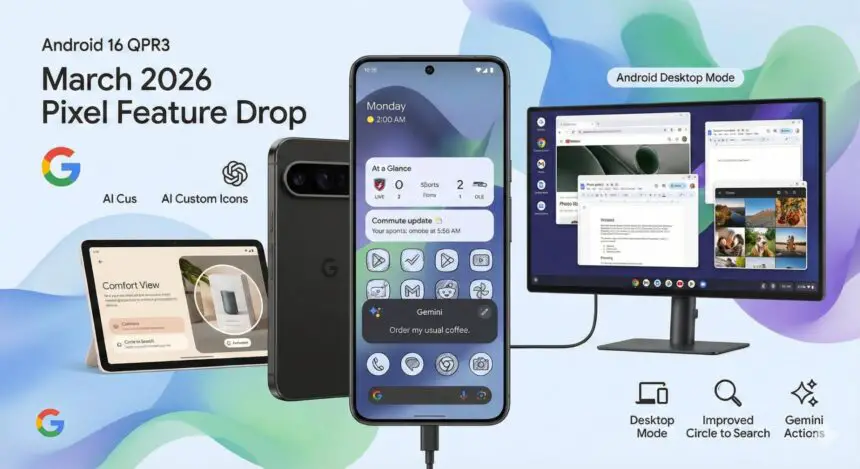
- Android 16 QPR3 introduces connected display support, allowing supported Android devices to launch a desktop-style environment when connected to external monitors.
- The feature includes taskbar integration, free-form windowing, and extended display support.
- Connected display support is rolling out to Pixel 8 and newer devices as part of the March 2026 Pixel Drop, along with the latest Android security patch.
Google has begun rolling out the Android 16 QPR3 update, and it has finally brought connected display support as a general availability feature. The update comes as a major upgrade in how Android devices interact with external monitors. It allows supported smartphones and tablets to launch a desktop-style environment when connected to a larger screen.
The feature was first demonstrated during Google I/O 2025, where Google showcased its vision for transforming Android devices into more versatile productivity tools. With the latest release, the capability is now becoming available to users through the March 2026 Pixel Drop, starting with Pixel 8 and newer devices.
A desktop experience powered by Android
Connected display support creates a desktop-like workspace when a compatible Android device is connected to an external monitor. Instead of simply mirroring the phone’s screen, the device launches a dedicated desktop session designed for multitasking and productivity.
Google developed the feature in collaboration with Samsung, combining their expertise in large-screen Android experiences. Once activated, users can interact with apps using a keyboard and mouse, making the interface feel closer to a traditional desktop environment.
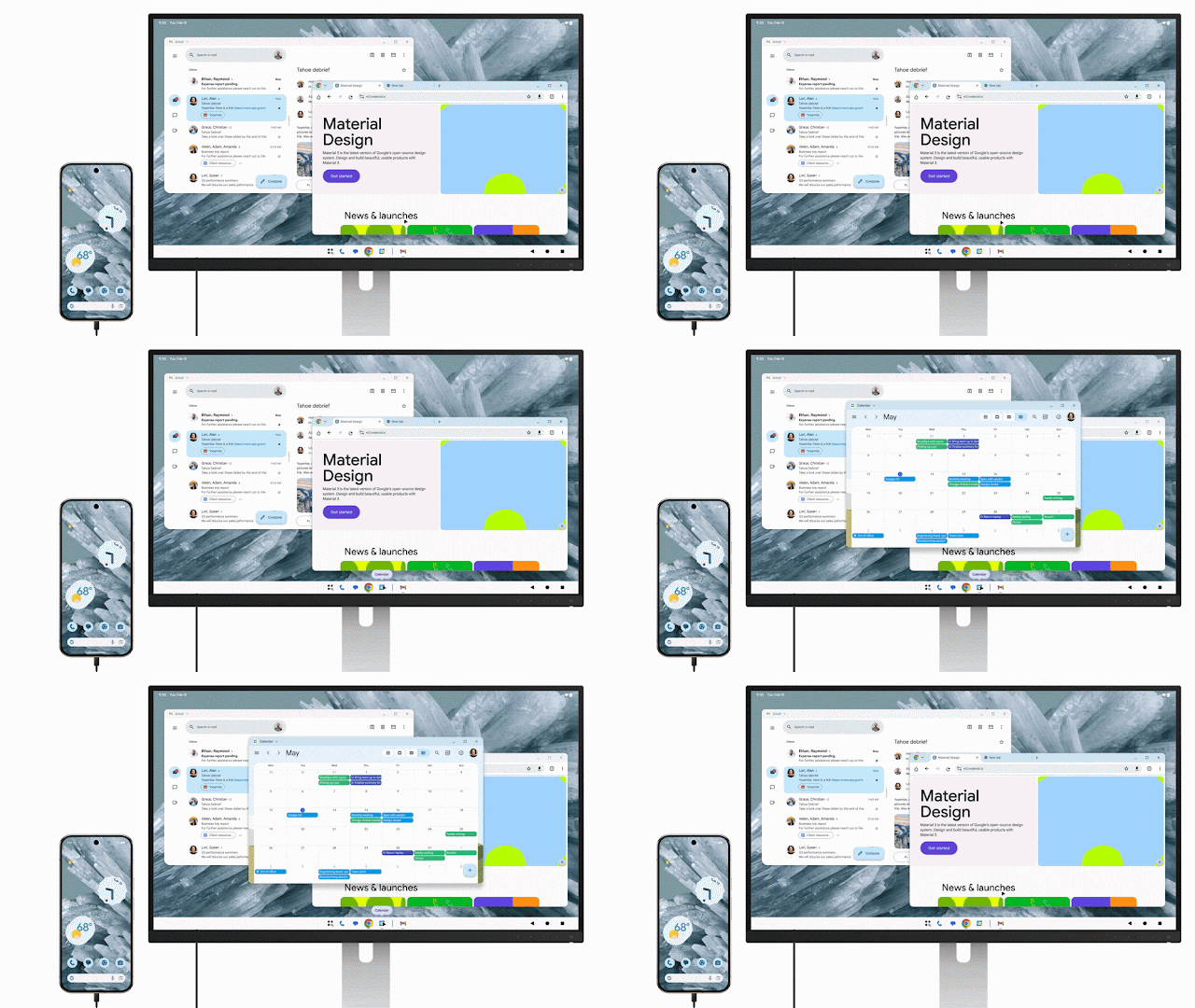
Key features of the connected display mode
The Android 16 QPR3 release winds up several core elements of this desktop-style interface, making it more practical for everyday use.
Taskbar integration
A taskbar appears on the external display, showing active apps and giving users quick access to pinned applications. This layout helps users switch between tasks more easily, similar to desktop operating systems.
Free-form windowing
Users can open multiple apps at once in freely resizable windows. Apps can be placed side by side, resized, or maximized, enabling a smoother multitasking workflow.
Extended display support
On devices that already support desktop windowing, such as productivity-focused tablets like the Samsung Galaxy Tab S11, the experience extends across both the device screen and the external monitor. In this setup, the two displays function as a unified workspace, allowing the cursor and app windows to move seamlessly between screens.
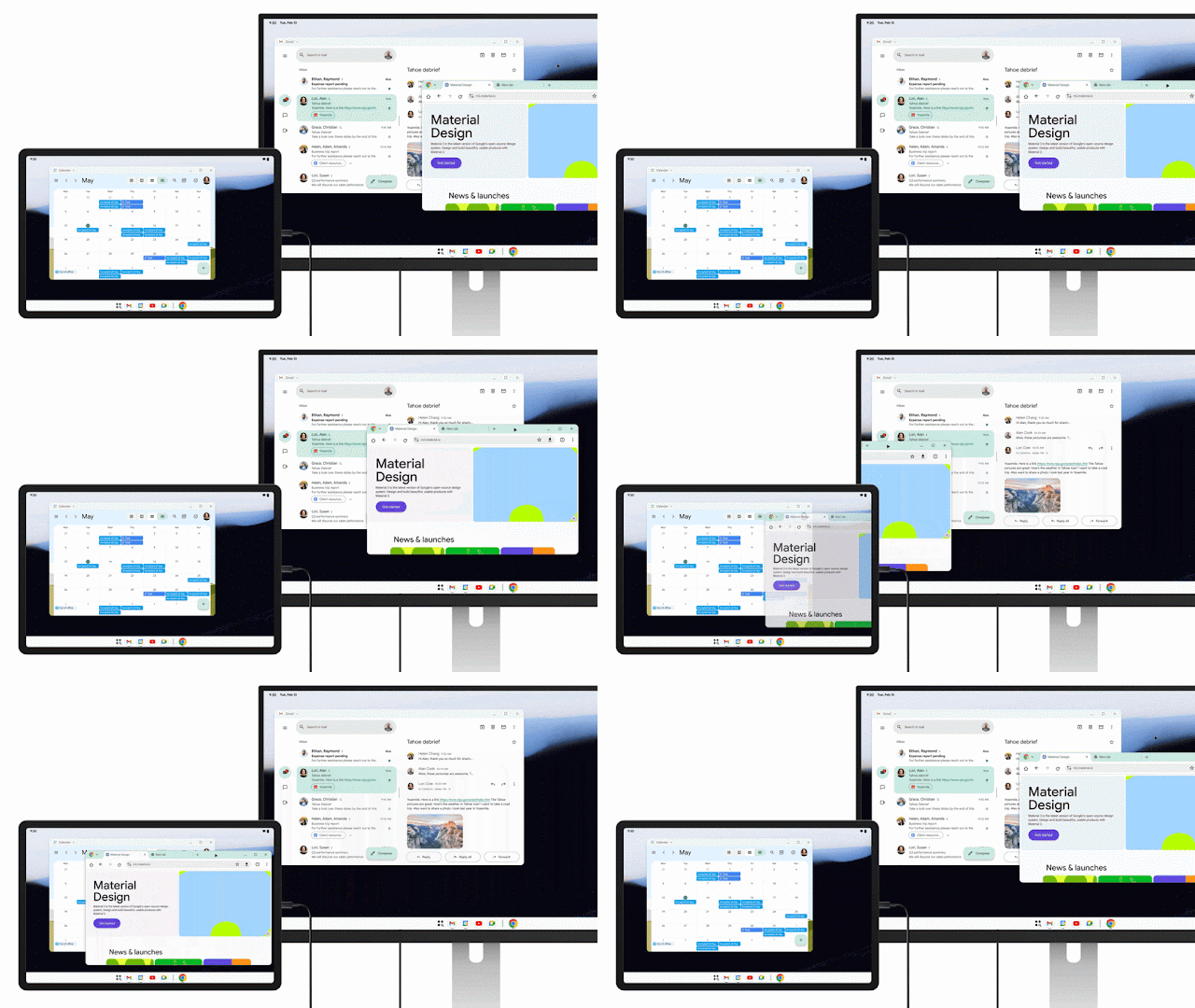
Improvements to window management and input support
Android 16 QPR3 also refines several technical aspects of the connected display experience. Google has finalized how taskbars behave, improved mouse and keyboard compatibility, and optimized the way application windows operate across displays.
The update also introduces compatibility treatments to ensure apps scale correctly when used on larger screens. These adjustments help prevent apps from restarting when users move them between the phone and an external monitor, creating a smoother and more consistent experience.
What it means for app developers
Apps designed with adaptive layouts will automatically adjust to the desktop interface without additional work. These apps can easily adapt to larger screens and windowed environments.
However, apps built exclusively for portrait orientation or touch-only interaction may not perform as well in the new desktop environment. Developers may need to update those apps to ensure they work properly with mouse input and flexible window sizes.
Availability and rollout
The Android 16 QPR3 update is currently rolling out to Pixel 8 and newer devices as part of Google’s March 2026 Pixel Drop. Along with connected display support, the update also includes the March 2026 Android security patch.
As more apps adopt adaptive design and more devices support the feature, connected display capabilities could become an increasingly important part of Android’s productivity ecosystem.