- Android notification rules let you decide exactly which alerts matter by setting simple conditions based on apps and specific contacts
- New actions like Silence and Bundle, Highlight, and Block give you more control instead of just turning notifications on or off
- The feature is being tested in Android 17 and may roll out widely across brands, not just limited to Pixel devices
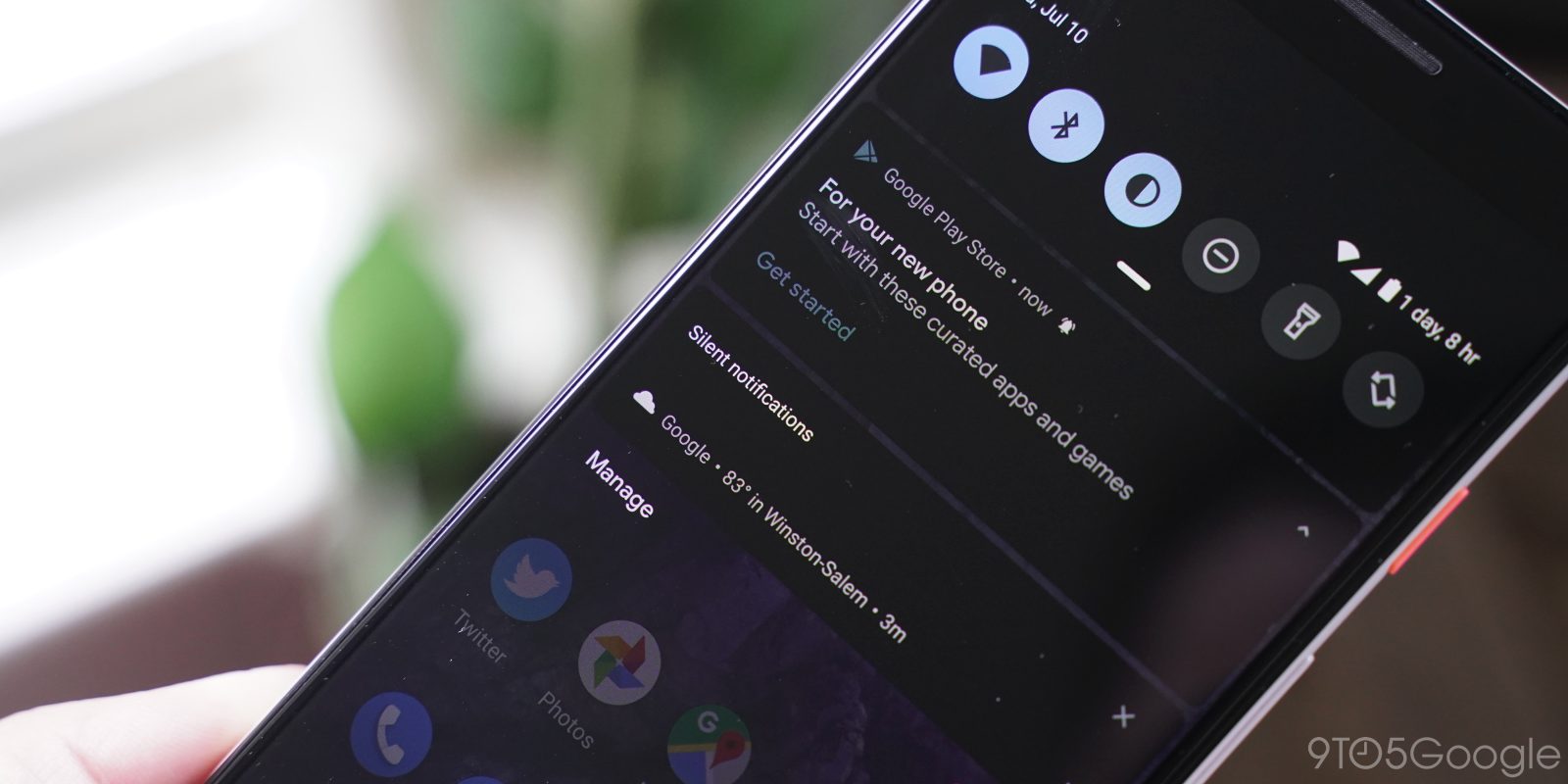
Android already does a good job with notifications, honestly, better than most systems. But even then, it can get annoying. Too many alerts, random app pings, and constant, often useless updates.
Now, with Android notification rules, Google seems to be trying to fix that in a more practical way. This feature was spotted inside the Android 17 Beta 3 code, so it’s not officially confirmed yet, but the idea looks promising.
Right now, Android offers features like notification channels and cooldown. They help, but they’re not enough if you want full control. That’s where notification rules come in. They feel like a smarter layer on top of existing settings.
Android notification rules add more control
Instead of basic toggles, you can set simple conditions, almost like small bits of logic. Nothing too complex, but genuinely useful.
For example, you could say:
- Only alert me if a specific person messages
- Keep everything silent except work apps
This kind of control was missing before. Now, it feels more personal rather than just general system settings.
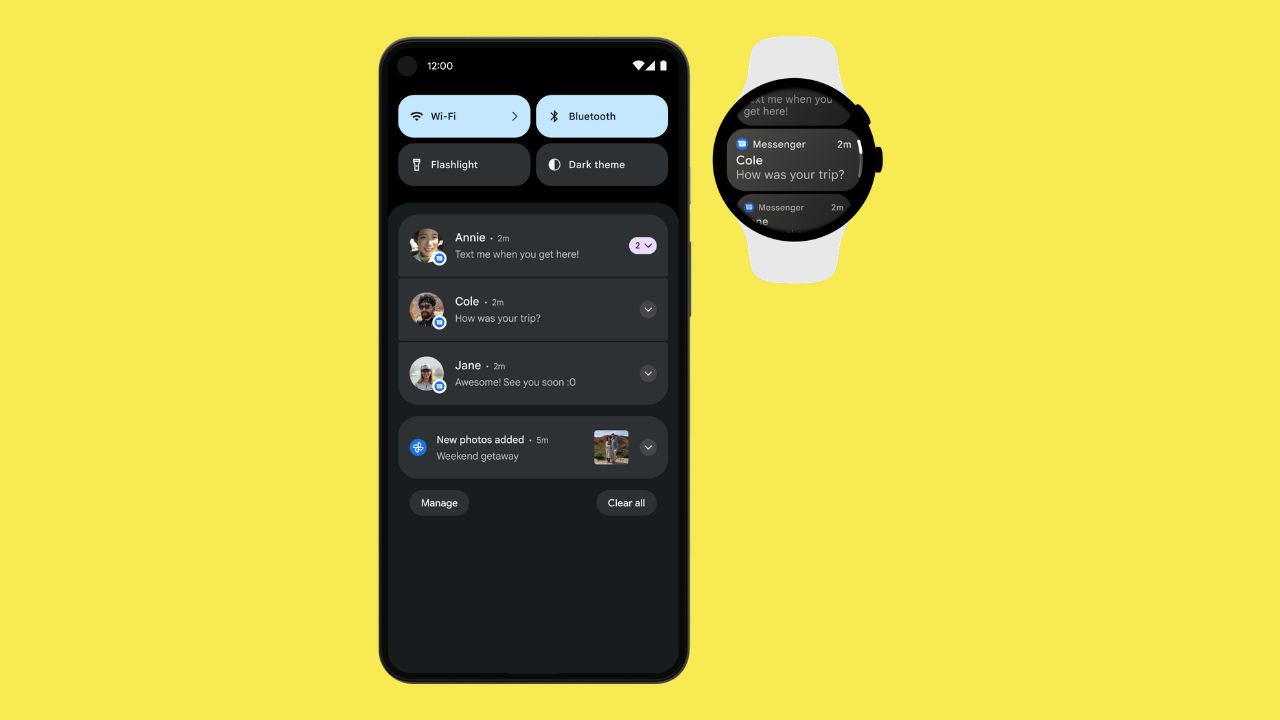

What happens after a rule is applied
The interesting part isn’t just filtering notifications; it’s what happens after a rule is applied. Google appears to be testing a few actions here.
- Silence and Bundle will keep the phone quiet and group notifications together so you can check them later without any disturbance.
- A Highlight option seems to act like a priority marker. Important alerts could stand out visually, making them easier to notice.
- Then there’s Block, which is the simplest of all. It completely stops the notification—no sound, no popup, nothing.
This also means you could block spammy alerts from an app while still allowing important ones from the same app if needed. That level of control is actually very useful.
Still in testing, but expanding beyond Pixel
Right now, all of this is still under testing in Android 17, with nothing officially confirmed. However, similar feature traces have also been spotted in Samsung’s One UI 9 internal builds. That usually suggests it won’t be limited to Pixel devices.
So, there’s a good chance this could become part of core Android, eventually rolling out to more brands, possibly later this year.
Overall, this isn’t a flashy feature, but it’s a practical one. Notification rules focus on real problems: too many alerts, limited control, and the risk of missing important updates. If Google gets this right, it could quietly become one of the most useful additions in Android 17. Not perfect, maybe—but definitely needed.
Keep up with the tech that actually matters.
Add us as a preferred source on Google Search for quicker access to our coverage.