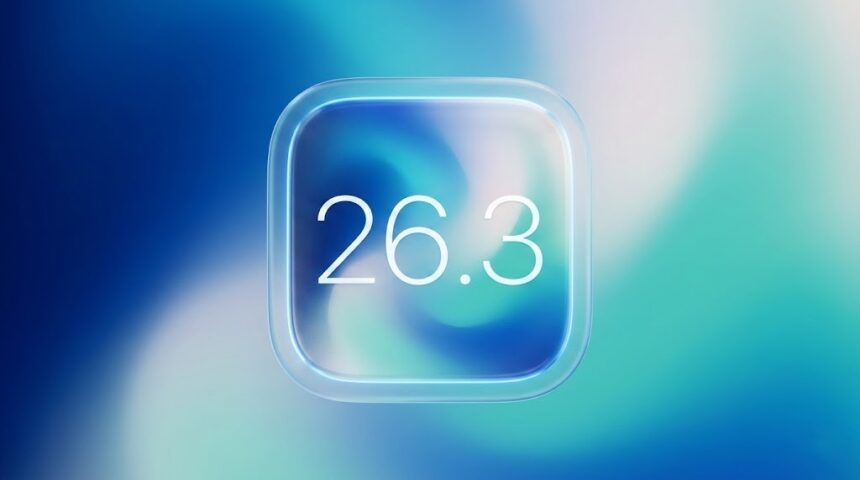
Apple adds native iPhone-to-Android data transfer in iOS 26.3 and iPadOS 26.3

Jeeva Shanmugam
4 Min Read
Highlights
  • Apple releases iOS 26.3 with a critical zero-day security patch that protects iPhones from real-world attacks already targeting users.
  • A new built-in data migration tool now lets users move photos, messages, contacts, passwords, and apps from iPhone to Android without needing third-party apps.
  • Updated privacy controls on supported devices reduce how precisely mobile carriers can track user location, showing only general area instead of exact position.

Apple has rolled out iOS 26.3 and iPadOS 26.3, and this update goes beyond routine performance tweaks. The latest release focuses on security, privacy improvements, and giving users more control over their data, including a new built-in option to transfer information from iPhone to Android.

According to Apple’s official release notes and security documentation, the update addresses actively exploited vulnerabilities and adds practical tools that may improve user flexibility.

Critical security fixes address active threats

Security is the most important reason to install iOS 26.3. Apple confirmed in its security advisory that the update patches multiple system vulnerabilities. Notably, at least one of these flaws had already been exploited in real-world attacks. When Apple states a vulnerability is “actively exploited in the wild,” it means attackers were targeting devices before the patch became available.

While Apple does not typically disclose detailed technical information immediately to prevent further misuse, such vulnerabilities often involve system-level permissions, memory handling issues, or browser engine flaws.

Installing the update significantly reduces the risk of unauthorized access or data compromise. Apple recommends that all eligible users update their devices immediately.

Built-in iPhone-to-Android data transfer tool

One of the more surprising additions in iOS 26.3 is a native data transfer option that allows users to move files directly from an iPhone to an Android device.
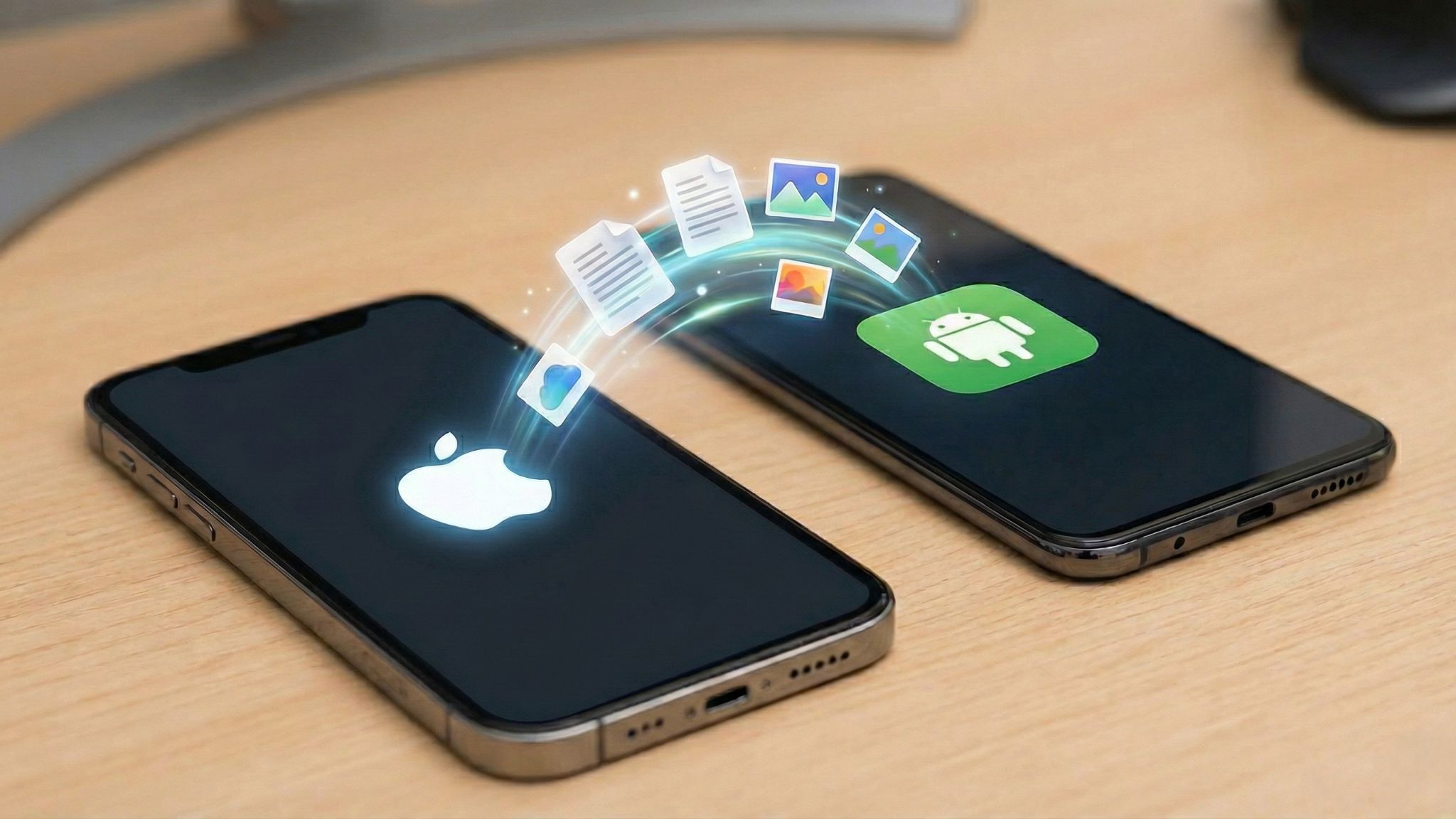
iPhone to Android data transfer gets easier with iOS 26.3 beta 1 on iPhone
Representational image generated using AI by Aditya Rasik for TrueTech

Previously, switching platforms often required third-party apps or manual data exports. With this update, Apple includes its own transfer system, supporting key data such as:

  • Photos and videos
  • Contacts
  • Notes
  • Messages
  • Passwords
  • Installed apps (where compatible across platforms)

While Apple has not described this as an ecosystem update, the move indicates expanding regulatory requirements, particularly in the European Union. However, the company has made the feature available globally, allowing users worldwide to access it.

New carrier location privacy controls

iOS 26.3 also includes new settings designed to limit how precisely mobile carriers can access a user’s location data.

Under the updated system, supported devices can share only a generalized area rather than exact coordinates. This feature is hardware-dependent and currently works on newer models equipped with Apple’s C1 or C1X modem hardware, including:

  • iPhone 16e
  • iPhone Air models with C1 or C1X modem

Carrier support is currently limited to:

  • Boost Mobile (United States)
  • EE (United Kingdom)
  • BT (United Kingdom)
  • Telekom (Germany)

Apple has not announced when additional carriers may join the program.

iOS 26.3 and iPadOS 26.3 global availability

iOS 26.3 and iPadOS 26.3 are available worldwide for compatible devices. Users can install the update by navigating to:

Settings > General > Software Update

Apple advises backing up devices before installing any major update.

Editor’s remarks

While iOS 26.3 does not carry out major design changes, it delivers significant improvements. The package of actively exploited security patches, enhanced carrier location privacy, and a built-in Android transfer tool shows Apple’s constant dedication on user protection and control.

For users concerned about mobile security, data privacy, or long-term flexibility between platforms, this update represents an important step. It may not be a headline-grabbing redesign, but iOS 26.3 is a practical and security-driven release that addresses real risks while expanding user choice.

Share This Article
Making spicy content on the Internet!
Highlights
  • Apple releases iOS 26.3 with a critical zero-day security patch that protects iPhones from real-world attacks already targeting users.
  • A new built-in data migration tool now lets users move photos, messages, contacts, passwords, and apps from iPhone to Android without needing third-party apps.
  • Updated privacy controls on supported devices reduce how precisely mobile carriers can track user location, showing only general area instead of exact position.

Apple has rolled out iOS 26.3 and iPadOS 26.3, and this update goes beyond routine performance tweaks. The latest release focuses on security, privacy improvements, and giving users more control over their data, including a new built-in option to transfer information from iPhone to Android.

According to Apple’s official release notes and security documentation, the update addresses actively exploited vulnerabilities and adds practical tools that may improve user flexibility.

Critical security fixes address active threats

Security is the most important reason to install iOS 26.3. Apple confirmed in its security advisory that the update patches multiple system vulnerabilities. Notably, at least one of these flaws had already been exploited in real-world attacks. When Apple states a vulnerability is “actively exploited in the wild,” it means attackers were targeting devices before the patch became available.

While Apple does not typically disclose detailed technical information immediately to prevent further misuse, such vulnerabilities often involve system-level permissions, memory handling issues, or browser engine flaws.

Installing the update significantly reduces the risk of unauthorized access or data compromise. Apple recommends that all eligible users update their devices immediately.

Built-in iPhone-to-Android data transfer tool

One of the more surprising additions in iOS 26.3 is a native data transfer option that allows users to move files directly from an iPhone to an Android device.

iPhone to Android data transfer gets easier with iOS 26.3 beta 1 on iPhone
Representational image generated using AI by Aditya Rasik for TrueTech

Previously, switching platforms often required third-party apps or manual data exports. With this update, Apple includes its own transfer system, supporting key data such as:

  • Photos and videos
  • Contacts
  • Notes
  • Messages
  • Passwords
  • Installed apps (where compatible across platforms)

While Apple has not described this as an ecosystem update, the move indicates expanding regulatory requirements, particularly in the European Union. However, the company has made the feature available globally, allowing users worldwide to access it.

New carrier location privacy controls

iOS 26.3 also includes new settings designed to limit how precisely mobile carriers can access a user’s location data.

Under the updated system, supported devices can share only a generalized area rather than exact coordinates. This feature is hardware-dependent and currently works on newer models equipped with Apple’s C1 or C1X modem hardware, including:

  • iPhone 16e
  • iPhone Air models with C1 or C1X modem

Carrier support is currently limited to:

  • Boost Mobile (United States)
  • EE (United Kingdom)
  • BT (United Kingdom)
  • Telekom (Germany)

Apple has not announced when additional carriers may join the program.

iOS 26.3 and iPadOS 26.3 global availability

iOS 26.3 and iPadOS 26.3 are available worldwide for compatible devices. Users can install the update by navigating to:

Settings > General > Software Update

Apple advises backing up devices before installing any major update.

Editor’s remarks

While iOS 26.3 does not carry out major design changes, it delivers significant improvements. The package of actively exploited security patches, enhanced carrier location privacy, and a built-in Android transfer tool shows Apple’s constant dedication on user protection and control.

For users concerned about mobile security, data privacy, or long-term flexibility between platforms, this update represents an important step. It may not be a headline-grabbing redesign, but iOS 26.3 is a practical and security-driven release that addresses real risks while expanding user choice.
Share This Article
Making spicy content on the Internet!