Infinix announces XOS 16 with AI features and design updates

Akarsh Rasik
5 Min Read
Highlights
  • XOS 16 is based on Android 16 with a refreshed Glow Space design and improved personalization.
  • Built-in AI tools help with photo editing, writing, summaries, and theme creation.
  • Gaming upgrades include performance modes, frame smoothing, and Bypass Charging.

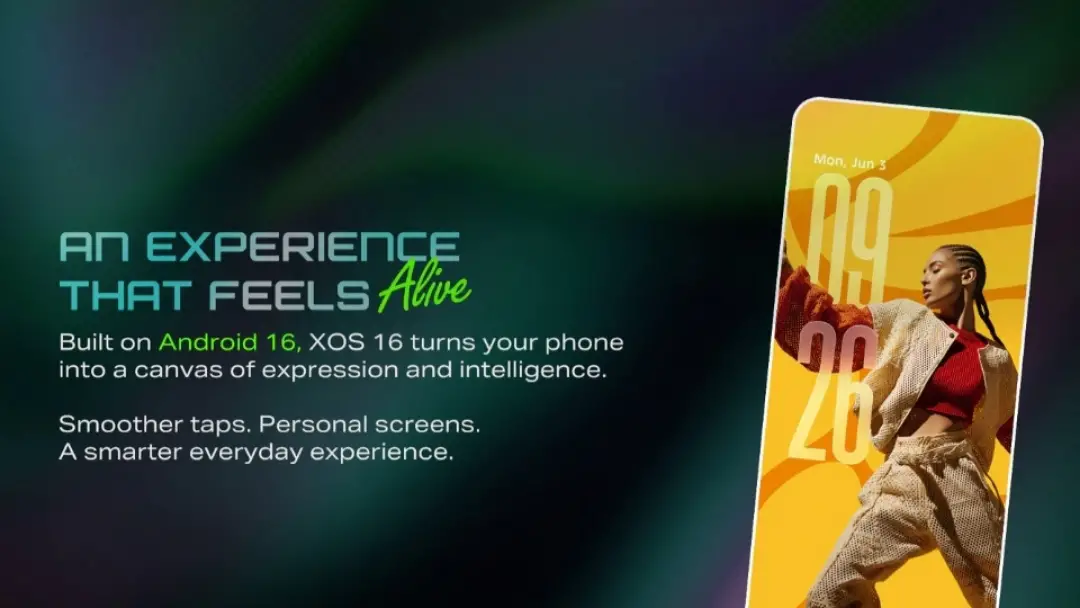
Infinix has officially announced its newest smartphone operating system, XOS 16, based on Android 16. The company says the update focuses on smoother performance, deeper personalization, and smarter everyday tools powered by artificial intelligence.

Refreshed design and personalization

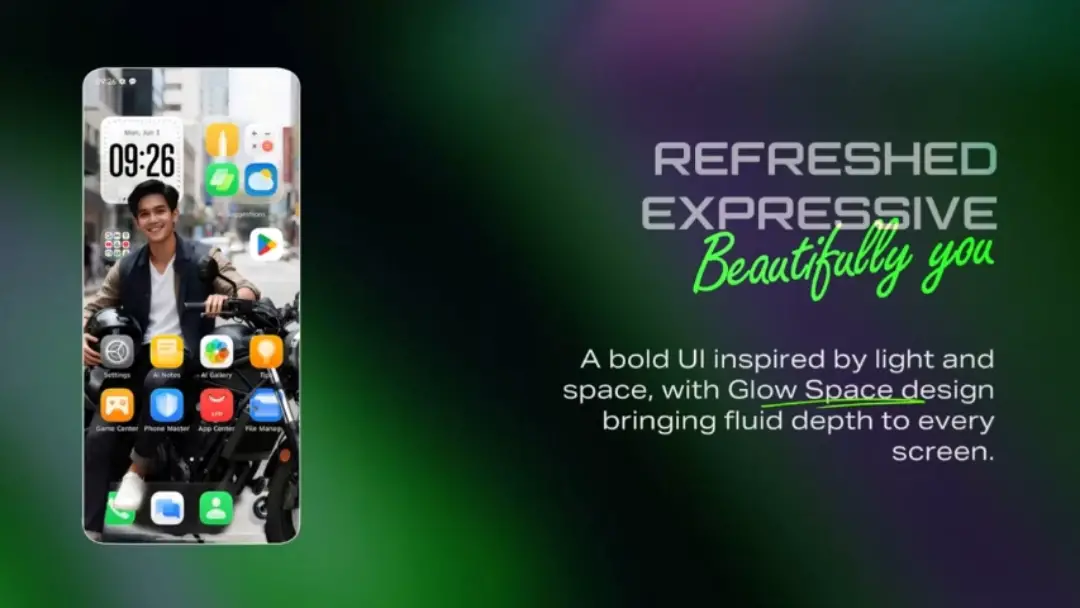
XOS 16 brings a redesigned interface built around what Infinix calls the Glow Space visual style. The update adds layered lighting effects and depth elements to make screens look more dynamic. System icons have also been redesigned to appear cleaner and more modern.

Infinix announces XOS 16 with AI features and design updates
Image Credits: Infinix

Moreover, personalization is a major part of the update. Users can create wallpapers and themes using AI tools that generate designs from text or images. The system can transform pictures into artistic styles such as anime or doodle looks, and it also supports AI portrait wallpapers.

A Depth Effect feature keeps the lock screen and home screen visually connected by applying depth-based visuals that move smoothly between the two.

AI tools for daily tasks

Artificial intelligence is integrated across the system to help with creativity and productivity. Users can edit images with built-in AI tools that remove objects, extend backgrounds, or apply blur effects. Photos can also be turned into stylized wallpapers.

On the productivity side, XOS 16 can capture on-screen content and automatically generate summaries, titles, and tags. It can save information, organize notes, and even help draft or refine written text. The system also suggests apps or actions based on usage habits.

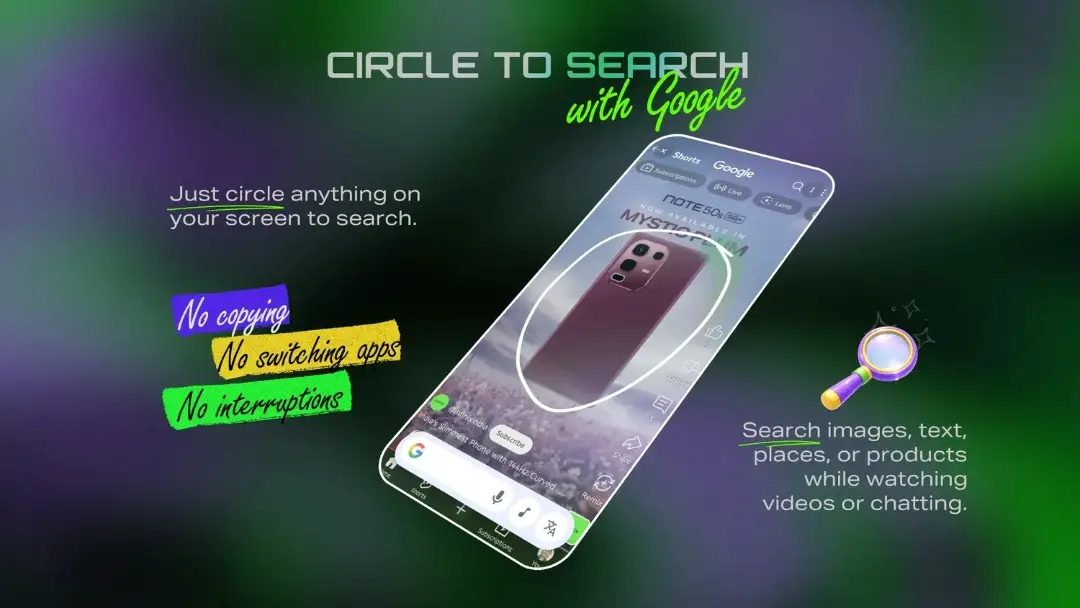
AI support extends to communication. The AI Call Assistant offers real-time call translation, automatic answering for selected numbers, and call summaries. Integration with Circle to Search with Google allows users to search content directly from their screen.

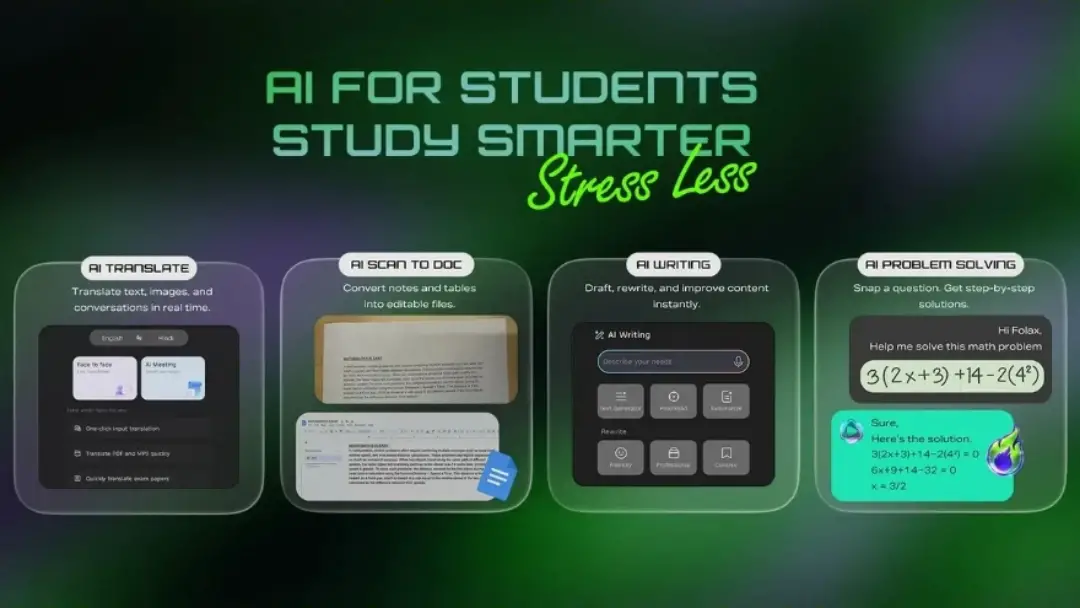
For students, the system includes tools for translation, document scanning, writing help, and problem solving. Media features such as YouTube video summaries and a battery-saving mode for streaming are also included.

Gaming and performance features

XOS 16 adds performance tools designed for mobile gaming. The system allows users to switch between different power modes depending on whether they want maximum performance or better battery life.

Visual smoothness is improved through frame interpolation, while Bypass Charging helps reduce heat during long gaming sessions by sending power directly to the system instead of the battery. The software can also block notifications and calls while gaming to avoid interruptions.

Voice controls, voice-changing effects, and a dedicated gaming interface are included to make gameplay more immersive.

Battery and device health

Battery management is another focus of the update. Bypass Charging also supports heavy tasks like streaming by controlling heat buildup. Infinix has added a Battery Self-Repair feature designed to slow battery wear over time and extend lifespan.

Connectivity and sharing

XOS 16 introduces new cross-device sharing tools. A feature called Touch Transfer allows users to send photos, including Live Photos, to iPhones using NFC without needing an internet connection. The system also supports capturing Live Photos within the camera.

Usability and smart utilities

Touch performance has been improved for real-world conditions, including better accuracy with wet screens or sweaty hands. A Motion Sickness Relief Mode has also been added to make screen viewing more comfortable during travel.

Other built-in utilities include floating app windows, split-screen multitasking, IR remote control support, and device tracking tools. Find My Device tracking can remain active even if the SIM card is removed, adding an extra layer of security.
XOS 16 release and availability

Infinix says XOS 16 will come pre-installed on upcoming smartphones. The update will roll out in phases to eligible existing devices, though the company has not yet shared the full list of supported models.

SOURCES:Infinix
Share This Article
Follow:
Writing about emerging gadgets and technology news, as well as keeping you updated on movie and music news, with a focus on all things K-pop.
Highlights
  • XOS 16 is based on Android 16 with a refreshed Glow Space design and improved personalization.
  • Built-in AI tools help with photo editing, writing, summaries, and theme creation.
  • Gaming upgrades include performance modes, frame smoothing, and Bypass Charging.

Infinix has officially announced its newest smartphone operating system, XOS 16, based on Android 16. The company says the update focuses on smoother performance, deeper personalization, and smarter everyday tools powered by artificial intelligence.

Refreshed design and personalization

XOS 16 brings a redesigned interface built around what Infinix calls the Glow Space visual style. The update adds layered lighting effects and depth elements to make screens look more dynamic. System icons have also been redesigned to appear cleaner and more modern.

Infinix announces XOS 16 with AI features and design updates
Image Credits: Infinix

Moreover, personalization is a major part of the update. Users can create wallpapers and themes using AI tools that generate designs from text or images. The system can transform pictures into artistic styles such as anime or doodle looks, and it also supports AI portrait wallpapers.

A Depth Effect feature keeps the lock screen and home screen visually connected by applying depth-based visuals that move smoothly between the two.

AI tools for daily tasks

Artificial intelligence is integrated across the system to help with creativity and productivity. Users can edit images with built-in AI tools that remove objects, extend backgrounds, or apply blur effects. Photos can also be turned into stylized wallpapers.

On the productivity side, XOS 16 can capture on-screen content and automatically generate summaries, titles, and tags. It can save information, organize notes, and even help draft or refine written text. The system also suggests apps or actions based on usage habits.

AI support extends to communication. The AI Call Assistant offers real-time call translation, automatic answering for selected numbers, and call summaries. Integration with Circle to Search with Google allows users to search content directly from their screen.

For students, the system includes tools for translation, document scanning, writing help, and problem solving. Media features such as YouTube video summaries and a battery-saving mode for streaming are also included.

Gaming and performance features

XOS 16 adds performance tools designed for mobile gaming. The system allows users to switch between different power modes depending on whether they want maximum performance or better battery life.

Visual smoothness is improved through frame interpolation, while Bypass Charging helps reduce heat during long gaming sessions by sending power directly to the system instead of the battery. The software can also block notifications and calls while gaming to avoid interruptions.

Voice controls, voice-changing effects, and a dedicated gaming interface are included to make gameplay more immersive.

Battery and device health

Battery management is another focus of the update. Bypass Charging also supports heavy tasks like streaming by controlling heat buildup. Infinix has added a Battery Self-Repair feature designed to slow battery wear over time and extend lifespan.

Connectivity and sharing

XOS 16 introduces new cross-device sharing tools. A feature called Touch Transfer allows users to send photos, including Live Photos, to iPhones using NFC without needing an internet connection. The system also supports capturing Live Photos within the camera.

Usability and smart utilities

Touch performance has been improved for real-world conditions, including better accuracy with wet screens or sweaty hands. A Motion Sickness Relief Mode has also been added to make screen viewing more comfortable during travel.

Other built-in utilities include floating app windows, split-screen multitasking, IR remote control support, and device tracking tools. Find My Device tracking can remain active even if the SIM card is removed, adding an extra layer of security.
XOS 16 release and availability

Infinix says XOS 16 will come pre-installed on upcoming smartphones. The update will roll out in phases to eligible existing devices, though the company has not yet shared the full list of supported models.


SOURCES:Infinix
Share This Article
Follow:
Writing about emerging gadgets and technology news, as well as keeping you updated on movie and music news, with a focus on all things K-pop.