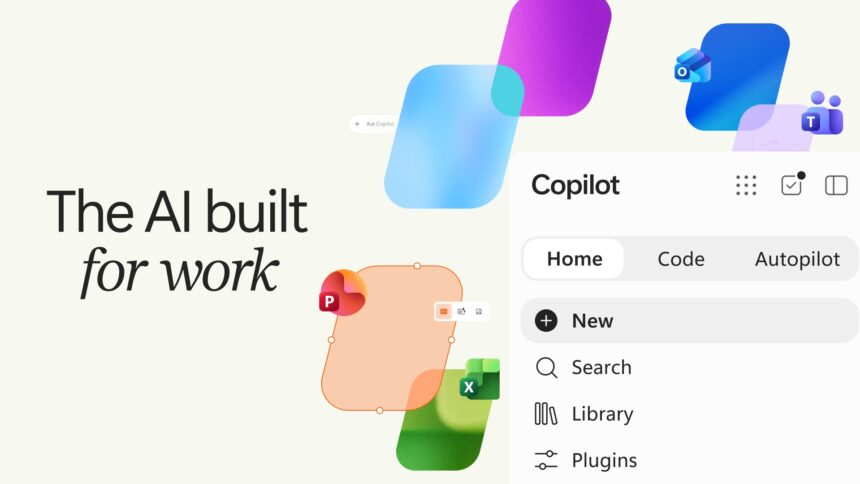
- Microsoft is giving Copilot a major redesign with a more unified experience.
- New AI capabilities are aimed at making everyday work more seamless.
- Microsoft is also preparing several new features that could change how users interact with Copilot.
Microsoft has upgraded its AI assistant, Copilot, giving it more capabilities to get work done, building custom tools, and delegating tasks to AI agents. Until now, Copilot was mostly a conversational AI assistant for users, but with the addition of the Microsoft Copilot 2026 version, the AI assistant is clearly aiming to rival companies such as OpenAI’s ChatGPT, Perplexity AI, and Claude.
The newest Microsoft Copilot 2026 update brings three new capabilities right into the AI assistant; it includes Home, Code, and Autopilot. Microsoft’s CEO Satya Nadella took on X (formerly Twitter) to make an announcement, saying it is the biggest update to Copilot yet. So, let’s go one by one to better understand the newly announced features.
Microsoft Copilot 2026 brings a new Home experience
Every user seeks a neat and clean interface when they launch an app, and it makes them feel like home. In this context, the new Home experience is intended to offer its users a first look at its Copilot app. In simple words, whoever opens the app will get a new experience, and now users get to see recent activity, pick up pending work, and discover or explore stuff Copilot can assist with.
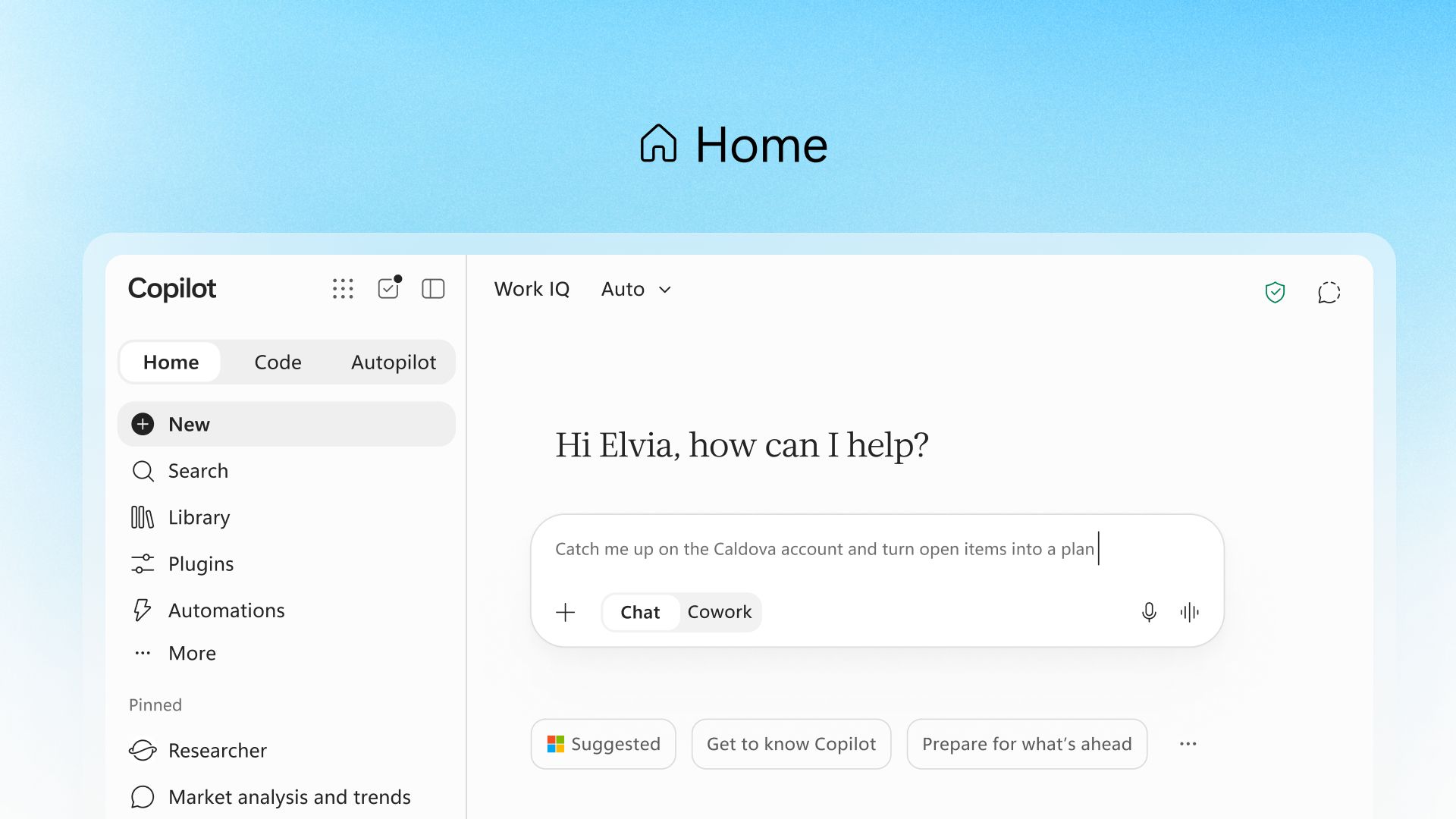
According to Microsoft, Chat will provide conversation tasks such as answering queries, searching and verifying information, writing, or creating drafts.
While Cowork will help users perform complex jobs on Copilot. For instance, a user can use it to handle tasks such as preparing a RFP response, creating a launch kit, combining a customer briefing, assembling a financial close package, or other professional work.
Code lets users build apps with natural language
Next, we now have the Code feature, and it is perhaps one of the most notable requirements in AI assistants. Nowadays, coding has become more common in the business or corporate industry. The new Code feature ought to reach them with ease.
According to Microsoft, users can create small, purpose-built apps without requiring deep knowledge or hiring a professional developer. Using the Code feature, users are only required to detail an app, tacker, dashboard, automation, or workflow in natural language. That’s it; now the Copilot will do the magic.
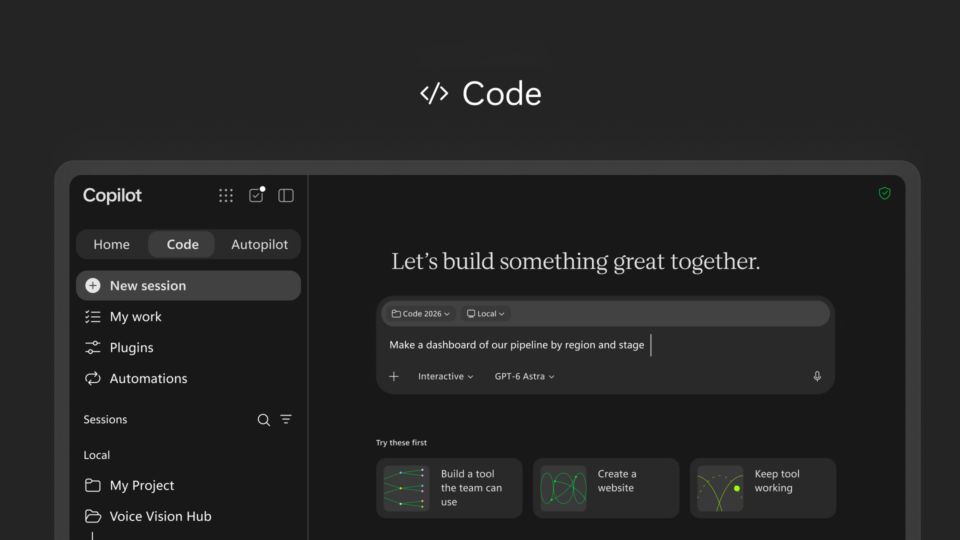
Notably, the Code model uses the same internal technology used in GitHub Copilot, and it runs in a sandbox environment. Microsoft says apps can be easily and securely hosted inside an organization’s Microsoft 365 tenant.

Autopilot is Microsoft’s AI that keeps working
Microsoft is renaming Scout to Autopilot and mentions it as the most ambitious addition to the new Copilot.
The new Autopilot aims to keep working after receiving an objective, unlike a confidential chatbot that works with a prompt.
To work with Autopilot, users can give it a name, role, and goal. Now, the model starts to monitor relevant channels, follow up on conversation, perform required tasks, and finally return to projects later.
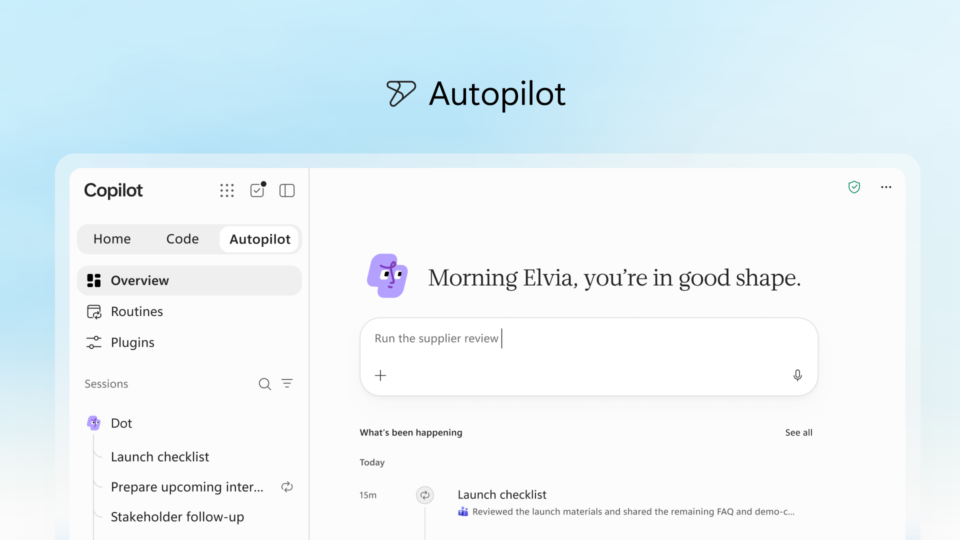
Autopilot is a cloud-hosted model and thus works while the user is away from their computer, says Microsoft.
Word, Excel, and PowerPoint are coming into Copilot
Microsoft also confirmed that it is finally bringing the all-new Copilot into its MS Office apps.
With Copilot integrated in the Office services, users can ask the AI assistant to create or update the initial Word documents, Excel workbooks, or PowerPoint presentations without leaving or switching apps. Interestingly, the AI-generated files will remain editable and synchronized with Microsoft 365 apps.
Users can create a launch brief, build a budget model, or prepare a presentation for college or work directly from Home. If there’s a need to improve, change, or modify something in the file, you will be able to continue editing it with the Colpilot conversation without losing data.
Keep up with the tech that actually matters.
Add us as a preferred source on Google Search for quicker access to our coverage.

More proactive features are on the way
After announcing a major update for Copilot, Microsoft is not stopping with Home, Code, and Autopilot features. The company confirmed that it is working on Today, a personalized command center that will bring email, calendars, Teams conversations, meetings, and tasks (basically all important stuff) together at one place.
Today is set to enter private preview next month, October 2026. Microsoft plans to integrate it into Outlook and Teams so that millions of users can have the ease of getting their meetings, tasks, email, and conversations in one place.
In contrast, @Copilot in Teams will have access to the shared context and permissions of a channel, group chat, or meeting. With the upcoming feature, users will be able to ask AI about decisions made in previous conversations and have Copilot provide the relevant background.
The feature is expected to roll out in preview in Teams by the end of this month.