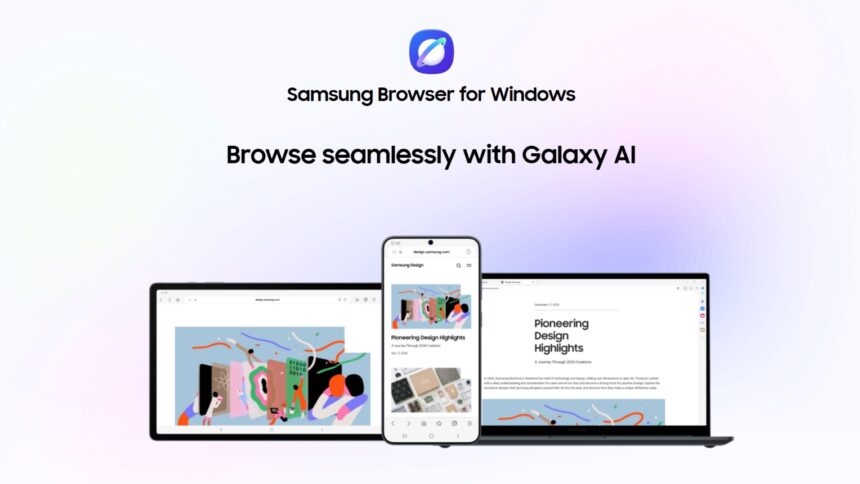
- Samsung Browser for Windows lets users continue their browsing smoothly between mobile and PC without losing progress.
- Built with Perplexity AI, it understands context, summarizes content, and helps manage tabs and history.
- Features like natural language search, video navigation, and multi-tab comparison make browsing faster and more efficient.
In a move to expand its ecosystem beyond mobile devices, Samsung has officially launched Samsung Browser for Windows. The new browser brings the company’s mobile browsing experience to desktop users. It also brings cross-device connectivity and agentic AI capabilities to make web navigation more intuitive and efficient.
A more connected browsing experience
One of the biggest highlights of Samsung Browser for Windows is how smoothly it connects mobile and desktop browsing.
Instead of just syncing bookmarks and history, the browser lets users continue exactly where they left off. For example, if you were reading an article on your phone, you could pick it up instantly on your PC without searching for it again.
Samsung Browser for Windows brings AI into everyday browsing
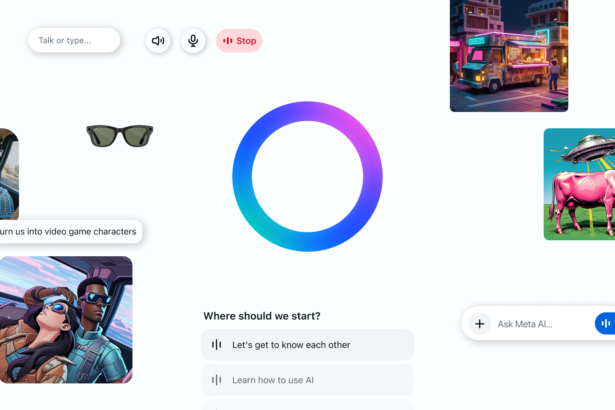
A major new addition is the AI assistant developed in partnership with Perplexity AI.
Unlike traditional search tools, this assistant is developed to understand both your question and the context of what you’re viewing. It doesn’t just give answers; it can also help you take action.
For instance, it can:
- Organize or manage open tabs
- Help you navigate browsing history
- Provide quick summaries without leaving the page
This “agentic AI” approach is said to make browsing more interactive and less time-consuming.
Built-in security with Samsung Pass
Samsung has also integrated Samsung Pass into the Windows browser, making it easier to manage logins and personal information.
With this feature, users can:
- Sign in to websites without remembering passwords
- Autofill forms quickly
- Keep sensitive data securely stored
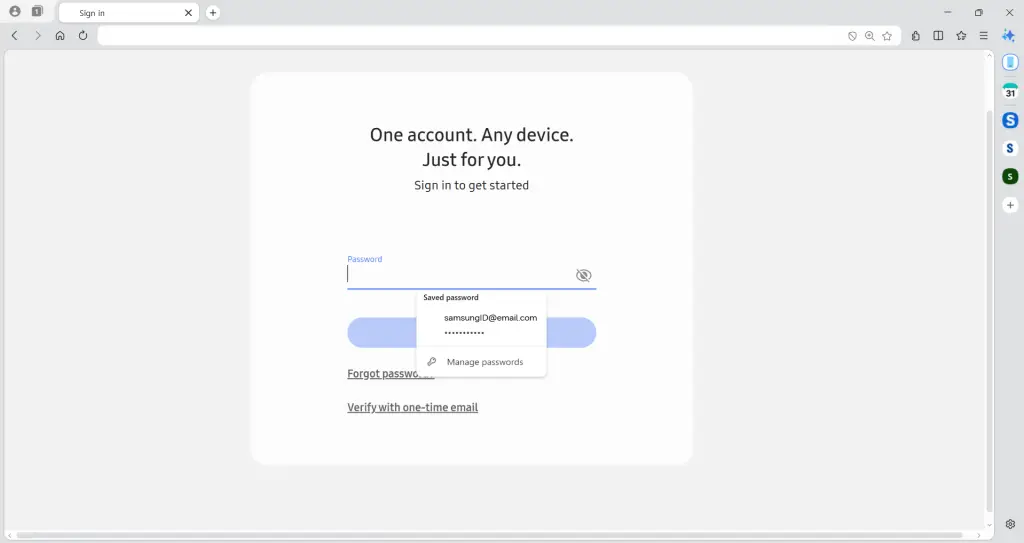
It’s a practical addition, especially for users already using Samsung services on their phones.
Smarter search and content understanding
Samsung Browser also makes finding information faster and more intuitive.
If you’re planning something like a trip, the browser can analyze the page you’re viewing and generate a structured plan, such as a multi-day itinerary, based on that content.
Other smart features include:
- Natural language search, so you can ask questions in your own words
- Video navigation, which jumps directly to the relevant part of a video
- Context-aware answers, tailored to what you’re currently viewing
These tools reduce the need to open multiple tabs or sift through large amounts of information.

Easier tab and history management
Managing multiple tabs and past searches can often feel overwhelming. Samsung’s browser is attempting to minimize this with AI.
Users can:
- Search browsing history using descriptions like “that smartwatch I saw last week”
- Compare information across multiple tabs without switching between them
This makes it especially useful for research or multitasking.
Availability and what’s next
Samsung Browser for Windows is available on devices running Windows 11 and Windows 10 (version 1809 and above).
For now, the AI features are limited to South Korea and the United States, but Samsung has said that more regions will be supported in the future.
To conclude, Samsung is clearly going beyond just another web browser with Samsung Browser for Windows. Moreover, by combining cross-device continuity with built-in AI tools, the company is trying to make browsing feel more seamless, personal, and efficient.
Keep up with the tech that actually matters.
Add us as a preferred source on Google Search for quicker access to our coverage.