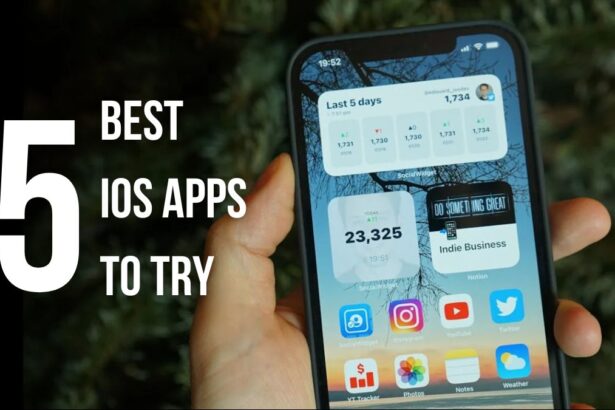
- Are you fed up of regular apps that are on your iPhone or the one that gets the most publicity?
- Well, there's more fish in the ocean than you can comprehend and here, we are helping you score the best apps you must try.
- From a free YouTube experience to strength training and a properly decked out file manager, here's our pick for January 2026.
Month-on-month, we come up with the best iOS apps you should try. This is assuming the fact that most users are stuck in the loop of using just a handful of apps regularly. In fact, an average user won’t install more than 100 apps on their phones, which means there are still 2 million apps left to discover. That’s like 0.0005% of the total apps, and that’s why we wanted to bring these often underrated, undiscovered, and less marketed apps, or basically, to give you something new to try from a rather monotonous app culture.
Best iOS apps you must try this month
Video Lite
Category: Entertainment
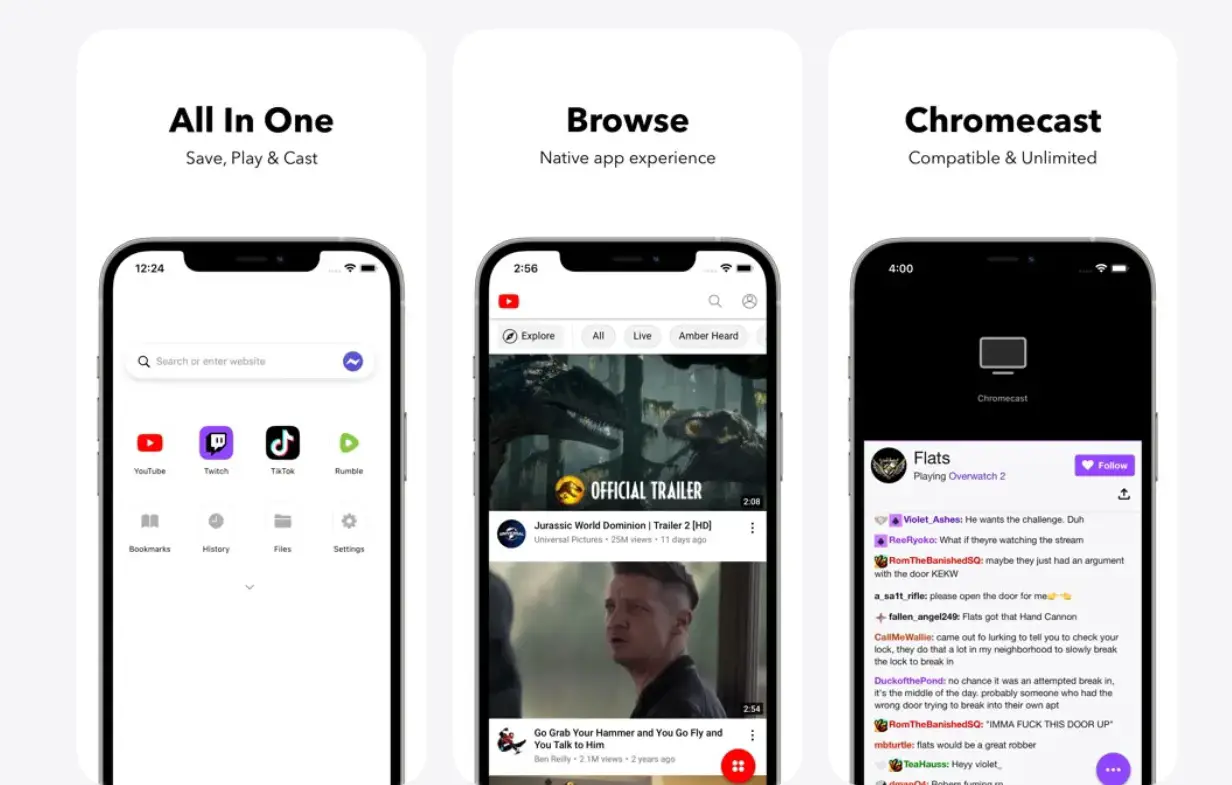
Sometimes, all you need is you, your phone, and YouTube. But ads can disrupt any experience, and unless you subscribe to YouTube Premium, there’s little recourse you can take to escape the clutches of ads. But hey, we have something for you. Video Lite is an all-in-one browser that lets you enjoy a native app experience on apps such as YouTube Premium and Twitch, among others, free of cost.
Available on App Store, the app enables Chromecast on iOS, Dark Mode, PiP mode, and background playback on YouTube, which are basically some of the features that only the premium subscription can get you. The app has customization controls, multiple tabs, and an overall native user experience, which means you might not know you aren’t actually on the YouTube app.
Download: Video Lite
File Doctor
Category: Utility
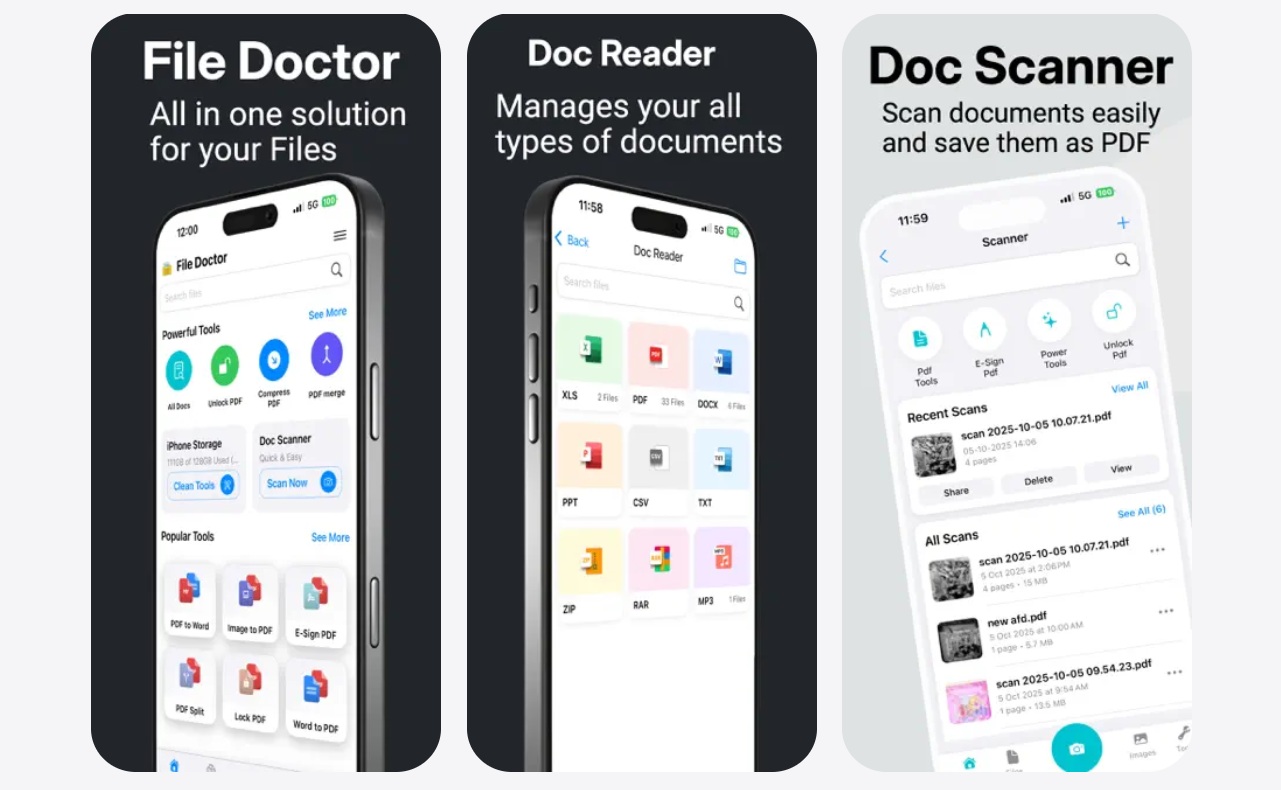
Sometimes, you need to scan documents on your phone, but you cannot have a scanner handy, right? What about e-signing a PDF? What about converting a PDF to Word or vice versa? What about a locked PDF or a zipped file that requires a specialized app to unzip? File Doctor is one app with many solutions right there. The app is designed to look minimalistic, and it is only when you install it that you’ll realize just how powerful it can be.
File Doctor offers access to built-in format converters, a document scanner, a file management system, a transcription tool, filters, a document cleaner, zip/unzip functionality, and more. Ideal for all sects of users, whether you are a student, a professional, or a power user, the app brings tools right at your fingertips. Moreover, it is about the size of functionality that works in its favor. This is because you no longer need separate apps to do just about what I mentioned above. File Doctor, one of the best iOS apps out there, does that for you.
Download: File Doctor
Ladder
Category: Health / Wellness
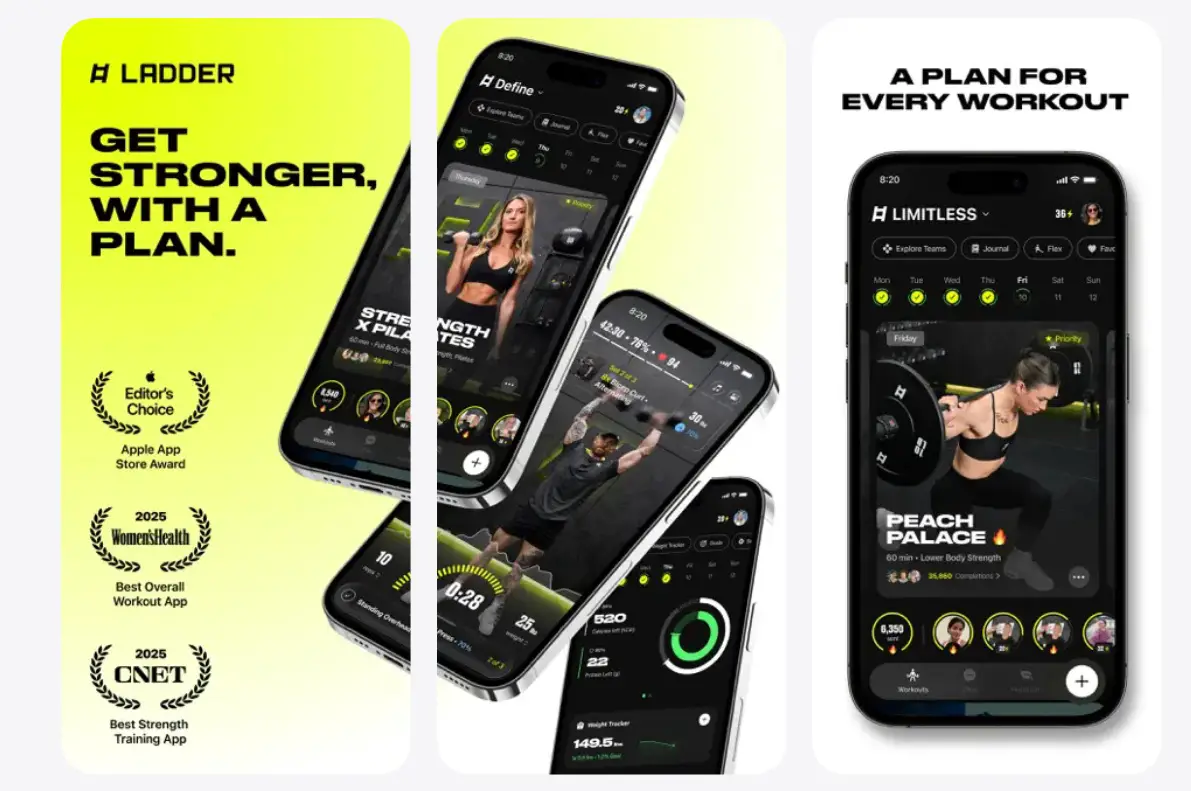
Your health and wellness is now more of a social currency that will actually keep you going especially when there’s too much pollution, allergens, foreign objects, junk food and more in the market. It’s critical to keep your body afloat with exercises and that’s where ladder comes into play. Although it isn’t just another exercise app but rather rated as one of the best iOS apps for strength training. It loads you with progressive training programs targeted towards getting more work done on your workouts based on your goals and preferences.
Be it yoga strength, push-pull, kettlebell strength, Pilates, or HIIT, Ladders echoes all of these and more with its intuitive UI, the best selection of coaches, and video demonstrations that makes it breezy to perform. You can also participate in programs coached by the likes of Sasha Hanway, Nicole Winter, Corey Perkins, etc., to get that personalized care your body needs.
Download: Ladder
Lock Launcher
Category: Utility / Productivity
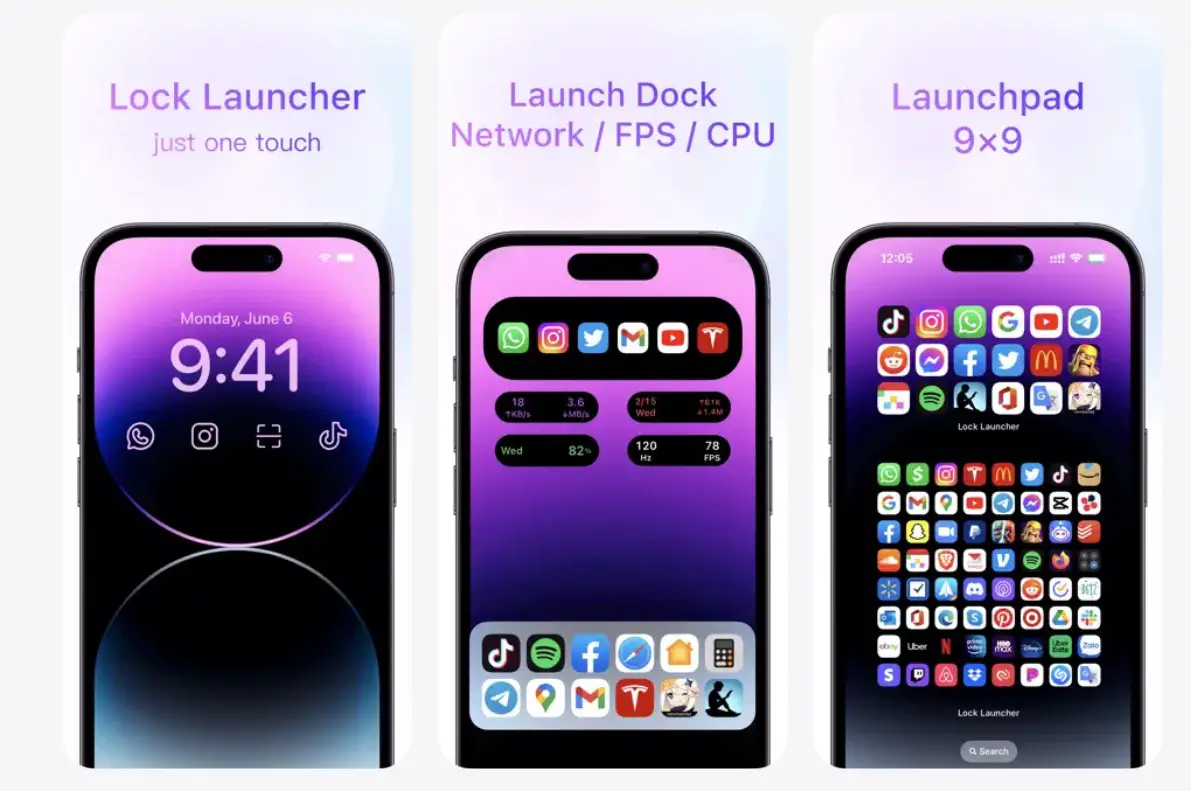
Do you feel the Dynamic Island on your iPhone can do more? Lock Launcher is an app that can do wonders. It can bring shortcuts to apps, websites, and custom URL schemes, show you the current temperature, and more. It just makes your life easier with a customized layout, so much so that you can even put some apps in speed dial and lock right from the island. Above all, the app lets you control each ounce of it.
Other functionalities that I love about this iPhone app are its ability to add home screen widgets, dynamic island click, PiP model, home screen shortcuts, health data showcase, etc. It’s like a Swiss Army knife of tools and widgets on your iPhone.
Download: Lock Launcher

Split Screen
Category: Utility / Multi-tasking
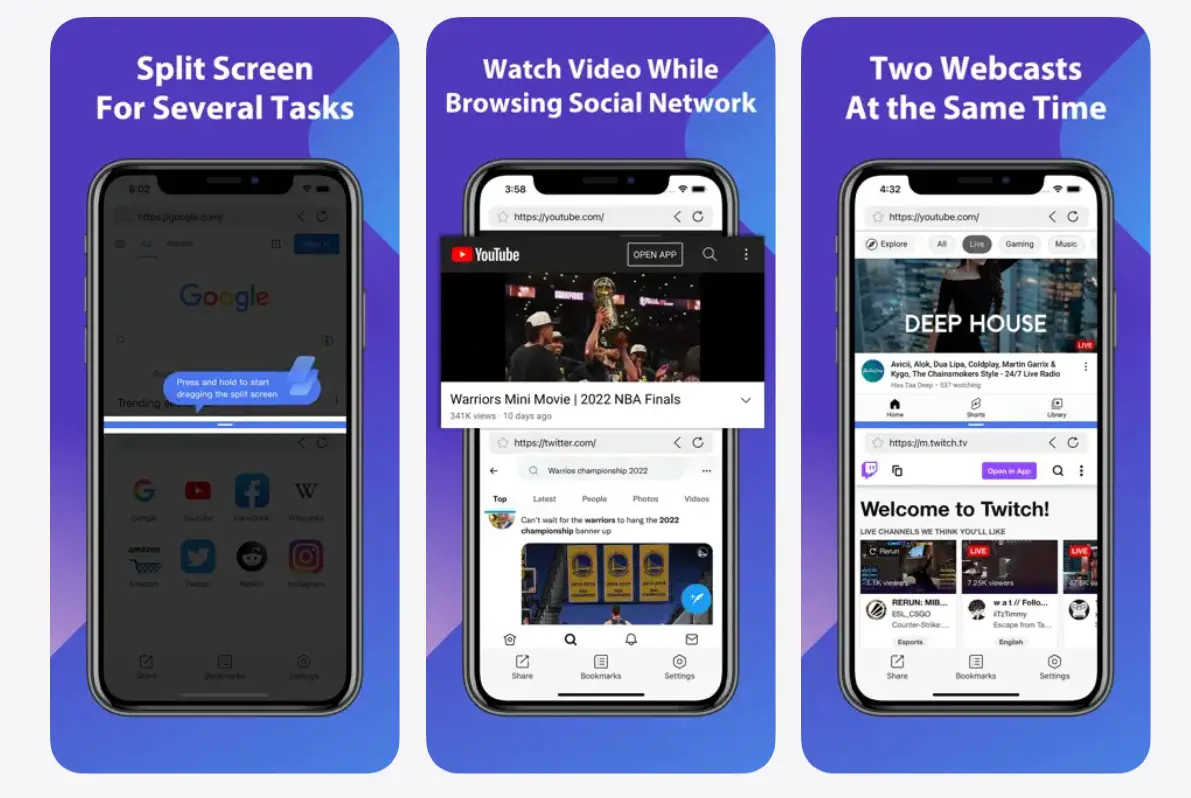
iPhones don’t support split screen natively, which means you can either switch between apps or you can do one task at a time, unless you are using videos in PiP mode. With Split Screen, your iPhone will get the capability to engage in split screen, which means you can now watch YouTube videos while browsing Instagram or text your friends on WhatsApp, etc.
Split Screen lets you browse multiple web pages of Safari or Chrome browsers with ease. It works in both portrait and landscape mode while eliminating the need to juggle between the two apps and the stress that comes with it. Isn’t it fun?
Download: Split Screen
Wrapping up!
As we welcome a new year, it’s time to get yourself a set of new apps, and this is the right place to be, for we picked the five best iOS apps from across the expanse of the internet to give you the best. As usual, these aren’t utility or travel or productivity apps but rather a compilation of the five best across multiple segments, which gives our readers a better chance of engaging with one or more apps that might interest them. Let us know which app actually strung cords with you.