How to AirDrop files from iPhone to Google Pixel?

Aadil Raval
5 Min Read
Highlights
  • Google just rolled out a feature that lets users share files to iPhones using AirDrop and Quick Share.
  • Not yet a confirmed on the Apple's side, it is only limited to Pixel 10 family while covering a wide range of iPhones, iPads, and Macs.
  • It is a peer-to-peer network allowing users to share files while keeping their data safe and secure from intruders.

For years, Android and iPhones have not gotten along very much, given the use of proprietary ecosystems that don’t support cross-device connection in various shapes and forms. However, it seems Google is finally bridging the gap with a new feature in the works — the latest Google Pixel 10 series now supports files being Airdropped from iPhones and vice versa. Well, here’s more about the unexpected and still, a warm, welcoming feature.

Now you can AirDrop files from iPhones to Pixels and vice versa

For ages, iPhones, and Android haven’t gone well together; however, lately, things have started to change a bit. We now have RCS messaging, a standard across both, and Siri is getting backed up by Google Gemini in the future. Well, things are looking nicer than ever since Google has updated its blog showing Pixel 10’s capability to send and receive files and more on iPhones. 

Yep, you heard that right. Google Pixel devices are not compatible with sending and receiving files via Quick Share and AirDrop. Apparently, Google never worked with Apple to integrate the feature, but it did confirm that this is a private peer-to-peer (P2P) implementation that allows users to share files across iPhones and vice versa. The data is shared P2P and thus, never routed through an external server, and thus, it remains fully protected against prying eyes and intruders.
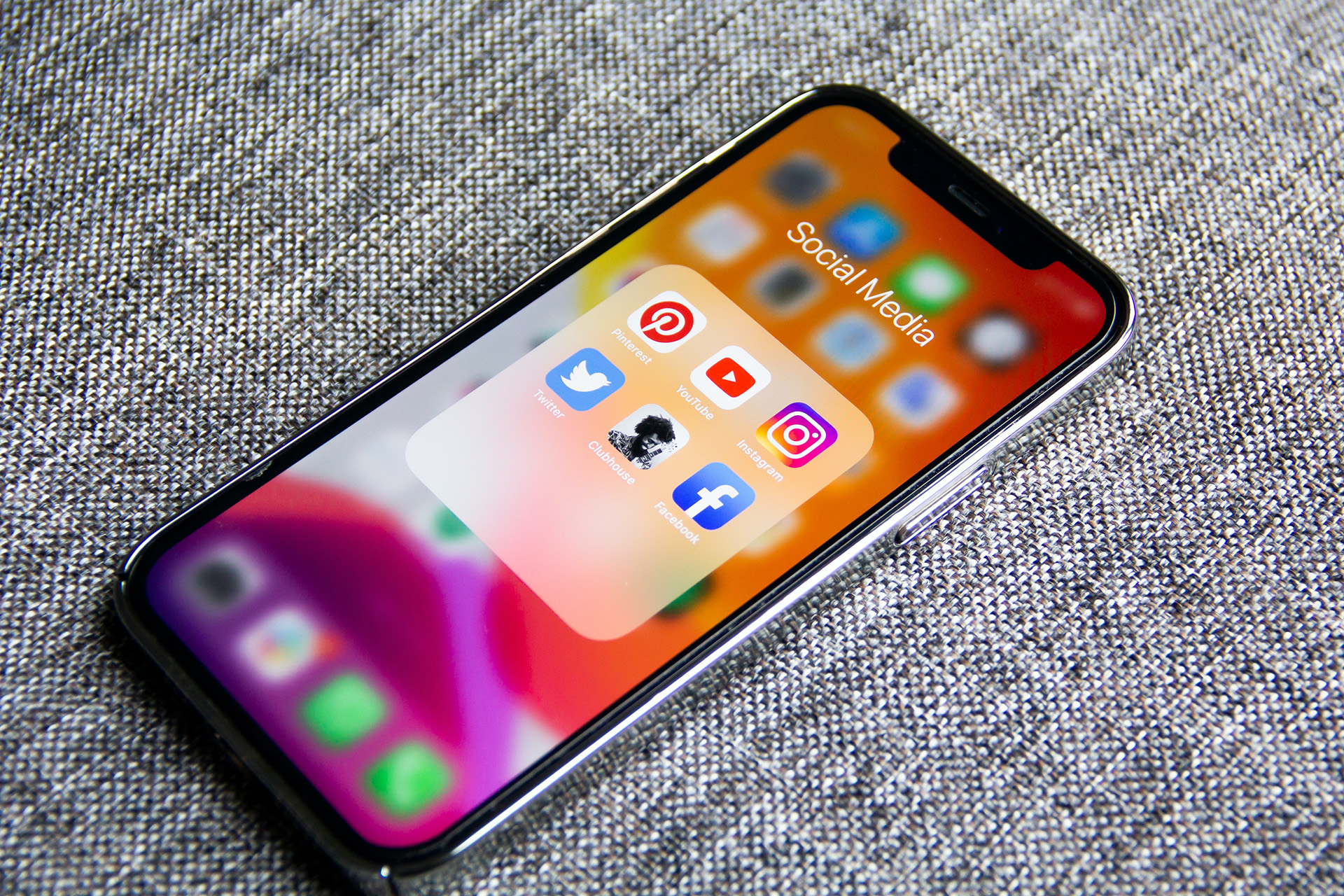
Switch from iPhone to Android 1
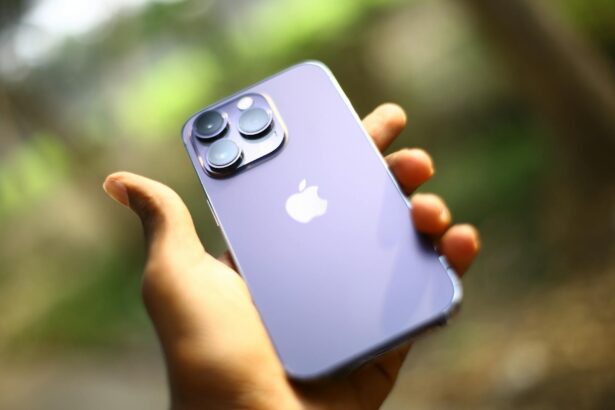
Image Source: Adam Ye, via Unsplash

The only catch is that the capability to AirDrop files from iPhone to Google Pixel (and vice versa) works on the Google Pixel 10 series only. It covers Pixel 10, Pixel 10 Pro, Pixel 10 Pro XL, and Pixel Fold, to be specific. On the other hand, all iPhone models, iPads, and Mac devices support the file sharing implementation.

I get it, the feature is limited to the Pixel 10 series, which was released a few weeks ago. However, Google could release the update across the entire Pixel lineup as well as other Android phones soon, given just how big a step it is indeed. Well, without any further ado, let’s see how it works.

How to AirDrop files from iPhone to Google Pixel 10?

Well, you want to AirDrop files from iPhone to Google Pixel 10, and here’s how.

  1. First up, turn on ‘Quick Share’ on your Pixel and set it to ‘Receive Mode’.
  2. On the iPhone, select the photos/videos or files you want to share, hit ‘Share’, select ‘AirDrop’, and the Pixel should show up on the screen.
  3. Select your Pixel and bingo, the files will start sharing, and you can check the progress of the same.

How to AirDrop files from a Google Pixel 10 to an iPhone?

What about AirDropping files from Pixels to iPhones? Well, here’s how you can do it.

  1. Find the photos/contact/videos/files that you want to share on your Pixel.
  2. Click on the ‘Share’ button and ‘Quick Share’ that will start searching for nearby devices.
  3. On your iPhone, go to your sharing options, long-press on ‘AirDrop’ and select ‘Everyone for 10 Minutes’. 
  4. Back to your Pixel, the iPhone will show up in the Quick Share nearby devices list, select it.
  5. Back to the iPhone, ‘Accept’ the AirDrop request, and that should set the ball rollin’. Give it a few moments to receive the files based on size, and bingo, you just share files from a Pixel to an iPhone using Quick Share and AirDrop.

Wrapping Up!

Unlike using a third-party app to share files, this is basically a native implementation (call is a sort of workaround from Google). It hasn’t been signed by Apple yet, so we don’t know how the Cupertino-based giant will react. However, we hope to see how this AirDrop files from iPhones to Pixels, and vice versa technique becomes a full-fledged feature (or ends up in the doomsday bucket). For now, we are quite excited that it works. In case it stops working, let us know!

Share This Article
Follow:
A wordsmith, a kin tech observer, a sci-fi fanatic and a scientific documentary buff.
Highlights
  • Google just rolled out a feature that lets users share files to iPhones using AirDrop and Quick Share.
  • Not yet a confirmed on the Apple's side, it is only limited to Pixel 10 family while covering a wide range of iPhones, iPads, and Macs.
  • It is a peer-to-peer network allowing users to share files while keeping their data safe and secure from intruders.

For years, Android and iPhones have not gotten along very much, given the use of proprietary ecosystems that don’t support cross-device connection in various shapes and forms. However, it seems Google is finally bridging the gap with a new feature in the works — the latest Google Pixel 10 series now supports files being Airdropped from iPhones and vice versa. Well, here’s more about the unexpected and still, a warm, welcoming feature.

Now you can AirDrop files from iPhones to Pixels and vice versa

For ages, iPhones, and Android haven’t gone well together; however, lately, things have started to change a bit. We now have RCS messaging, a standard across both, and Siri is getting backed up by Google Gemini in the future. Well, things are looking nicer than ever since Google has updated its blog showing Pixel 10’s capability to send and receive files and more on iPhones. 

Yep, you heard that right. Google Pixel devices are not compatible with sending and receiving files via Quick Share and AirDrop. Apparently, Google never worked with Apple to integrate the feature, but it did confirm that this is a private peer-to-peer (P2P) implementation that allows users to share files across iPhones and vice versa. The data is shared P2P and thus, never routed through an external server, and thus, it remains fully protected against prying eyes and intruders.

Switch from iPhone to Android 1
Image Source: Adam Ye, via Unsplash

The only catch is that the capability to AirDrop files from iPhone to Google Pixel (and vice versa) works on the Google Pixel 10 series only. It covers Pixel 10, Pixel 10 Pro, Pixel 10 Pro XL, and Pixel Fold, to be specific. On the other hand, all iPhone models, iPads, and Mac devices support the file sharing implementation.

I get it, the feature is limited to the Pixel 10 series, which was released a few weeks ago. However, Google could release the update across the entire Pixel lineup as well as other Android phones soon, given just how big a step it is indeed. Well, without any further ado, let’s see how it works.

How to AirDrop files from iPhone to Google Pixel 10?

Well, you want to AirDrop files from iPhone to Google Pixel 10, and here’s how.

  1. First up, turn on ‘Quick Share’ on your Pixel and set it to ‘Receive Mode’.
  2. On the iPhone, select the photos/videos or files you want to share, hit ‘Share’, select ‘AirDrop’, and the Pixel should show up on the screen.
  3. Select your Pixel and bingo, the files will start sharing, and you can check the progress of the same.

How to AirDrop files from a Google Pixel 10 to an iPhone?

What about AirDropping files from Pixels to iPhones? Well, here’s how you can do it.

  1. Find the photos/contact/videos/files that you want to share on your Pixel.
  2. Click on the ‘Share’ button and ‘Quick Share’ that will start searching for nearby devices.
  3. On your iPhone, go to your sharing options, long-press on ‘AirDrop’ and select ‘Everyone for 10 Minutes’. 
  4. Back to your Pixel, the iPhone will show up in the Quick Share nearby devices list, select it.
  5. Back to the iPhone, ‘Accept’ the AirDrop request, and that should set the ball rollin’. Give it a few moments to receive the files based on size, and bingo, you just share files from a Pixel to an iPhone using Quick Share and AirDrop.

Wrapping Up!

Unlike using a third-party app to share files, this is basically a native implementation (call is a sort of workaround from Google). It hasn’t been signed by Apple yet, so we don’t know how the Cupertino-based giant will react. However, we hope to see how this AirDrop files from iPhones to Pixels, and vice versa technique becomes a full-fledged feature (or ends up in the doomsday bucket). For now, we are quite excited that it works. In case it stops working, let us know!

Share This Article
Follow:
A wordsmith, a kin tech observer, a sci-fi fanatic and a scientific documentary buff.