
Instagram Stories can now be edited within 15 minutes of posting

Aadil Raval
3 Min Read
Highlights
  • A decade after rolling on Stories, now you can edit the story in case you make a typo.
  • Instagram will give 15 minutes as the timer after posting a story to get your hands on the editing feature.
  • It includes editing captions, adding music, stickers, and more.

Made a boo-boo uploading a post on Instagram Stories? Well, you are covered, as Instagram will now let you edit the Stories within 15 minutes of posting them without losing the metrics, the replies, and the likes, to name a few.

Now you can edit Instagram Stories without any fluff

Instagram rolled out Stories almost a decade ago. It took the IG team an insane amount of time to understand the misery that IG users have been facing when uploading a story only to realize they made a mistake. 

Although it is possible to delete the story and re-upload, it takes a hit on metrics, especially if you are a creator/influencer. In fact, the situation is more dire when that mistake happens on a story posted within other stories, since IG posts them in reverse chronology. It means if you upload 10 stories and the 5th one has a problem that needs fixing ASAP, you need to remove the 5th, and all stories after it are posted in a storyline, such as playing the all-new GTA 6.
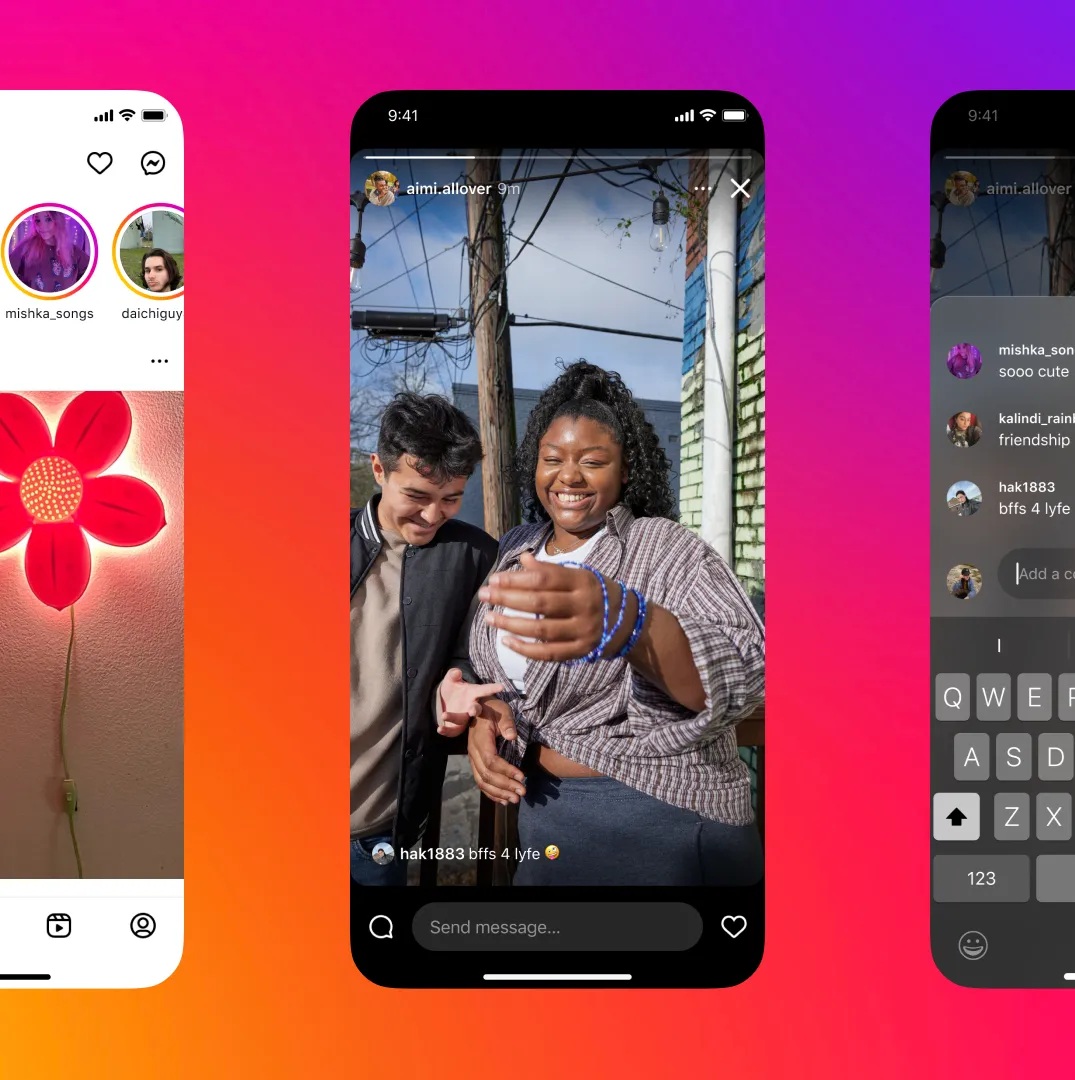
Edit Instagram Stories
Image Credits: The Verge

Instagram Stories now let users make the most of the edit feature. You can edit the typo, add captions, add music, or blur something out right away. It works similarly to how you would edit an original story before uploading, except for the fact that there’s now an ‘edited’ label on the story. But hey, given the stacks involved, I would take that chance anyways. 

Users have 15 minutes to start editing a story. The section includes a tonne of shapes for stickers, new fonts, colors, background options, and so on. It is perhaps one of the most awaited features that IG users have been waiting for, especially me, as I tend to make a lot of mistakes uploading stories impulsively. 

Discover the new edit option on Instagram Stories by going to the section, selecting the ‘More’ menu, and then selecting ‘Edit Story’. Well, it is truly a lifesaver.

Keep up with the tech that actually matters.

From breaking news to deep dives, TrueTech brings you the tech stories worth knowing.
Add us as a preferred source on Google Search for quicker access to our coverage.

Add TrueTech as a preferred source on Google
Share This Article
Follow:
A wordsmith, a kin tech observer, a sci-fi fanatic and a scientific documentary buff.
Highlights
  • A decade after rolling on Stories, now you can edit the story in case you make a typo.
  • Instagram will give 15 minutes as the timer after posting a story to get your hands on the editing feature.
  • It includes editing captions, adding music, stickers, and more.

Made a boo-boo uploading a post on Instagram Stories? Well, you are covered, as Instagram will now let you edit the Stories within 15 minutes of posting them without losing the metrics, the replies, and the likes, to name a few.

Now you can edit Instagram Stories without any fluff

Instagram rolled out Stories almost a decade ago. It took the IG team an insane amount of time to understand the misery that IG users have been facing when uploading a story only to realize they made a mistake. 

Although it is possible to delete the story and re-upload, it takes a hit on metrics, especially if you are a creator/influencer. In fact, the situation is more dire when that mistake happens on a story posted within other stories, since IG posts them in reverse chronology. It means if you upload 10 stories and the 5th one has a problem that needs fixing ASAP, you need to remove the 5th, and all stories after it are posted in a storyline, such as playing the all-new GTA 6.

Edit Instagram Stories
Image Credits: The Verge

Instagram Stories now let users make the most of the edit feature. You can edit the typo, add captions, add music, or blur something out right away. It works similarly to how you would edit an original story before uploading, except for the fact that there’s now an ‘edited’ label on the story. But hey, given the stacks involved, I would take that chance anyways. 

Users have 15 minutes to start editing a story. The section includes a tonne of shapes for stickers, new fonts, colors, background options, and so on. It is perhaps one of the most awaited features that IG users have been waiting for, especially me, as I tend to make a lot of mistakes uploading stories impulsively. 

Discover the new edit option on Instagram Stories by going to the section, selecting the ‘More’ menu, and then selecting ‘Edit Story’. Well, it is truly a lifesaver.

Keep up with the tech that actually matters.

From breaking news to deep dives, TrueTech brings you the tech stories worth knowing.
Add us as a preferred source on Google Search for quicker access to our coverage.

Add TrueTech as a preferred source on Google
Share This Article
Follow:
A wordsmith, a kin tech observer, a sci-fi fanatic and a scientific documentary buff.