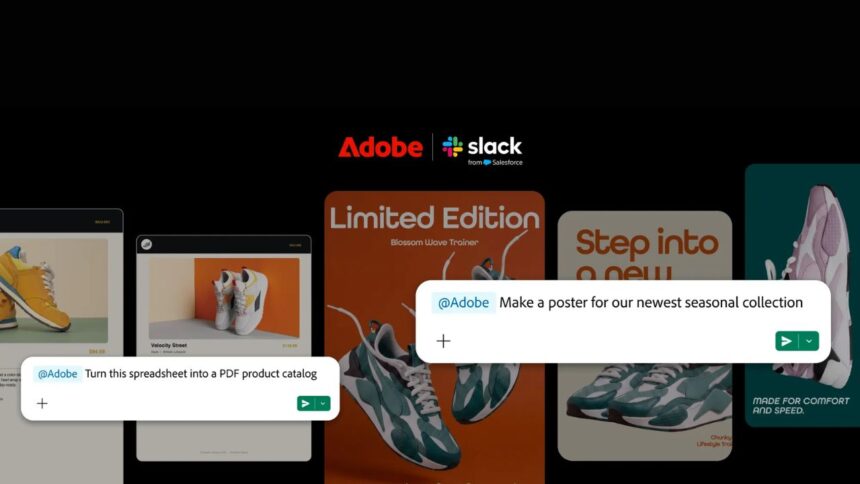
- Adobe for Slack delivers over 70 creative tools right inside your daily chat workspace.
- Powered by Model Context Protocol, Slackbot can now edit images, generate content, and process documents on demand.
- Available for Slack Business+ and Enterprise+ users, with no mandatory Adobe account required for basic features.
Adobe for Slack is making Adobe’s suite of creative apps available to users right inside the place they’re working and collaborating. Adobe has introduced a new Slack app that allows over 70+ Adobe tools, including Photoshop, Firefly, Premiere, Acrobat, Illustrator, InDesign, Lightroom, Adobe Express, and Stock, to be accessed via Slackbot.
What is interesting is not just the inclusion of Adobe apps inside Slack, but the ability of Slackbot to make decisions based on the conversation context. Let us get to know in detail.
Adobe for Slack brings 70+ creative and productivity tools into Slack
After being connected, users can explain their work in plain English, and the Slackbot will trigger the corresponding Adobe solution. For instance, a user can use information from any discussion within Slack or a Slack canvas to create a PDF, image, or video.
It is also possible to search for existing campaign assets using Creative Cloud and then add these assets to discussions for further work. Moreover, Adobe mentions various editing tasks that are possible, including background removal, tone and light changes, cropping images, and variation creation, as well as batch processing of images. It is also possible to reuse previously approved creative assets on other platforms.
Adobe is taking advantage of Slackbot’s model context protocol (MCP)
At the back end, the solution leverages the Model Context Protocol (MCP) that Slackbot supports. To put it simply, the MCP helps the AI-based assistant to communicate with external solutions and leverage their capabilities without taking users out of the conversation.
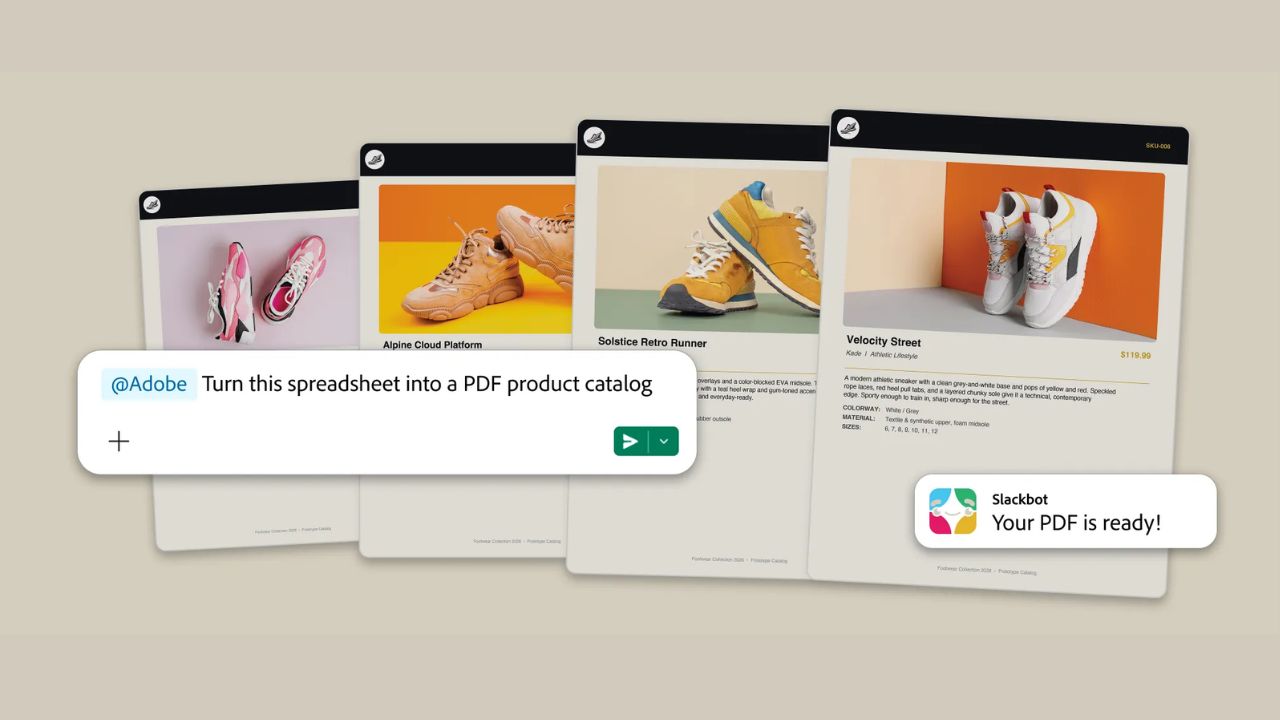

The implementation becomes more useful for regular work. Thus, a designer or marketer could talk to colleagues about an idea, import a ready-made asset, and begin to modify it without interrupting the process by switching to another piece of software.
However, it still does not mean that Slack could take the place of Adobe’s software solutions. More complex pixel-perfect creative work would still require specialized Adobe software. The Slack integration would be better used for fast modification, variation, and repetitions.
Who can use Adobe for Slack?
Now Adobe for Slack is open to all users who are part of Slack business+ and Enterprise+ plans, no matter what device they use. It’s possible to begin using the Adobe app without having an Adobe account; however, to get more tools, one needs to sign in.
Overall, in its integration with Slack, it is clear that Adobe is breaking away from the conventional concept of having creative applications running on a different platform altogether. For teams that keep shifting between Slack and creative documents on Adobe, the gains that come out of streaming the process can actually be tremendous. Let me know your thoughts in the comment section.
Keep up with the tech that actually matters.
Add us as a preferred source on Google Search for quicker access to our coverage.