



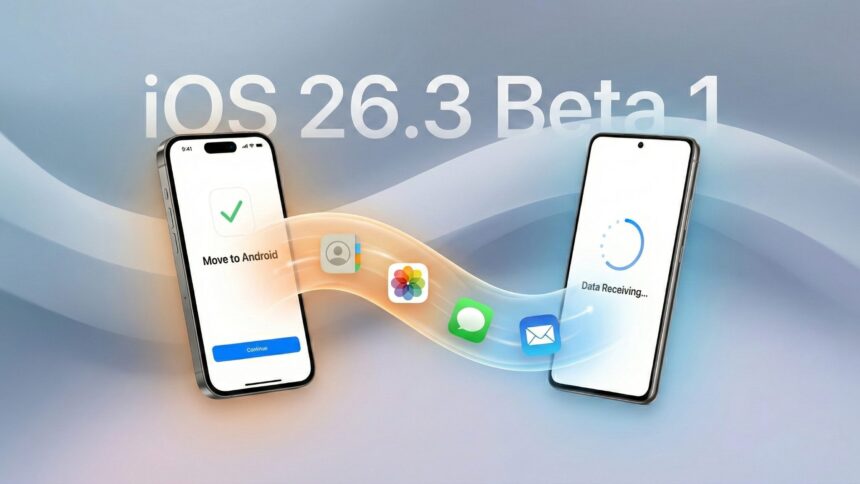
- The latest iOS 26.3 beta 1 makes it easier to transfer data from iPhone to Android and vice versa, much easier.
- Apparently, Google and Apple has joined forces to make switch to Android or iPhone much easier and this is one of the examples.
- This step takes away the resistance earlier transfer process would place on the user requiring USB cable or additional apps to do the transfer.
iPhone to Android data transfer has long been a frustrating process, and trying it once makes it clear just how painstaking the task can be — the same is true in the opposite direction. However, Apple has made it quite easy with the latest iOS 26.3 beta 1. Apple has rolled out the first beta for iOS 26.3, and with a significant change in how we deal with handling data transfers across iPhones and Android phones — two distinct OSes. In fact, it is on the verge of making it easier to transfer over the fence thanks to a Google and Apple joint project.
iPhone to Android data transfer gets easier with iOS 26.3 beta 1 on iPhone
If you are an iPhone user, you shall get your hands on iOS 26.3 beta 1 via Settings >> General >> Software Updates, as the update brings several features. One of the most awaited features is the “Transfer data to Android,” which ultimately makes it less of a pain when you decide to move your base from iOS to Android.
Talking about the new feature in place, iOS 26.3 beta 1 now lets you use peer-to-peer Wi-Fi and Bluetooth to transfer data from iPhone to Android. This is similar to how AirDrop works, and not to forget how Google has made it easier to transfer files using Quick Share on its Pixels to iPhones as well.
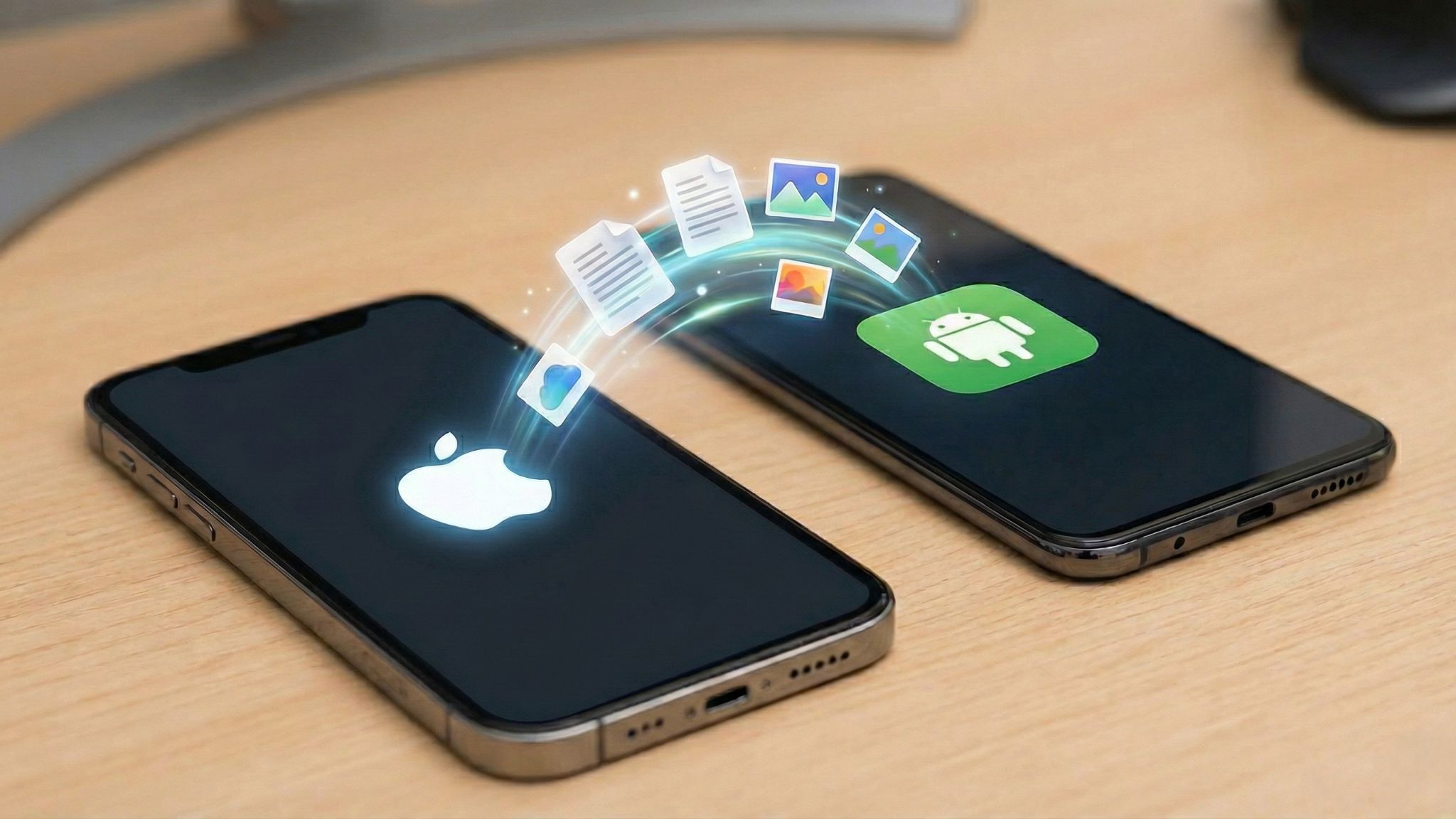
Coming back to iPhones, the “Transfer to Android” switch gives you the confidence to switch over to Android from an iPhone. You will be able to transfer everything from messages, contacts, to media files and beyond, without needing the fluff of USB cables and unwanted apps.
There’s a similar implementation from Google as well, dubbed “Transfer to iOS,” that allows users to cross the fence from Android to iPhone. This means all your contacts, media files, notes, apps, messages, and more can be transferred on a P2P network to an iPhone. There are some limitations, though, such as health data that might not transfer, but overall, this is one of the easiest transferring implementations, cutting down the resistance both of these OSes had for years.
All you need is the latest software update on your iPhone and Pixel (just to be sure, given Google rolls out new features on Pixels before any other Android phones), use the recipient device to populate a QR code, and scan it using the primary phone that has the data. You should see “Transfer to Android” or “Transfer to iOS” option fired up post the canning and viola, switching between either of these devices is not easier than choosing the kind of chocolate you want to buy in a chocolate mart.

![More Google Maps redesign updates are currently being tested on Android-powered devices [Gallery].](https://true-tech.net/storage/2024/05/More-Google-Maps-redesign-updates-are-currently-being-tested-on-Android-powered-devices-Gallery-615x410.jpg)