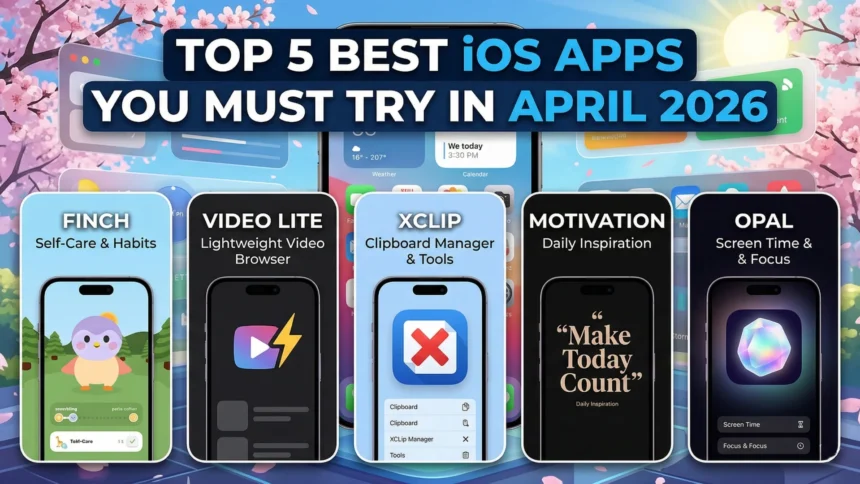
- As the month of April unfolds, we gather all our might to bring our readers a list of 5 best iOS apps you must try.
- From productivity to utility to travel and beyond, we bring the best of apps from among the expanse of the App Store.
- The aim is to bring apps that are often unknown, unlisted, under-discovered, or lesser known, a move poles apart from the usually popular apps listicles out there.
As we enter the month of April, one thing remains constant—our picks for the best iOS apps in the April 2026 edition. Every month, we look around the expanse of the App Store—which has more than 2 million apps—trying to find hidden gems. These apps are the ones that you haven’t heard of, or if you have, you never got around to using them, since these are major monopolies and duopolies in almost every app category you can think of.
Our pick for the 5 best iOS apps this month
We aim to bring you our picks for the best iOS apps every month, and here’s what the April 2026 edition looks like.
Finch
Category: Self-Care
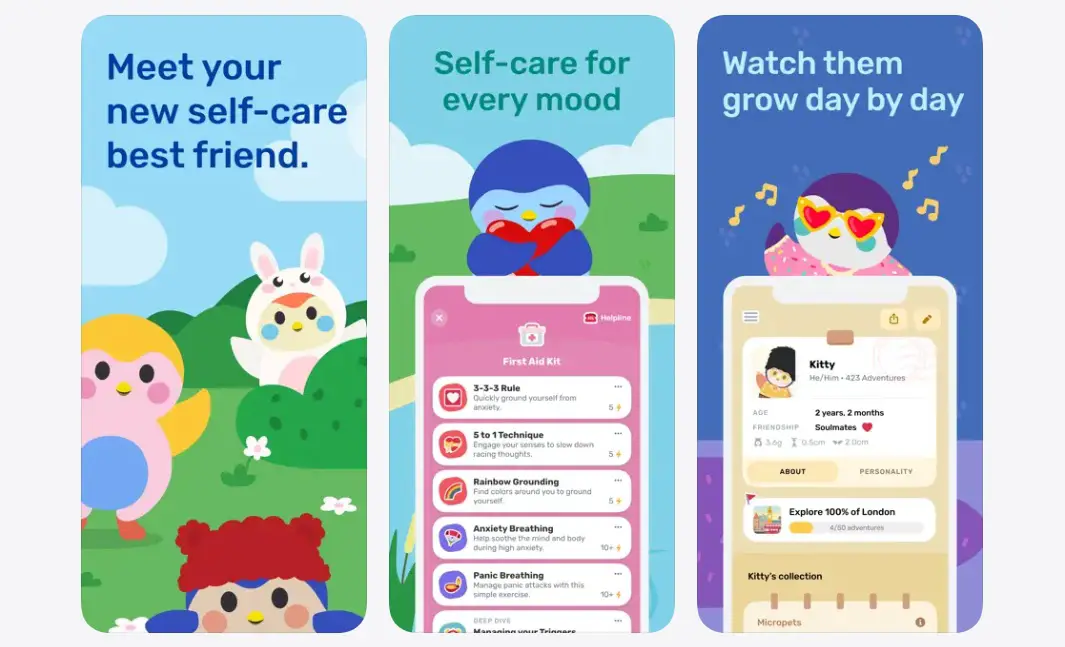
Struggling with stress or motivation? There are so many things you could do, and yet, you don’t feel like doing them. Well, you need Finch, unless you have an actual pet at home. Talking about Finch, the app offers a self-care virtual pet that you need to take care of. You can participate in exercises to help the pet grow, virtually, of course.
The app brings a few things on board, such as habit tracking and goal setting; bullet journaling that helps you clear your mind; breathing exercises to make you calmer; and quizzes to take away anxiety and depression.
Download: Finch
Video Lite
Category: Video streaming
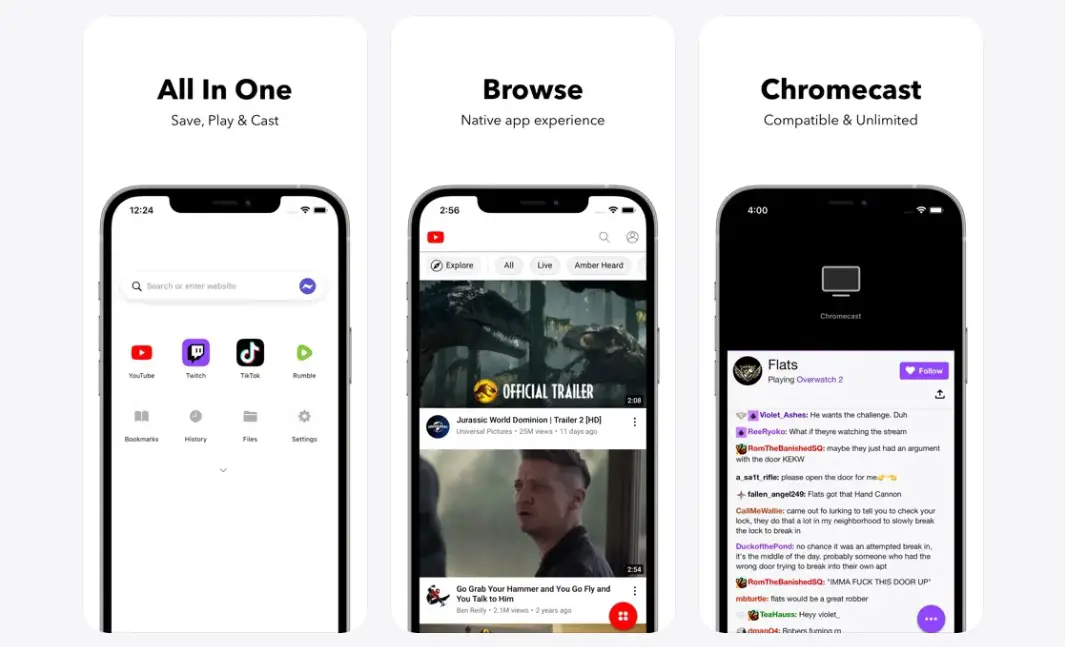
Want to enjoy the YouTube experience without buying the premium version? Video Lite is the best option to go forward. With Video Lite, the all-in-one browser gives you access to a plenty of video streaming sites with a full-blown native app experience, sleep timer, dark model, and picture-in-picture mode if you want to do something that requires opening another app or website. There’s also an option to Chromecast on iOS and a bunch more customization options that bring a lot of firepower on-board Video Lite.
Download: Video Lite
Related
XClip
Category: Accessibility / Productivity
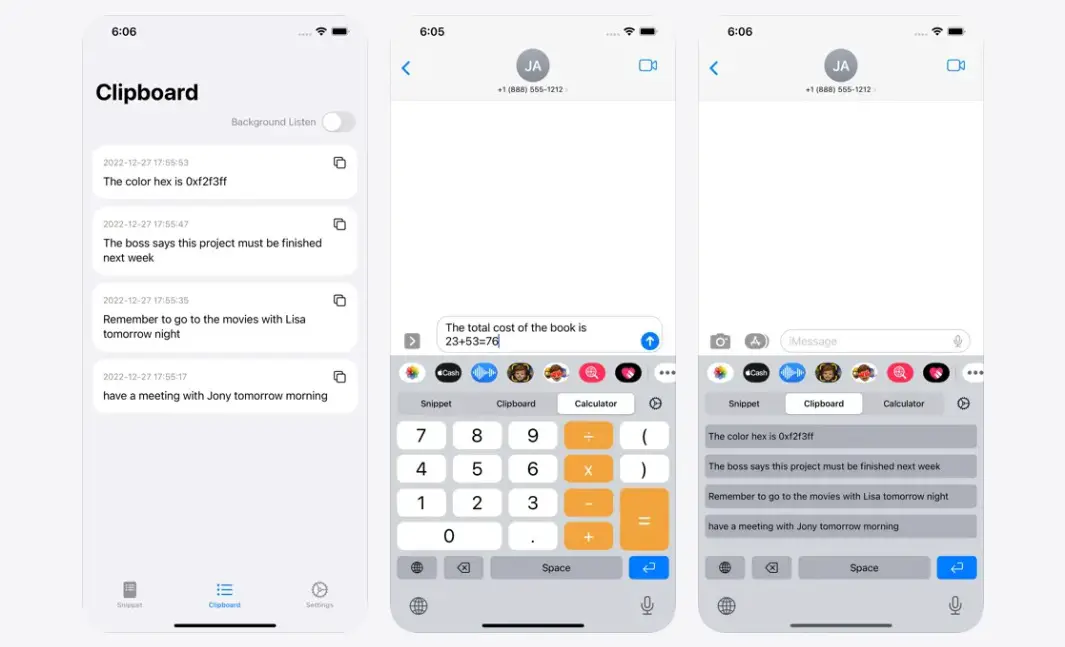
How many times would you type your address in texts or say a particular email address? You can still save some clipboards on your existing keyboards, but there’s always a better way to do it. XClip is a clipboard management app that lets you store content and predefined snippet text that you can recall whenever you want. Whether it’s about the full address or numbers, email address, or anything in between, the app handles your clipboard history like a pro.
It can also double as a calculator in your text field, helping users calculate sums. The PiP mode lets you store clipboards remotely without launching the app entirely. Apart from that, the app adapts to night mode and has a black and white theme that sits neatly with the theme of your system as well.
Download: XClip
Motivation
Category: Widgets
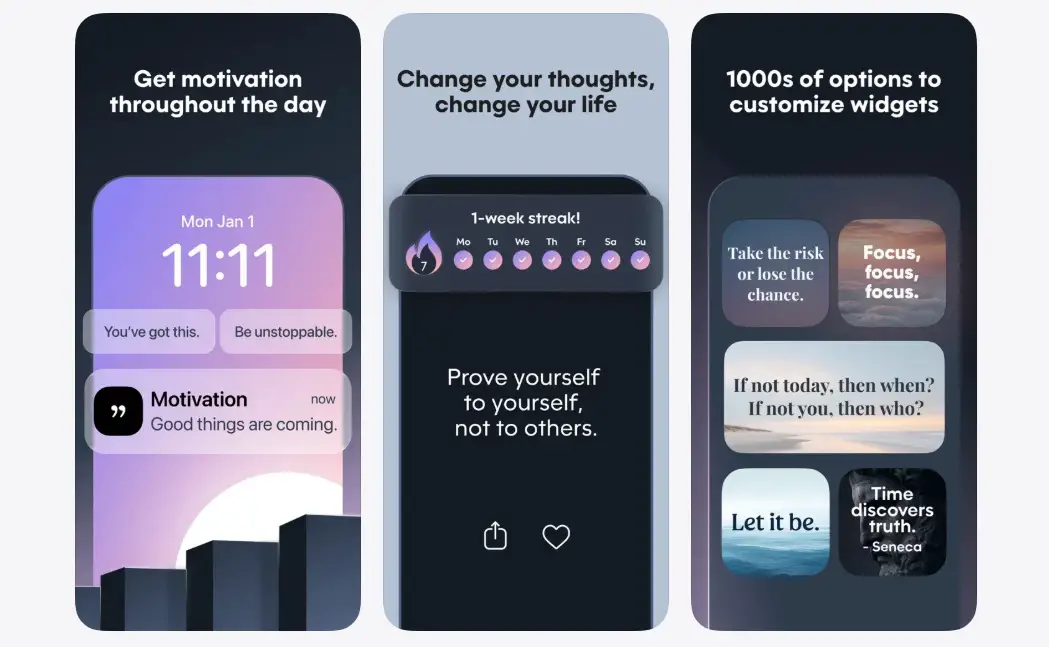
Life isn’t easy. In fact, for the general public, saying that life is easy is not easy at all. In the chaos of family, friends, internet, social media, workplace antics, and beyond, we all fall short of motivation, which forms the crux of what we do in finer things in life. Motivation is the positive energy reinforcer that channels humans through hardships.
Motivation is a widget app that channels short but effective motivational quotes from different sources and spreads across different categories. It sends out daily motivations on widgets, which is technically the first thing you see when you pick up your iPhone. Change colors and fonts, set up home screen widgets, save or share quotes, and more with this positive reinforcement app.
Download: Motivation
Keep up with the tech that actually matters.
Add us as a preferred source on Google Search for quicker access to our coverage.
Opal
Category: Screen Time Controller
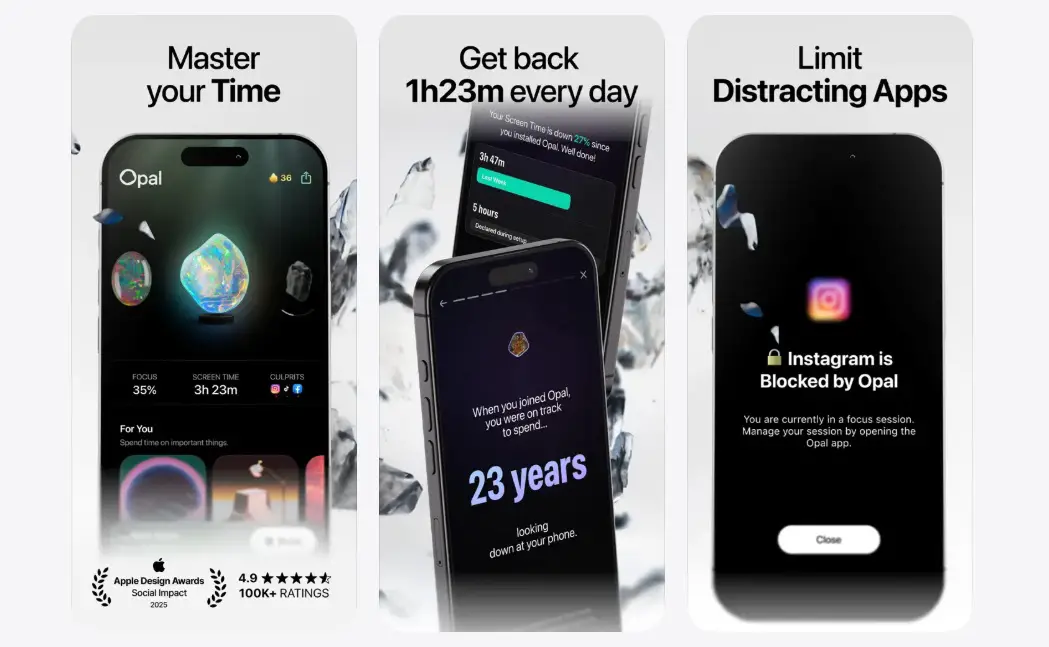
Your iPhone has a bazillion apps, and each consumes a handful of battery. How many hours do you spend on social media, though? I spend two hours a day, and to be honest, that is a complete waste of time. Just think about it? Yes, you can control your screen time on these apps, but little motivation is needed to keep up with the restraint.
With Opal, you put a concessional block on these apps to only function at a certain time of the day or completely block them on others. Think about no Instagram from 10 am to 12 pm, the peak focus time for your work. With Opal, you get better screen time control, reduce stress, and block apps that may not go with your screen time plans. It is an app to detox from social media, which is by far one of the major contributors to your screen time.
Download: Opal
Wrapping up!
Well, that was our take on the 5 best iOS apps you must try this month. Of course, you, as readers, have the autonomy to try these apps and see for yourselves which ones actually make it to your app drawer. Let us know in the comments below.