- Apple iOS 26 developer beta 5 introduces subtle design changes like updated splash screens, a new Share Sheet, and a fresh Control Center animation.
- A new image found in the beta shows a higher resolution hinting at a possible Apple Watch Ultra 3 with a larger or sharper display.
- Apple adds smarter power-saving alerts and a new camera mode switcher, giving users more control and flexibility in everyday use.
Apple has released the iOS 26 developer beta 5 version, and that’s a clear sign we’re getting really close to the final version of iOS 26. This latest beta dropped just two weeks after the last one. It’s small but brings a few important changes that are worth talking about, especially for developers and tech folks waiting for fall updates.
Apple iOS 26 developer beta 5 hints at final release and a new Apple Watch
The big thing people noticed is a new image that shows a display resolution of 422 × 514 pixels, and that might not sound like much, but it’s a bit larger than what we see on the Apple Watch Ultra 2. So yeah, maybe this is Apple teasing the next Ultra model. It could be the Apple Watch Ultra 3, but Apple hasn’t confirmed anything yet. Just something we noticed, and it adds to the speculation.
Other than that, iOS 26 developer beta 5 also tweaks the user interface in a few subtle ways. Some system apps like Apple Music, Journal, and Notes now show updated welcome screens. Just a small change that makes the apps feel fresher.
There’s also a slight animation change in the Control Center, kind of bounce effect, and the minus sign that pops up when deleting apps has a shiny glass-like style now. Nothing too crazy, but noticeable.
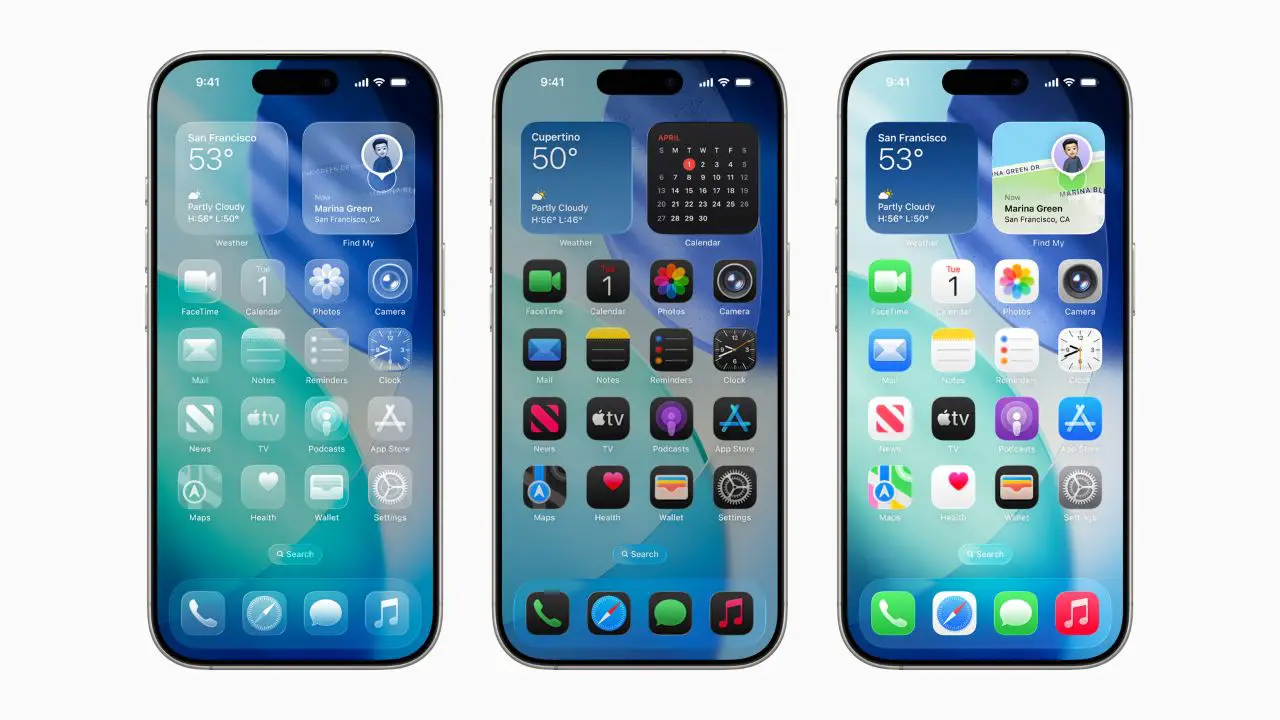
The AirDrop icon looks slightly different, and the Share Sheet has been redesigned. It’s cleaner now and kind of easier to use when you’re trying to send stuff to someone.
One small but useful change is with Adaptive Power. When your phone automatically adjusts things to save battery, like reducing brightness, it now sends a notification to let you know. That’s good to have. At least you won’t be confused about why your screen dimmed all of a sudden.
In the Camera app, Apple added a new tab at the bottom for switching between photo and video modes. Some might like the new tab, some won’t. So they also added a Classic Mode, which just keeps the old switcher layout for those who prefer it that way.

So yeah, nothing huge in this beta, but all of it tells us that Apple is finalizing things. As we move closer to the official release of iOS 26, you can expect more small updates like this, probably every week or so. If you’re a developer or just someone who’s curious about what’s coming in the final iOS 26 version, this is the one to keep an eye on.