- iOS 26.5 adds end-to-end encrypted RCS messaging between iPhone and Android users.
- Apple improves typing accuracy, accessibility settings, and smoother daily iPhone experience.
- New Apple Music, Freeform, Reminders, and emoji features arrive with the latest update.
Apple has officially released the iOS 26.5 update, and honestly, this is one of those updates that quietly fixes a problem people complained about for years. The biggest change here is end-to-end encrypted RCS messaging between iPhones and Android phones.
Before this, Apple already supported RCS messaging, but chats still were not fully private. Messages could still pass through carriers without proper encryption. Now that changes.
What’s the buzz about
With the new update, RCS conversations are encrypted by default. That means only the sender and receiver can read the messages. Even carriers can’t access the content while the message is moving between devices. For users, this finally makes texting between Android and iPhone feel modern and secure instead of outdated.
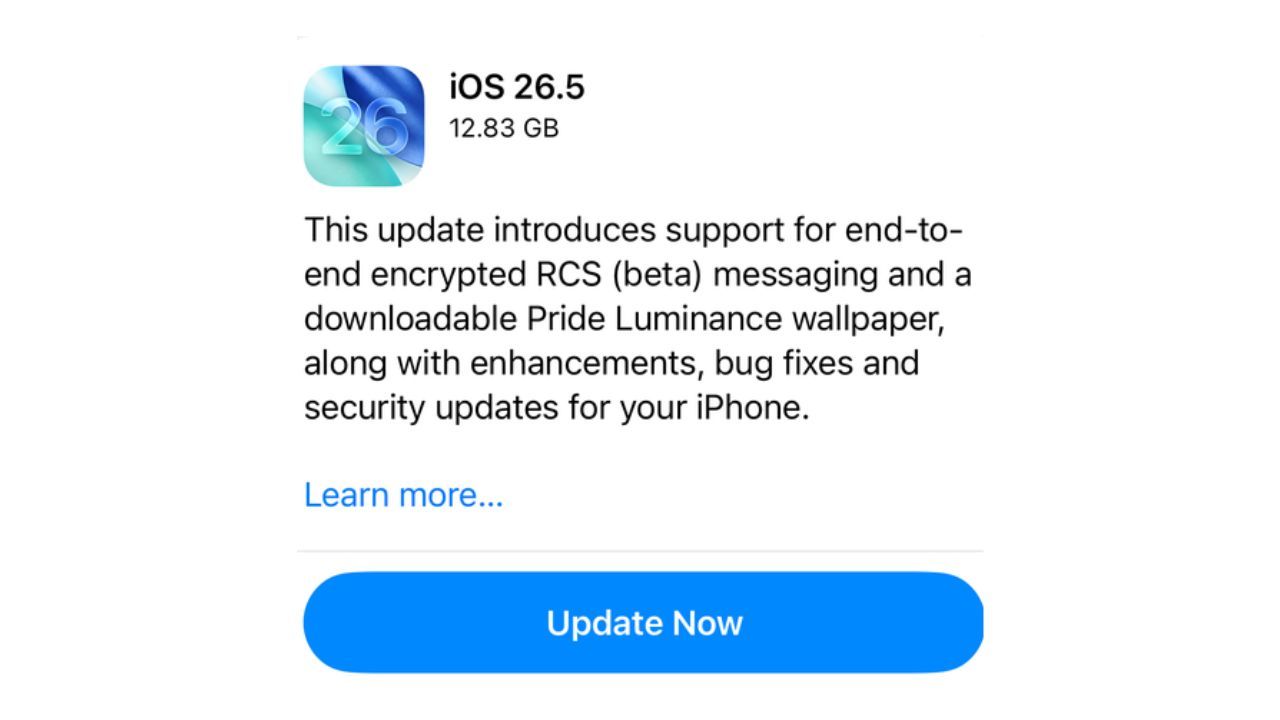
Right now, the feature is rolling out in beta through carriers like AT&T, Verizon, and T-Mobile in the US. Apple says support will expand slowly as more carriers finish adoption. Users will see a small lock icon inside supported RCS chats. That lock confirms the conversation is encrypted.
The good thing is Apple already enables it automatically, so most users won’t need to change anything manually.
Why the iOS 26.5 update matters beyond encrypted messaging
The iOS 26.5 update is not only about messaging. Apple also made small changes that actually matter in daily use. One noticeable change is the updated Liquid Glass accessibility settings. Some users said the animations and bright flashes on the iPhone felt distracting at times.
Apple now adds a new option called “Reduce Bright Effects,” which lowers sudden visual flashes while opening apps or pressing icons. Moreover, the “Reduce Motion” setting also works better now. As a result, transitions feel calmer and less aggressive compared to older versions.

Apple improves typing and accessibility experience
Apple also adjusted the keyboard system after many users complained about typing mistakes. Fast typing should now feel slightly more accurate, especially on smaller iPhones. It’s not a huge redesign, but people will probably notice the difference after a few days.
New creative and music features in iOS 26.5
Apple is also pushing more creative tools in this software update. Freeform now connects with Apple Creator Studio and includes advanced image editing tools along with access to premium creative content. It feels more useful now instead of just being another whiteboard app.
Apple Music gets a new feature called Playlist Playground. Users can type simple descriptions, and the app creates custom playlists automatically. There is also a new “Concerts” section that recommends nearby live shows based on listening habits.
Additional minor features included in the update
The update also adds urgent task pinning in Reminders and includes new emojis, including the orca, trombone, and distorted-face emoji.
Overall, the iOS 26.5 update may not look massive at first glance, but it fixes one important issue Apple users cared about for a long time. Encrypted RCS messaging is easily the biggest addition here, especially for people who text Android users every day.
The smaller improvements also help. Better typing, cleaner accessibility settings, and smarter music tools make the update feel more complete instead of just another background patch.
Keep up with the tech that actually matters.
Add us as a preferred source on Google Search for quicker access to our coverage.