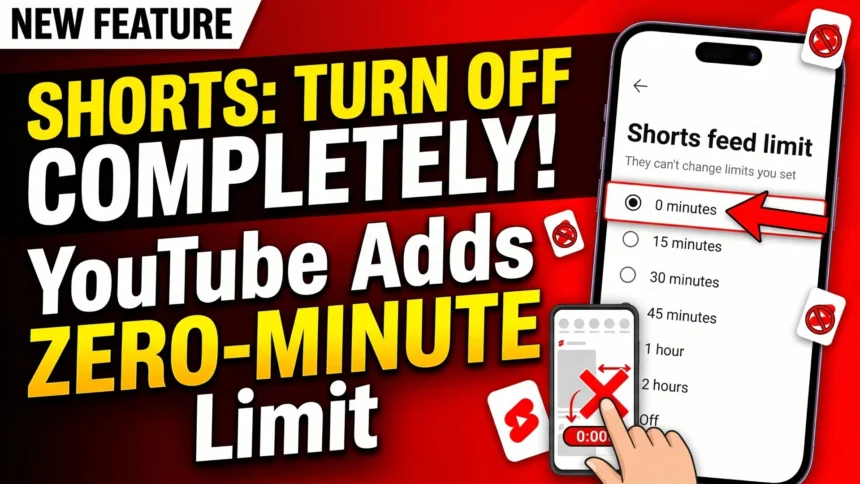
- YouTube adds a must-have feature on its Android/iOS app i.e. the ability to restrict access to YouTube Shorts.
- Now you can select whether you want to restrict YouTube Shorts to zero minutes a day to a max 2 hours, with a prompt informing you off the limit.
- You can still bypass it but a full-screen prompt should you a sense of realization on time you'd spend on Shorts.
YouTube now lets you turn off YouTube Shorts on the YT app using a simple selector feature. Back in October, YouTube successfully added a feature that lets you limit your exposure to YouTube Shorts. Although it was an effective feature, it originally had timers starting from 15 minutes to 2 hours. Cut to now; you can actually set the timer to zero minutes, cutting down your exposure to the ephemeral shorts that are taking over the world at a lightning-fast pace.
Now you can turn off YouTube Shorts on the YT app
For the unversed, YouTube introduced a feature to limit Shorts viewing using its time management feature. It was originally set to 15 minutes (at the minimum) and 2 hours (the maximum). If you are an avid YouTube Shorts viewer, you’d know exactly how this feature would fix endless scrolling through Shorts (or reels).
YouTube confirmed to The Verge, the latest add-on to that feature lets you set the timer to ‘zero minutes,’ which is basically cutting you off from scrolling on YT Shorts at least for today.
Note that the Shorts will still be visible on your feed. With respect to the timer, you can view Shorts, and as soon as the timer elapses, the Shorts scrolling pauses, and you get a full-screen prompt informing you that you have reached the Shorts feed limit. You can still bypass the feature by simply hitting the ‘Ignore limit for today,’ although I’d personally advise against that.

How to turn off YouTube Shorts on the app?
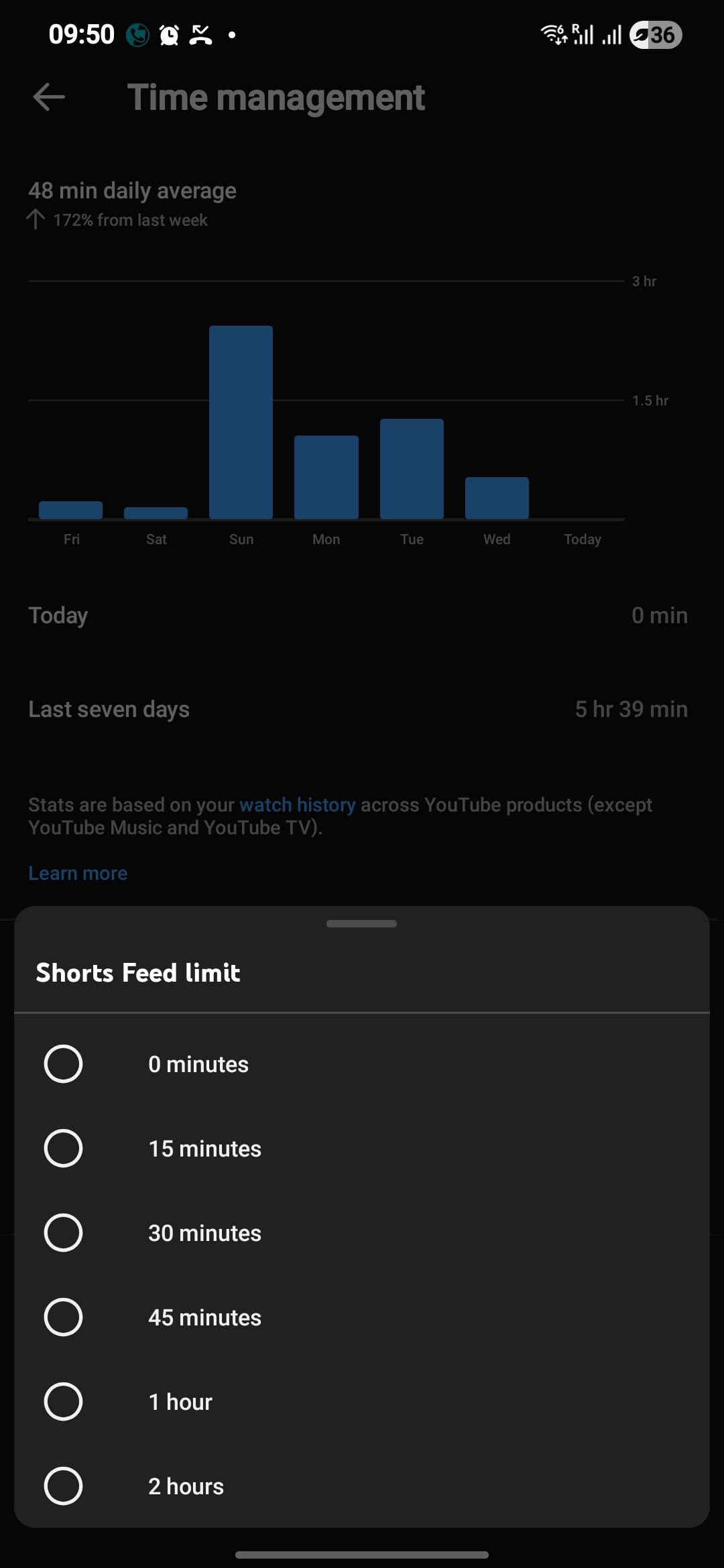
Here’s how you can turn off Shorts on the YouTube app on your iOS or Android devices.
- Launch the YouTube app on your device.
- Head over to the ‘You’ tab located at the bottom of the screen and navigate to ‘Settings.’
- Click on the ‘Time Management Dashboard’ icon and find Shorts Feed Limit.
- You need to select the time from ‘0 minutes’ to ‘2 hours’ that will put up a restrictive limit.
- Once you reach the predetermined limit, YouTube will prompt you on whether you want to get out of YouTube Shorts or ignore the limit for today.
Keep up with the tech that actually matters.
Add us as a preferred source on Google Search for quicker access to our coverage.
The aim of such a feature is to bring accountability and limit users’ interaction with Reels or Shorts, which are often called the rabbit hole where people end up dumb-scrolling to infinity. Of course, the feature is easy to bypass; however, it does remind you of the time you have spent on YouTube Shorts (not to forget that other videos on YouTube are not accounted for here). We are enthralled to see YouTube working towards limiting users’ exposure to one of its high-stakes features.