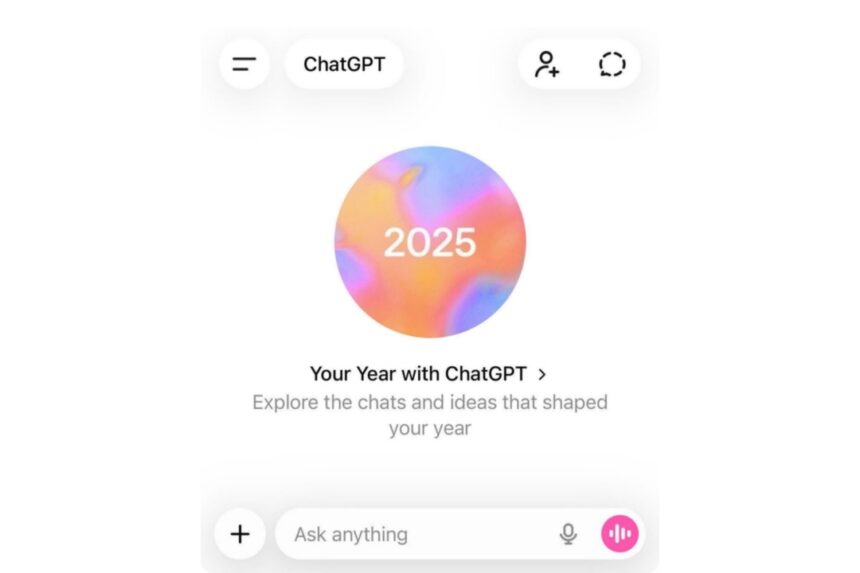
- OpenAI introduced Your Year with ChatGPT, offering users a customized overview of how they used ChatGPT throughout 2025.
- The experience is entirely optional and designed with user privacy in mind, giving individuals full control over their data, memory settings, and participation.
- Eligible users can access the summary directly from their home screen on web and mobile apps or by asking ChatGPT to generate their year-end recap.
OpenAI has introduced a year‑end recap feature called Your Year with ChatGPT, which offers eligible users a personalized view of how they used ChatGPT in 2025. Similar to annual wrap‑ups from Spotify, Apple Music, and YouTube, the feature designed usage patterns while focusing on privacy and user control.
Your Year with ChatGPT, a personalized usage summary
Your Year with ChatGPT is an optional year‑end feature that looks back on a user’s chats over the past year. Instead of showing detailed transcripts or analytics, it shows broad themes and insights from conversations, giving users a clear snapshot of how they used the AI.
OpenAI calls the experience “lightweight and privacy‑forward,” noting summaries may differ based on usage and settings. The feature does not launch automatically and must be opened voluntarily by the user.
How to access the feature
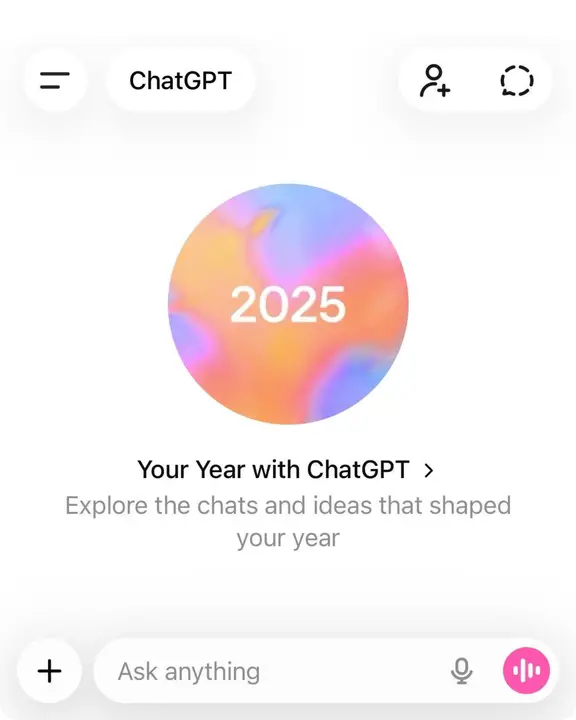
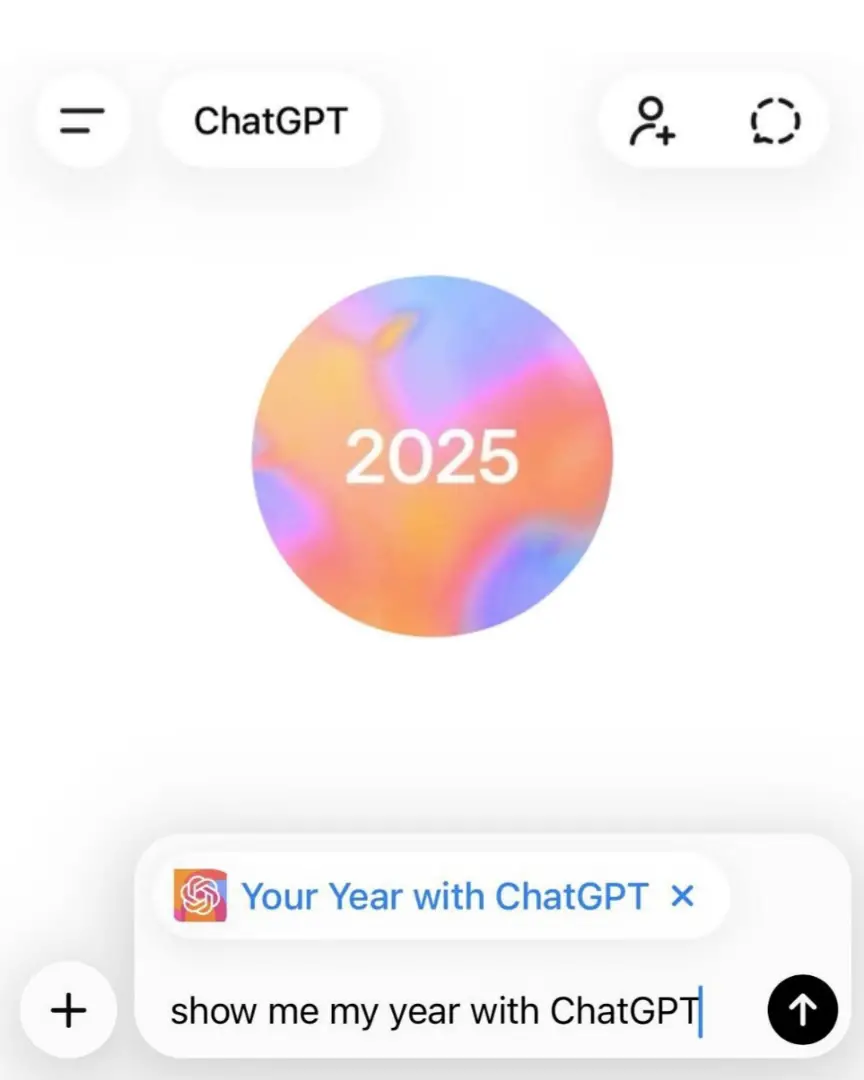
For users who meet the eligibility criteria, Your Year with ChatGPT appears as an entry point on the ChatGPT home screen across iOS, Android, and web platforms. Users can also trigger the experience by directly asking ChatGPT for “Your Year with ChatGPT.”
If the feature does not appear, possible reasons include disabled memory or chat history settings, insufficient activity, use of an unsupported account type, or being located in an unsupported country. Not seeing the feature does not affect normal access to ChatGPT.
Privacy, memory, and data controls
OpenAI says privacy controls are central to the experience. ChatGPT’s Memory lets the system keep helpful, non‑sensitive details, like preferences or goals, to improve continuity in chats. Users can view, edit, or delete saved memories anytime, or switch Memory off fully in Settings.
According to OpenAI, ChatGPT is trained not to proactively store sensitive information, such as health details, unless explicitly instructed. Users can also ask ChatGPT what it remembers about them and remove specific memories if needed.
Regarding model training, OpenAI says chats and saved memories may be used to improve models only if the “Improve the model for everyone” setting is on. This option can be turned off anytime, and content from Team, Enterprise, and Education accounts is not used for training by default.
How the summary is generated and stored
Your Year with ChatGPT is generated server-side, similar to standard ChatGPT conversations. While some screens may be prepared in advance to improve performance, most of the experience is created when a user chooses to open it. Temporary chats are excluded from the summary.
Once opened, the recap is saved as a conversation in the user’s chat history and is subject to the same data controls. OpenAI says the feature will be available for a limited time, but users who open it can revisit it later. If deleted, the data is removed within 30 days.

Availability and eligibility
The rollout is currently limited to consumer users in the United States, United Kingdom, Canada, Australia, and New Zealand. Eligible users include those on Free, Plus, and Pro plans, as well as consumer users on Go, Plus, and Pro plans. The feature is not available for Team, Enterprise, or Education accounts.
To qualify for Your Year with ChatGPT, users must meet several requirements:
- Reference saved memories must be turned on
- Reference chat history must be enabled
- A minimum conversation activity threshold must be met
OpenAI says the feature is still rolling out, so some eligible users may not get it right away.