Adobe Premiere mobile now available for Android users

Akarsh Rasik
4 Min Read
Highlights
  • Adobe Premiere is finally coming to Android, expanding its mobile video editing reach.
  • The app brings several powerful editing tools designed for creators working directly from their phones.
  • Adobe has also included AI-powered features and more capabilities, with additional tools planned for future updates.

One of the most awaited and prominent video editing apps is finally available for mobile users. Adobe has announced its mobile video editing platform for Android, bringing the Adobe Premiere mobile app to millions of creators. The video editor is now available on the Google Play Store for free. You don’t need to pay anything and yet create and edit videos with numerous tools and features inside the app.

The move follows the company’s approach to expand its platforms, such as Firefly, Photoshop, and now Premiere, to mobile users. Despite having a dedicated app for mobile users, Adobe is focusing on quick editing and offering a similar experience to the desktop version. Let’s dive into the details to learn everything about the new mobile app.

Adobe Premiere mobile is now available on Android

Adobe confirmed the Android availability on September 22, 2026. The Premiere on Android is free to download and use. Users will be able to use core features inside the app without requiring a need to purchase the Pro version.

While the users can edit, save projects locally, and export videos without creating an Adobe account. Features such as access to Adobe Stock music and generative AI tools will require users to sign in. Moreover, Firefly-powered generative AI features need Adobe’s generative credits system.
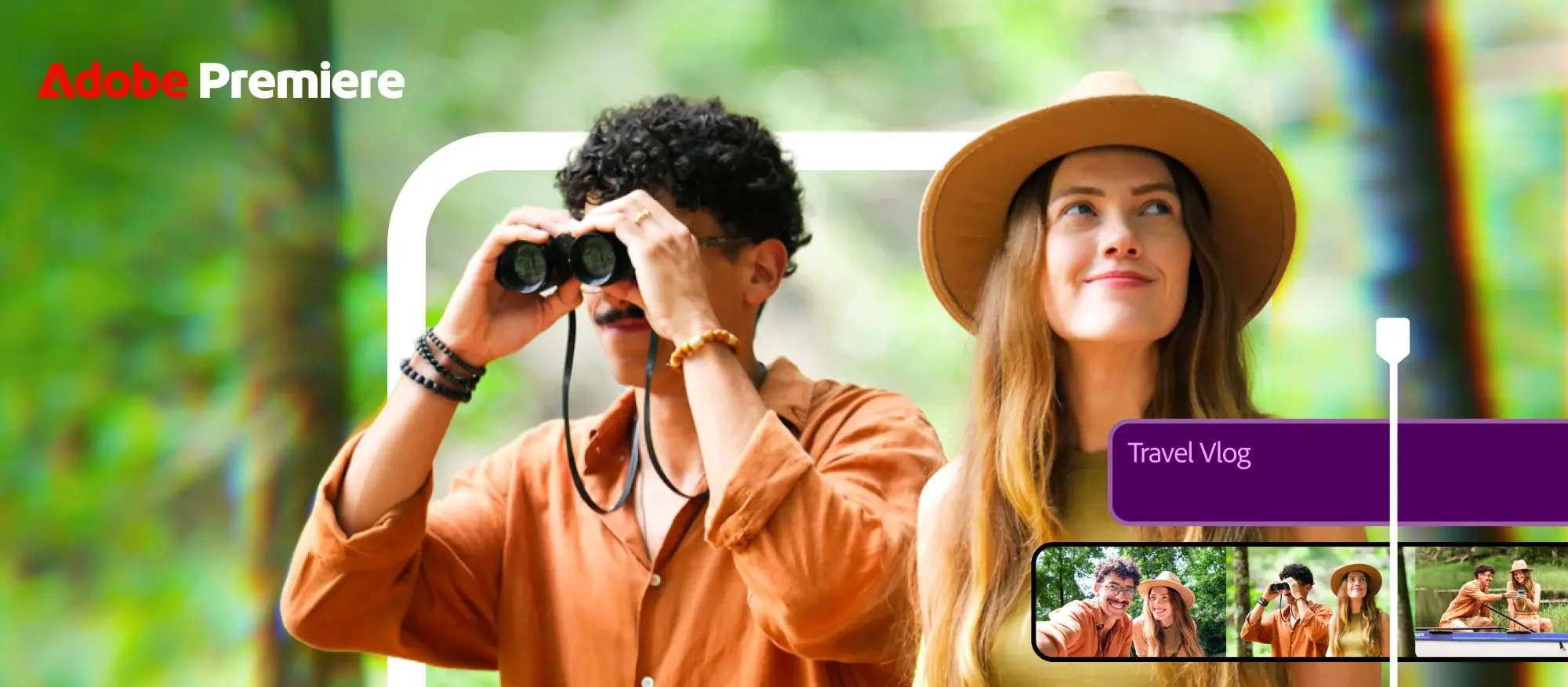
Adobe Premiere mobile finally arrives on Android with free pro-level video editing tools
Image Credits: Adobe

In order to run the app on Android, Adobe mentions the app requires a device running Android 13 or later with at least 5GB or RAM.

Adobe Premiere for Android features

  • Multi-track timeline and frame-accurate editing: Users can layer clips, audio, music, text, and graphics within the same project. Furthermore, users can make precise cuts when syncing clips with dialogues, reactions, or audio.
  • Enhance audio to clean up recordings: It uses AI to clean up audio and make noisy recordings clear.
  • 4K video export and watermark-free editing: Creators can edit and export videos at up to 4K resolutions. In addition, the app also offers no ads and a watermark-free experience.
  • Firely with Generative AI: Users can use AI tools to generate assets, including images, video, and sound effects, using prompts.
  • Templates, effects, and creative assets: The app also brings a collection of creative tools that helps customize videos. It includes adding effects, transitions, music, and other assets using Adobe Stock or their files. Adobe specifies the app intended for vertical content to create YouTube Shorts or Instagram Reels.

Availability and system requirements

Adobe Premiere on Android is available for download through the Google Play Store. Adobe has revealed system requirements, and users must meet the criteria to utilize the app without any trouble. The system requirements include:

  • Android 13 or later
  • At least 5GB or RMA
  • Internet connection for some in-app usage, such as cloud-based features, creative asset libraries, and generative AI capabilities.

In India, Adobe has listed Hindi among the supported languages for in-app experience.

Keep up with the tech that actually matters.

From breaking news to deep dives, TrueTech brings you the tech stories worth knowing.
Add us as a preferred source on Google Search for quicker access to our coverage.
Add TrueTech as a preferred source on Google
Share This Article
Follow:
Writing about emerging gadgets and technology news, as well as keeping you updated on movie and music news, with a focus on all things K-pop.
Highlights
  • Adobe Premiere is finally coming to Android, expanding its mobile video editing reach.
  • The app brings several powerful editing tools designed for creators working directly from their phones.
  • Adobe has also included AI-powered features and more capabilities, with additional tools planned for future updates.

One of the most awaited and prominent video editing apps is finally available for mobile users. Adobe has announced its mobile video editing platform for Android, bringing the Adobe Premiere mobile app to millions of creators. The video editor is now available on the Google Play Store for free. You don’t need to pay anything and yet create and edit videos with numerous tools and features inside the app.

The move follows the company’s approach to expand its platforms, such as Firefly, Photoshop, and now Premiere, to mobile users. Despite having a dedicated app for mobile users, Adobe is focusing on quick editing and offering a similar experience to the desktop version. Let’s dive into the details to learn everything about the new mobile app.

Adobe Premiere mobile is now available on Android

Adobe confirmed the Android availability on September 22, 2026. The Premiere on Android is free to download and use. Users will be able to use core features inside the app without requiring a need to purchase the Pro version.

While the users can edit, save projects locally, and export videos without creating an Adobe account. Features such as access to Adobe Stock music and generative AI tools will require users to sign in. Moreover, Firefly-powered generative AI features need Adobe’s generative credits system.

Adobe Premiere mobile finally arrives on Android with free pro-level video editing tools
Image Credits: Adobe

In order to run the app on Android, Adobe mentions the app requires a device running Android 13 or later with at least 5GB or RAM.

Adobe Premiere for Android features

  • Multi-track timeline and frame-accurate editing: Users can layer clips, audio, music, text, and graphics within the same project. Furthermore, users can make precise cuts when syncing clips with dialogues, reactions, or audio.
  • Enhance audio to clean up recordings: It uses AI to clean up audio and make noisy recordings clear.
  • 4K video export and watermark-free editing: Creators can edit and export videos at up to 4K resolutions. In addition, the app also offers no ads and a watermark-free experience.
  • Firely with Generative AI: Users can use AI tools to generate assets, including images, video, and sound effects, using prompts.
  • Templates, effects, and creative assets: The app also brings a collection of creative tools that helps customize videos. It includes adding effects, transitions, music, and other assets using Adobe Stock or their files. Adobe specifies the app intended for vertical content to create YouTube Shorts or Instagram Reels.

Availability and system requirements

Adobe Premiere on Android is available for download through the Google Play Store. Adobe has revealed system requirements, and users must meet the criteria to utilize the app without any trouble. The system requirements include:

  • Android 13 or later
  • At least 5GB or RMA
  • Internet connection for some in-app usage, such as cloud-based features, creative asset libraries, and generative AI capabilities.

In India, Adobe has listed Hindi among the supported languages for in-app experience.

Keep up with the tech that actually matters.

From breaking news to deep dives, TrueTech brings you the tech stories worth knowing.
Add us as a preferred source on Google Search for quicker access to our coverage.

Add TrueTech as a preferred source on Google
Share This Article
Follow:
Writing about emerging gadgets and technology news, as well as keeping you updated on movie and music news, with a focus on all things K-pop.